Guide
Mar 18, 2026
Guide
Best Workflow & Productivity Tools for Vibe Coding (2026)
A curated guide to the best workflow and productivity tools for vibe coding teams in 2026, including Wispr Flow, Spec Kit, Lemon AI, and OpenClaw.
Workflow and productivity tools help developers write better prompts, structure their specs, dictate faster, and manage AI-powered development workflows; they sit around your coding tools rather than replacing them.


If you're vibe coding with an AI assistant, your productivity problem usually isn't "I need kanban." It's one of these: your prompts are thin and you end up retrying, your specs are scattered, or you're spending too much time babysitting your tools. This category covers workflow and productivity tools designed specifically for AI-powered development, tools that help you write better prompts, structure your thinking, dictate faster, and orchestrate your AI toolkit. From voice-first writing with Wispr Flow to spec-driven development with Spec Kit.
Category pages map the full market. If you want a curated shortlist with ranked picks, read Best Workflow & Productivity.
A curated guide to the best workflow and productivity tools for vibe coding teams in 2026, including Wispr Flow, Spec Kit, Lemon AI, and OpenClaw.
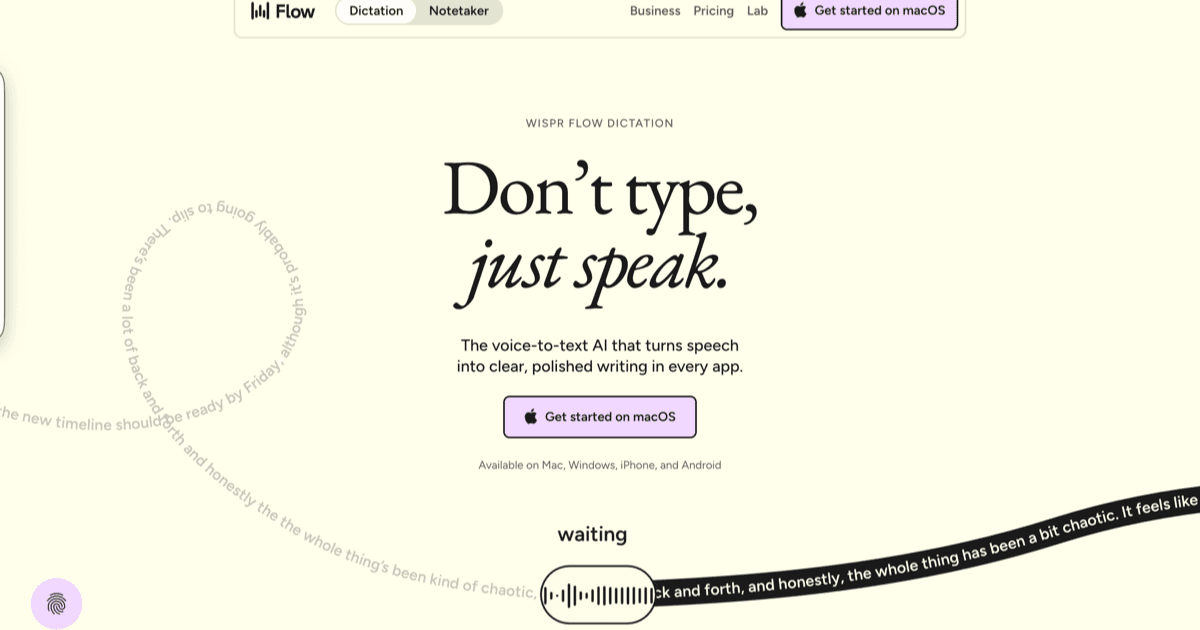
<strong>Wispr Flow</strong> is the leader for voice-first writing, system-wide dictation for prompts, PRs, and specs. <strong>Spec Kit</strong> reduces agent drift with a spec-first workflow: spec → plan → tasks → implement. <strong>Lemon AI</strong> extends dictation into voice-driven AI interaction. <strong>OpenClaw</strong> orchestrates multi-tool AI workflows. These tools don't replace your IDE or coding agent; they make the <em>inputs</em> and <em>process</em> around your agent better, so you get higher quality outputs with fewer retries.
If you want to start fast, try Wispr Flow, Ampere and Parallel Code.
Most AI coding tools focus on the execution, writing code, reviewing PRs, generating tests. But the quality of AI output depends heavily on the quality of input. If your prompt is vague, the code will be vague. If your spec is incomplete, the agent will guess, and guess wrong.
This category fills the gap around your AI tools. It's not a bucket of generic PM software. It's tools specifically designed for the vibe coding workflow, helping you get better outputs from your agents by improving your inputs and process.
Around 85% of developers now use AI tools, but most report that prompt quality is their biggest limitation. The difference between "build me a landing page" and a well-structured spec with constraints, acceptance criteria, and edge cases is the difference between a throwaway prototype and production-quality code.
Wispr Flow and Lemon AI address a specific bottleneck: getting context out of your head fast enough. Dictation is surprisingly effective for prompts and specs because they're just writing. You can describe a feature, its constraints, and acceptance criteria faster by talking than by typing, and the AI transcription handles the formatting.
For developers who spend significant time writing PRs, review comments, and documentation, voice-first tools can reclaim hours per week.
Spec Kit takes a different approach: instead of making you faster at prompting, it makes the prompting process structured and reviewable. The sequence is: spec → plan → tasks → implement. Each step is a checkpoint where you can review and course-correct before the agent starts changing files.
This matters most when the change is significant enough that getting it wrong is expensive. For a one-line fix, you don't need a spec. For a feature that touches 15 files, the spec-first approach prevents costly rework.
As developers juggle multiple AI tools: an IDE agent, a CLI agent, a review tool, maybe a no-code builder, OpenClaw helps manage the overhead. It handles context persistence, workflow automation, and multi-tool orchestration so you can focus on building rather than managing your tools.
 featured
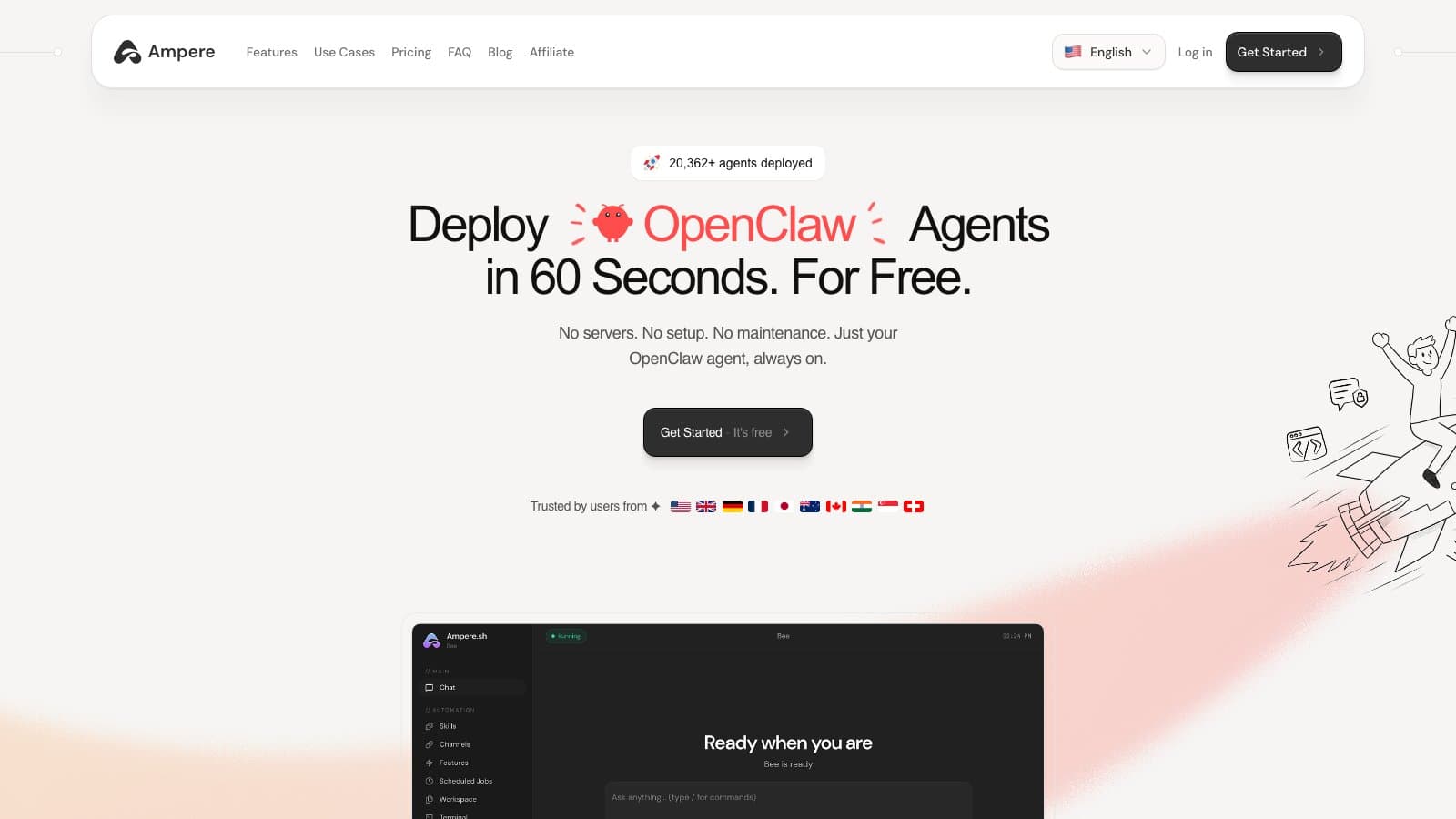
Managed hosting platform for OpenClaw AI agents. Deploy in 60 seconds with persistent memory, stealth browser, smart model routing, and 50+ chat integrations. No DevOps required.
A six-key mechanical keypad with a rotary knob that maps Accept, Retry, YOLO, Escape and Voice to physical buttons for Claude Code, Cursor, Codex, Gemini CLI and Copilot. The Max model adds a status screen and remote control over Wi-Fi.


Open-source Agent Development Environment for running a fleet of AI coding agents at once. Every task gets its own git worktree, its own agent terminal, and its own browser tab, so you can fan one prompt across several agents, compare the diffs, and merge the winner. It drives roughly 30 CLI agents you already pay for, including Claude Code, Codex, OpenCode, Cursor and Copilot, and ships on macOS, Windows, Linux, iOS and Android.
macOS app for running Claude Code, Codex, Cursor, and OpenCode side by side, each in its own isolated workspace, without wrangling git worktrees by hand. You bring your own agent subscriptions and keys. The paid Conductor Cloud tier moves those workspaces into Vercel sandboxes so agents keep running after you shut the laptop, and adds shared multiplayer workspaces plus an API.


Open-source kanban board for orchestrating AI coding agents. Plan tasks as issues, run Claude Code, Codex, or Gemini CLI in isolated git worktrees, review diffs inline, and open pull requests from one local UI. The company behind it (bloop) shut down in April 2026, but the project lives on as community-maintained open source and local workspaces keep working.
Free, open-source desktop app that dispatches AI coding agents in parallel, each in its own git worktree. It runs the real CLI agents you already trust (Claude Code, Codex, Gemini) side by side, then lets you review the diffs, merge the wins, and toss the rest.
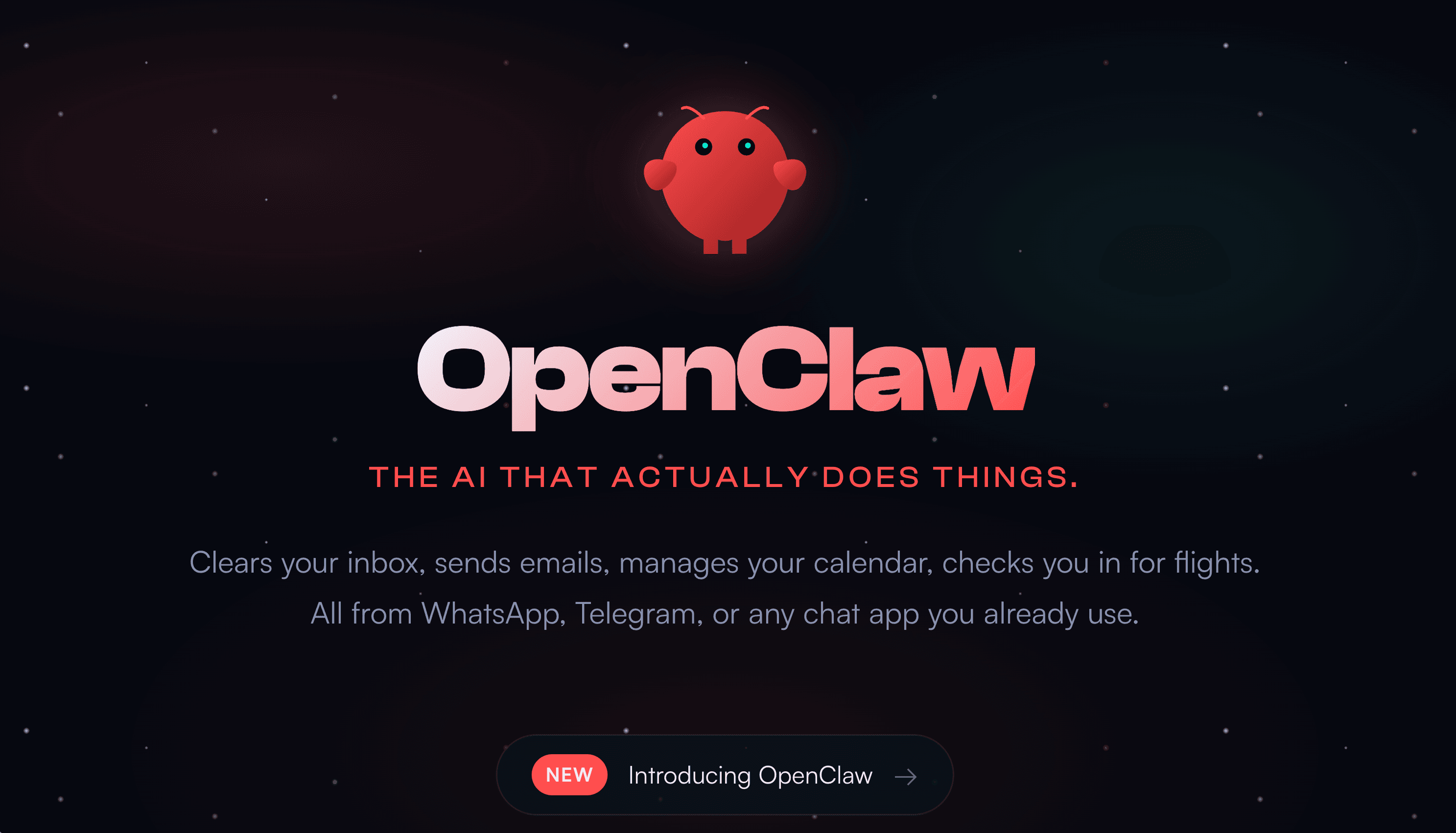
Free, open-source personal AI assistant by Peter Steinberger that runs on your machine and performs real tasks autonomously. Talk to it from WhatsApp, Telegram, iMessage, Discord, Slack, or Signal. One-liner install, persistent local memory, ClawHub skills marketplace, sandbox or full system access, and support for Claude, OpenAI, DeepSeek, Qwen, or local LLMs via Ollama. 247K GitHub stars by March 2026; Steinberger joined OpenAI on February 14, 2026 with a non-profit foundation taking project stewardship.


Anthropic's agentic desktop app for non-technical knowledge workers, released as a research preview in January 2026 with a wider enterprise rollout in February 2026 adding Google Drive, Gmail, Docusign, and FactSet connectors. Give Claude a goal and it works on your computer: opens local files and applications, plans the work, coordinates sub-agents, runs steps in an isolated VM, and delivers a finished deliverable. Sibling product to Claude Code, aimed at marketers, ops, researchers, and founders rather than engineers.
Integration runtime and command center for AI agents. Provides authenticated access to 250+ platforms with 47,500+ actions, managed OAuth, scheduling, memory, and a universal MCP server, all through a single CLI.


Open-source toolkit for Spec-Driven Development: scaffold specs, plans, and tasks in your repo, then run agent commands to implement changes with the AI tool you prefer.
Voice-to-action AI agent for Mac that converts spoken instructions into completed tasks, drafting emails, creating docs, searching, and more; without tab switching or manual input.
Ampere.sh review covering one-click OpenClaw deployment, smart model routing, persistent memory, pricing from free to $299/mo, and how it compares to self-hosting and alternatives like DockClaw.
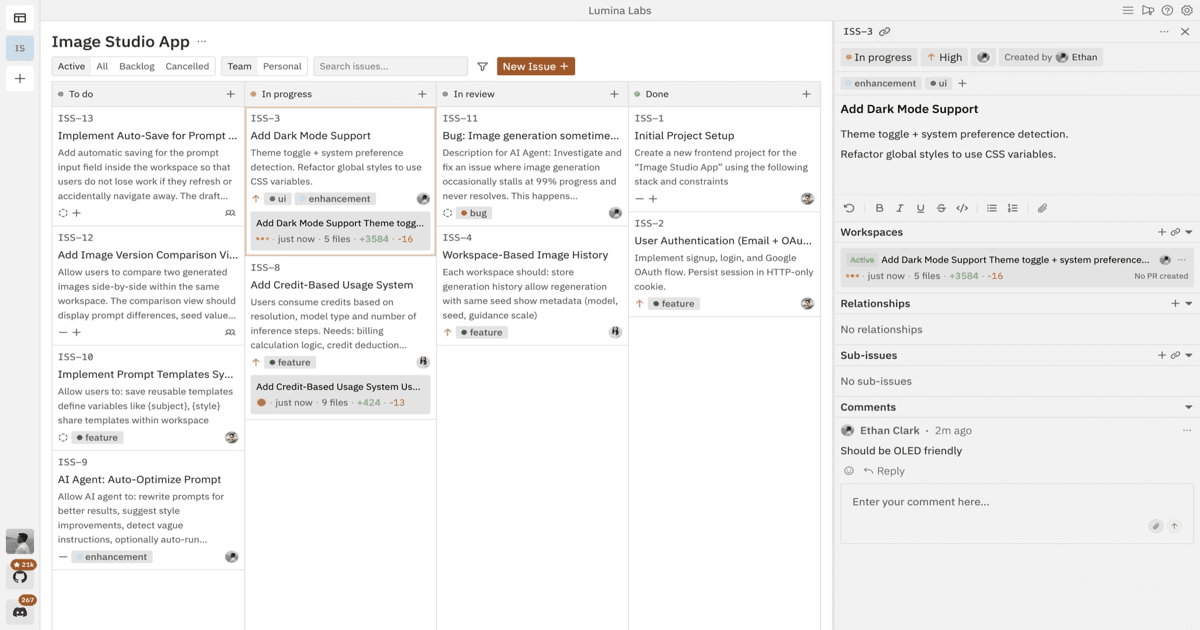
Vibe Kanban review after the April 2026 shutdown: what still works locally, what cloud features are gone, and whether the open-source project is worth installing.

How designers use vibe coding to turn Figma files and prompts into working apps. Tools, a Figma-to-app workflow, and limits to know in 2026.

How marketers use vibe coding to build landing pages, calculators, quizzes, and lead-capture apps without engineering. Tools and a workflow for 2026.

How product managers use vibe coding to build working prototypes, validate ideas faster, and write sharper specs. Tools and a workflow for 2026.
Honest review of Claude Cowork (atoms.dev sibling): pricing, agent model, Race Mode, Linux/web limits, and how it compares to OpenClaw and Claude Code.
In 2026, the most productive developers aren't just using AI to write code, they're using AI to think better about what to build. The workflow typically looks like this:
This workflow addresses the core problem with AI development: the tools are powerful but they need good direction. Better inputs → better outputs → fewer retries → faster shipping.
Wispr Flow is system-wide dictation that works in any text field, your IDE, your PR description, your Slack messages, your documentation. It's positioned specifically for developers who spend significant time writing: prompts, specs, PR descriptions, review comments, and documentation.
The tool documents a Privacy Mode that provides zero data retention when enabled. Transcription happens in the cloud for speed and accuracy. The key question to ask: does it reduce retries, not just typing? If dictating a spec with constraints and acceptance criteria means your agent gets it right the first time instead of the third, the ROI is clear.
Spec Kit is for when you want the agent to stop guessing. It enforces a sequence: spec → plan → tasks → implement. Each step produces a reviewable artifact. The spec captures what you're building and why. The plan captures how. The tasks break it into discrete units. Only then does implementation begin.
This is particularly valuable for teams where multiple people interact with AI agents. The spec becomes a shared artifact: it captures the intent so the agent doesn't need to invent context, and so other team members can understand and review the direction before code is written.
Lemon AI takes voice interaction further than pure dictation; it's designed for voice-driven AI interaction in coding workflows. Think of it as a voice layer on top of your development process, useful for brainstorming sessions, initial spec drafting, and hands-free workflow management.
OpenClaw addresses a growing pain point: as developers adopt more AI tools, managing the workflow between them becomes overhead. OpenClaw provides a unified management layer that handles context persistence, workflow orchestration, and the coordination between multiple AI tools.
Before you hit enter on any significant prompt, can you answer these questions?
If you can answer all five, your agent will produce dramatically better output. If you can't, Spec Kit provides a structured process to work through these questions before implementation begins.
This is the newest and smallest category on the site, but it addresses a real gap. Across developer communities, the conversation is shifting from "which AI coding tool is best?" to "how do I get better results from the AI tools I already have?" These workflow tools are the answer to that question.
The n8n, Make.com, and Zapier ecosystem handles broader workflow automation, connecting AI tools to business processes with 8,500+ integrations. But for the specific workflow of coding with AI agents, the tools in this category are purpose-built.
The ROI of workflow tools is harder to measure than coding tools; you can't benchmark "prompt quality." But the proxy metrics are clear: fewer agent retries, less rework on PRs, and faster time from idea to merged code. Teams that adopt a spec-first approach with Spec Kit report significantly fewer "the agent built the wrong thing" incidents. Developers using Wispr Flow report richer, more detailed prompts because talking is faster than typing.
The broader workflow automation ecosystem, Zapier (8,500+ integrations), n8n (best for engineering teams with LangChain-native agents), and Make.com (best balance of visual power and cost), handles connecting AI tools to business processes. But for the specific challenge of coding effectively with AI, the purpose-built tools in this category fill a gap that generic automation can't.
For a curated editorial guide, see our Best Workflow & Productivity Tools guide. For the coding agents themselves, see Developer IDEs & Agents.
No. They sit around your agent, improving the inputs and process. Wispr Flow helps you write prompts and specs faster. Spec Kit structures your requirements before the agent starts coding. OpenClaw orchestrates multi-tool workflows. Your IDE or CLI agent still does the actual coding.
Write a short spec with constraints and acceptance criteria, then ask the agent to implement. If you can't explain what 'done' means, the agent will ship something you didn't want. Spec Kit formalizes this into a repeatable process.
Not for writing code directly; but for writing prompts, specs, PR descriptions, review comments, and documentation, yes. Developers who dictate their specs report getting context out of their heads faster, resulting in richer prompts and better agent output on the first try.
Treat it like any other AI tool that processes your data. Wispr Flow documents a Privacy Mode with zero data retention when enabled. Lemon AI has its own privacy controls. If you're working with sensitive material, read the vendor docs and decide what you'll never dictate.
Zapier, n8n, and Make.com handle broad workflow automation, connecting apps and services with thousands of integrations. The tools in this category are specifically designed for the AI coding workflow: better prompts, structured specs, and multi-agent orchestration. They're complementary, not competing.
Both. Solo builders benefit from Wispr Flow (faster writing) and Spec Kit (structured thinking). Teams benefit from shared spec artifacts and workflow orchestration. The common thread is improving the quality of input you give your AI tools: which matters whether you're alone or in a group.
Use this category page as a curated shortlist of Workflow & Productivity tools. You can explore each tool’s features on its tool page, then compare options via their alternatives pages. If you want to browse everything, head back to All Tools.
Popular starting points in this category include Wispr Flow, Ampere and Parallel Code.
Tools that improve the developer workflow itself: automation, command runners, multi-agent orchestrators, productivity layers.
AI tools for marketing, websites, business operations, and non-developer workflows.
Prompt-to-app builders for non-engineers and rapid prototyping. Generates working apps from natural language.
Full-fledged code editors, agentic IDEs, and pair-programming environments for engineers.
AI assistants that review pull requests, suggest fixes, and act as a second pair of eyes on existing code.
Infrastructure for running, orchestrating, and observing autonomous AI agents (memory, tools, sandboxing).
Cloud-based development environments and prototyping platforms (StackBlitz, Replit-style).
Libraries, SDKs, frameworks, and dev kits that engineers use to build AI features into their own apps.
Hosting, deployment platforms, databases, and backend infrastructure for AI-powered apps.
Curated prompt libraries, skill packs, and reusable prompt frameworks.
Hyperscaler AI platforms (Bedrock, Vertex AI, Azure AI Foundry) — managed services for foundation models.
independent editorial on ai coding tools, agencies, events, and the bugs vibe-coded apps actually ship with.
no spam · unsubscribe anytime