
cli Tag
CLI AI Coding Tools - Terminal-First Developer Workflow
Explore AI coding tools with command-line interfaces for terminal-first workflows, scripting, and automation-heavy development.

cli Tag
CLI AI Coding Tools - Terminal-First Developer Workflow
CLI AI coding tools bring code assistance and agent workflows directly into terminal environments for fast, scriptable development.
CLI tools are best for builders who spend most of their day in the terminal and want AI assistance without leaving that workflow.
Related resources
cli Tools (25)
 featured
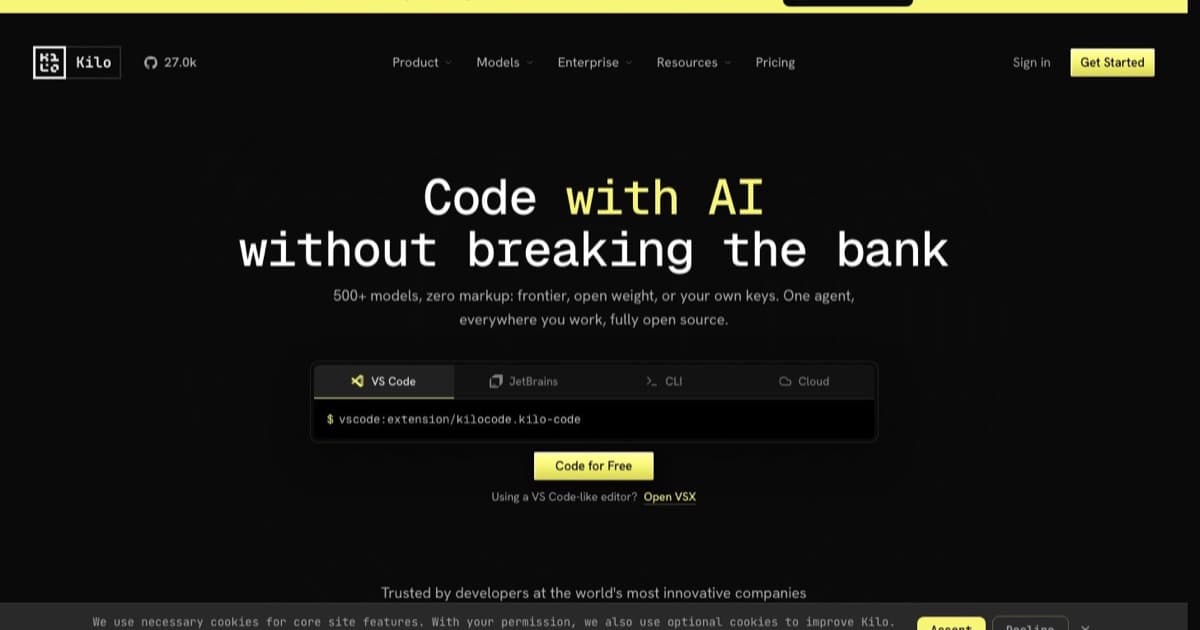
kilo code
Open-source AI coding agent for VS Code, JetBrains, and CLI that supports 500+ AI models. Features agentic workflows, inline autocomplete, browser automation, and an orchestrator mode that breaks complex tasks into coordinated subtasks.
muse code
Meta's terminal coding agent, in beta since August 2026 and powered by the Muse Spark 1.2 model with a one-million-token context window. Billing is per token rather than per seat, and the pricing carries an unusual choice: a contributor tier costs a fraction of the standard one because your data is used for product improvement. Multiple agents coordinate on a task and every action is meant to be traceable.


pilot protocol
Open-source overlay network that gives AI agents permanent virtual addresses, encrypted UDP tunnels, NAT traversal, mutual-trust handshakes and a signature-verified app store, with native MCP setup for Claude Code, Cursor and Codex.
vibekit
Looking for the open-source agent sandbox on GitHub? That is a different product: see VibeKit by Superagent at /tools/vibekit. This page covers vibekit.bot. Mobile-first AI app builder where every app you create gets its own persistent AI agent, a real GitHub repo under your account, and a live URL at yourapp.vibekit.bot. Describe what you want and the agent builds it, deploys it to a managed container, then keeps working: health checks every 60 seconds, auto-diagnosis and redeploy when something breaks, and AI QA that browses the live app and files bug reports. The agent runs server-side, so the iOS app is a remote control rather than the thing doing the work, and closing your phone does not stop a run. Drive it from the iOS app, the web dashboard, a CLI, a REST API, or an MCP server. Pricing is BYOK-first: connect your own Anthropic or OpenAI key and the agent bills that provider at standard rates with no platform margin. Without a key, requests route through OpenRouter against a credit balance at a platform markup the privacy policy puts at 20 percent, with OpenRouter's data-discount setting enabled on that path only; a free model option keeps building at $0, and the free tier runs $0.50 a session past its first ten. Built and run by one person, Brian Boisjoli, and actively shipping. There is no enterprise tier, no published SOC 2 or SSO, and no Android app.
vibekit (superagent)
Looking for the mobile AI app builder at vibekit.bot? That is a different product: see VibeKit at /tools/vibekit-bot. This page covers superagent-ai/vibekit, the open-source sandbox. MIT-licensed CLI wrapper and SDK from Superagent (YC) that runs Claude Code, Gemini CLI, Codex, Grok CLI, and OpenCode inside an isolated sandbox, redacting secrets from completions and logging every file change, shell command, and outbound call. Install with npm and prefix your usual command: `vibekit claude`. The local path uses Docker and needs no cloud account; the `@vibe-kit/sdk` package embeds the same sandboxing in your own app across E2B, Dagger, Daytona, Northflank, Cloudflare, Modal, and Fly.io. Development has been quiet since November 2025: no commits to the default branch since 2025-11-10, no npm publish since 2025-10-14, and Superagent's recent work has shifted to its grok-cli and gateway projects. The code is MIT and still installs, so treat it as forkable rather than actively supported. Naming history, and there are three collisions worth knowing. First: in July 2025 the team shipped an open-source v0 clone called vibe0, built on VibeKit. That name has been retired and the project is now just VibeKit, with the template surviving in the repo as templates/v0-clone. Second: VibeKit at vibekit.bot is an unrelated mobile-first AI app builder by Brian Boisjoli, still actively shipping, and its own about page states it is not affiliated with this project. Third: Vibe Scan at vibe0.com.au is a security scanner from a Perth consultancy that happens to share the vibe0 name.


vibe kanban
Open-source kanban board for orchestrating AI coding agents. Plan tasks as issues, run Claude Code, Codex, or Gemini CLI in isolated git worktrees, review diffs inline, and open pull requests from one local UI. The company behind it (bloop) shut down in April 2026, but the project lives on as community-maintained open source and local workspaces keep working.


google antigravity
Google's agentic development platform, now split across four surfaces: the Antigravity IDE (VS Code fork), Antigravity 2.0 standalone desktop, the Go-based Antigravity CLI, and a Python SDK for custom agents.
hermes agent
Self-hosted autonomous agent from Nous Research with a built-in learning loop. Creates skills from experience, persists memory across sessions, and runs 24/7 on your own hardware with sandboxed terminals and messaging-app gateways.
aquilax vibe
Specialized security scanner from AquilaX, built for AI-generated and vibe-coded software. Fingerprints LLM-written code, then runs SAST and taint analysis tuned to the insecure defaults, hallucinated APIs, and copy-pasted snippets that Copilot, Cursor, Claude, and ChatGPT introduce.
one
Integration runtime and command center for AI agents. Provides authenticated access to 250+ platforms with 47,500+ actions, managed OAuth, scheduling, memory, and a universal MCP server, all through a single CLI.

claude code cli
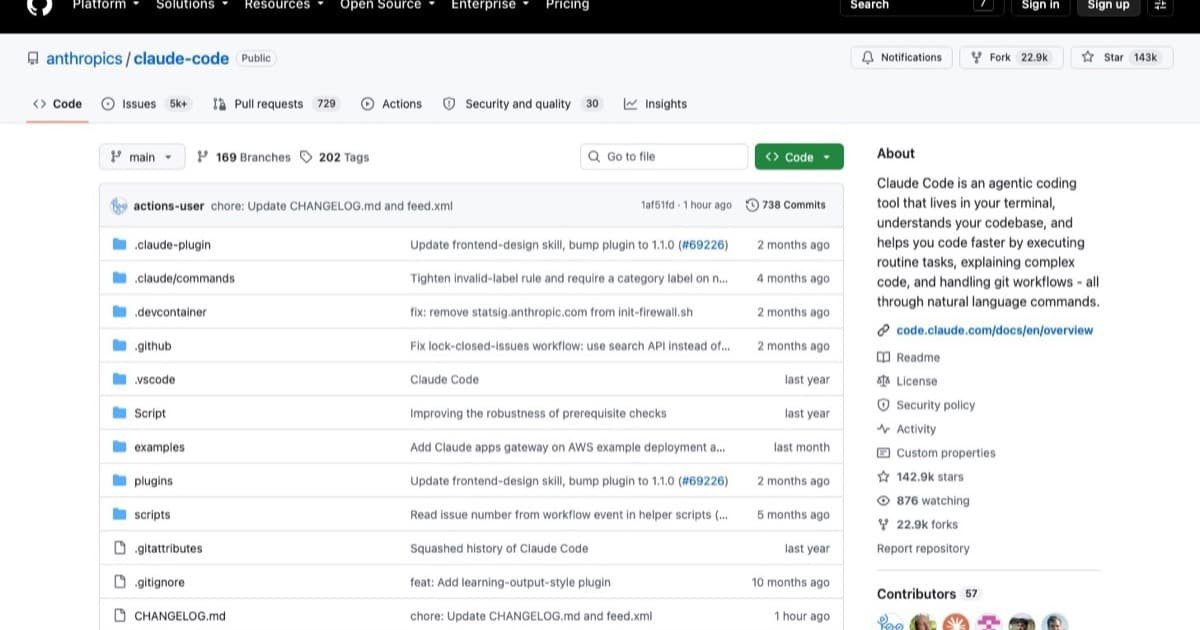
Anthropic's official terminal-based agentic coding tool that deeply understands your local codebase, autonomously edits files, runs terminal commands, handles git workflows, and iterates via natural language prompts. Now with Channels (Telegram/Discord remote messaging), Remote Control, Dispatch, and /loop scheduling for persistent autonomous agents. Designed for professional developers who live in the terminal.


paperclip
Open-source framework for building AI agent teams organized as virtual companies, CEO, Engineer, and QA agents coordinate work through projects, issues, and heartbeat schedules.
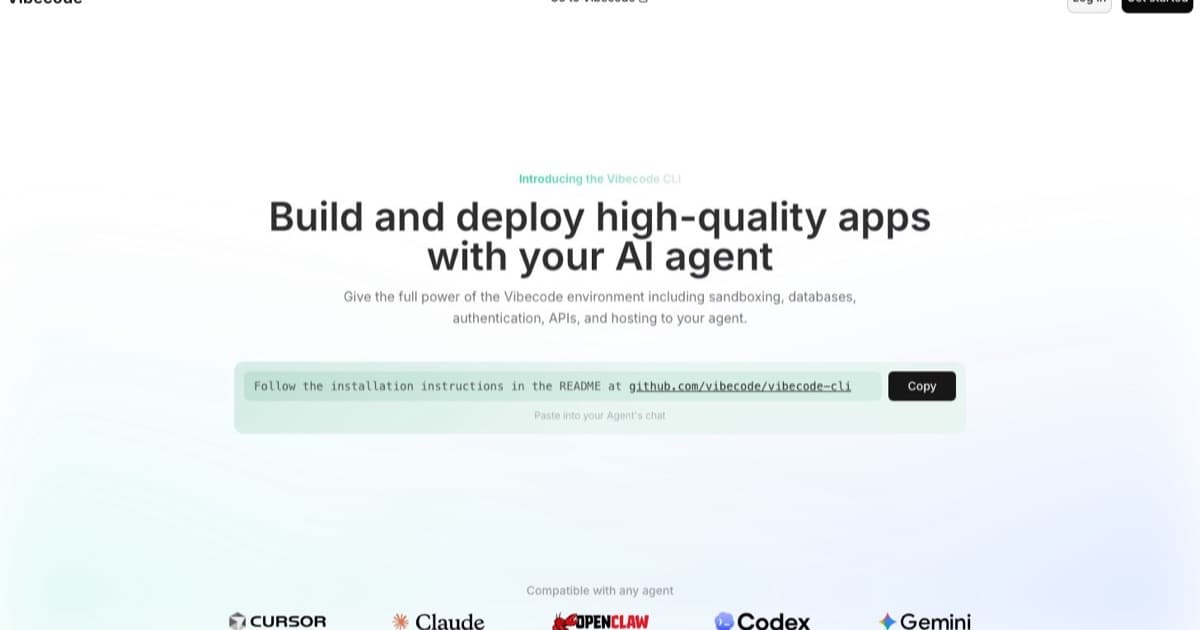

vibecode cli
Build and deploy high-quality apps with your AI agent. Give the full power of the Vibecode environment including sandboxing, databases, authentication, APIs, and hosting to your agent. CLI-first platform with 30+ pre-authenticated APIs, built-in DB and auth, and App Store deploy. Works with Claude Code, Cursor, Codex, and Gemini as a multi-agent execution layer.

ntm (named tmux manager)
NTM (Named Tmux Manager) is a free, open-source tool that transforms tmux into a multi-agent command center. Spawn, tile, and coordinate Claude Code, OpenAI Codex, and Gemini CLI agents across named panes with broadcast prompts, a TUI command palette, conflict tracking, context monitoring, and persistent sessions that survive SSH disconnections.
cmux
cmux is a free, open-source native macOS terminal built on libghostty (Ghostty rendering engine) with vertical tabs, split panes, notification rings, and a built-in scriptable browser, designed for managing multiple parallel AI coding agents like Claude Code, Codex, and Gemini CLI.
aider
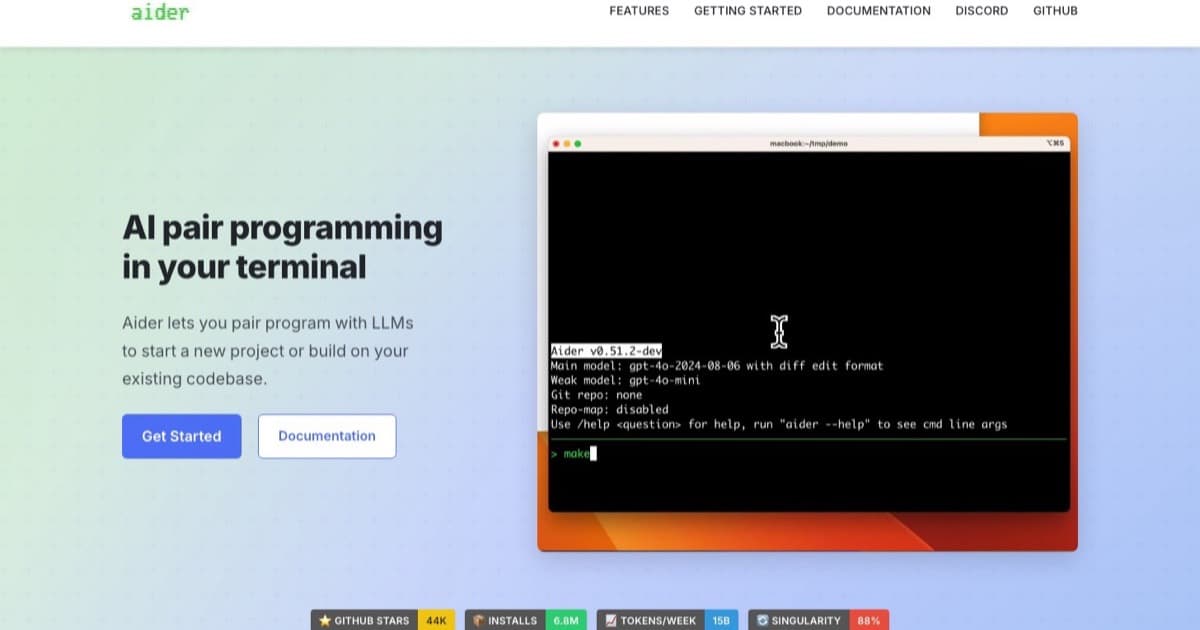
Top-tier command line AI tool. Lets you pair program with LLMs (Claude 3.5, GPT-4o) directly in your git repo. Edits multiple files effectively.


openai codex cli
The official command-line vibe coding tool from OpenAI. Edits local files, understands your repo, and runs shell commands with your permission. Like Aider, but built by OpenAI.


warp
A modern, Rust-based terminal with AI built-in. Features intelligent command suggestions, natural language to shell translation, and collaborative tools.

devstral 2
Mistral's enterprise-grade vibe coding stack that pairs Codestral models with an open-source CLI agent and self-hosted controls for regulated teams.
render
Cloud platform for deploying web services, static sites, background workers, cron jobs, and managed PostgreSQL, all with flat monthly pricing and a generous free tier. Render supports auto-deploys from Git, built-in SSL, and private networking with zero DevOps configuration.
gpt engineer
Open-source CLI tool that generates entire codebases from natural-language prompts. Supports OpenAI, Anthropic, and open-source models with customizable agent identity and vision input for diagrams.

agent zero
Open-source multi-agent AI framework that runs in a Dockerized sandbox with code execution, browser automation, subordinate agents, and a memory system for building autonomous coding and research workflows.
repo prompt
macOS-native context engineering app that lets you visually select files and code from local repos, build structured AI prompts, and apply model-generated edits with reviewable diffs.

blackbox ai
AI coding assistant with multi-model access (Claude, Codex, Gemini, and more), autonomous agents for end-to-end tasks, and IDE integrations across VS Code, JetBrains, and 35+ platforms.
continue.dev
Open-source CLI tool for Continuous AI that runs async agents on pull requests to enforce team rules, catch issues, and accelerate software shipping.
Related Articles
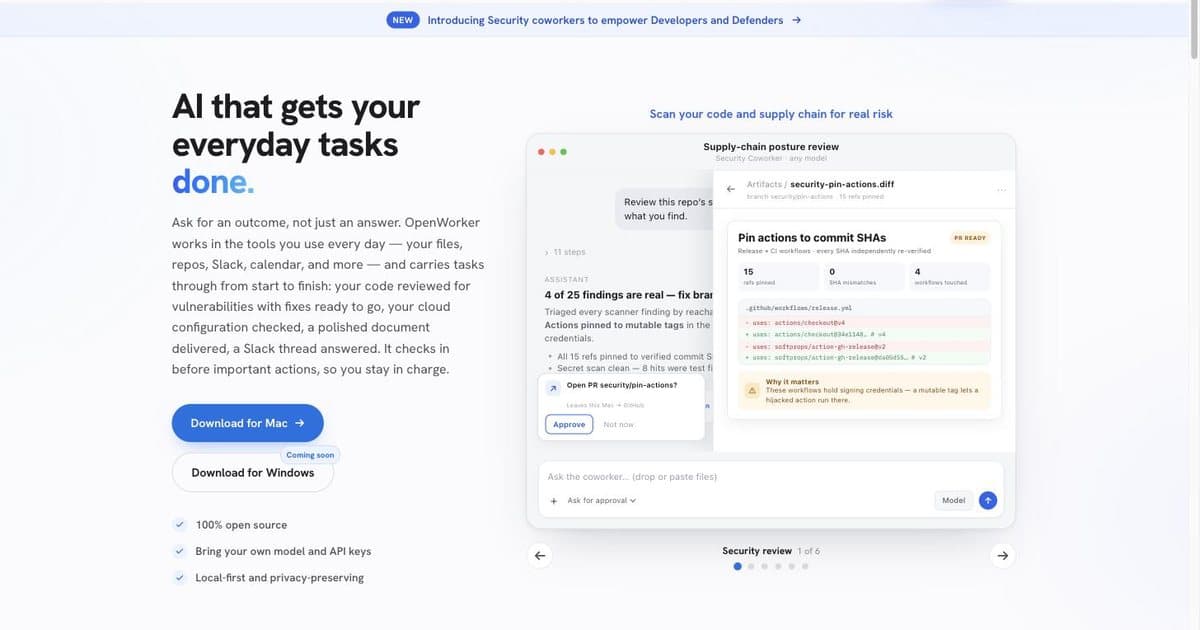
AI Agent Code Security Scanning: How to Check Code You Did Not Write
You shipped something an AI wrote and nobody reviewed it. Here is the five-minute free check, the tools worth paying for, and the point where scanning stops helping.
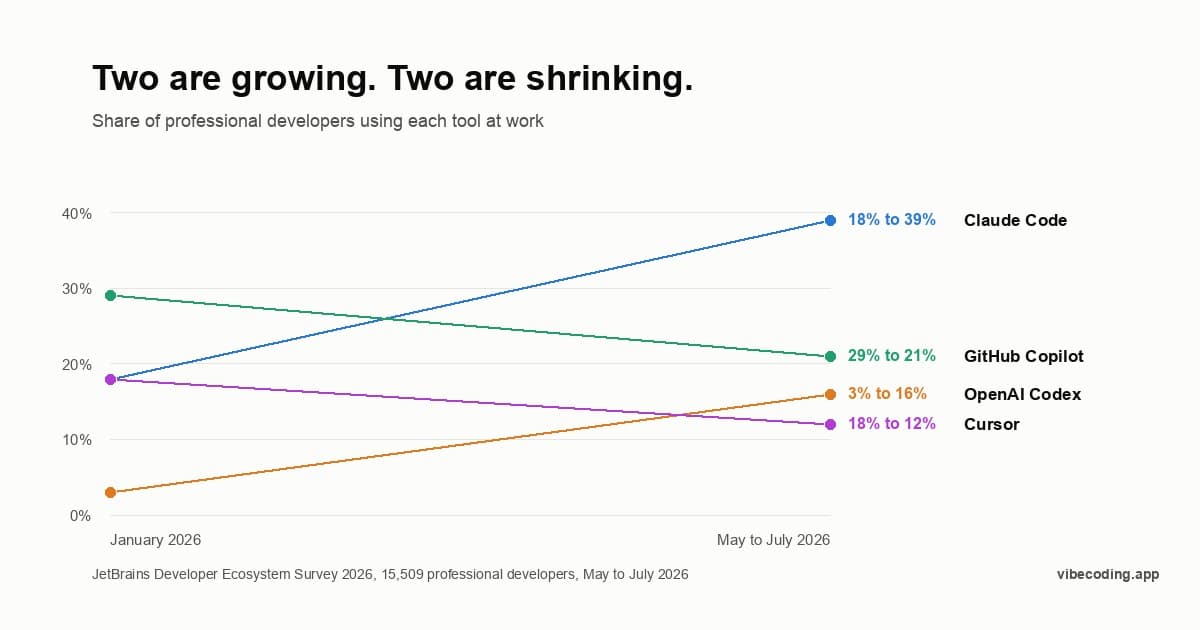
Claude Code Adoption Statistics 2026: Which Tool Should You Learn?
39% of professional developers use Claude Code at work, and Cursor fell to 12%. The 2026 adoption data, and what it does and does not tell you about which tool to learn.
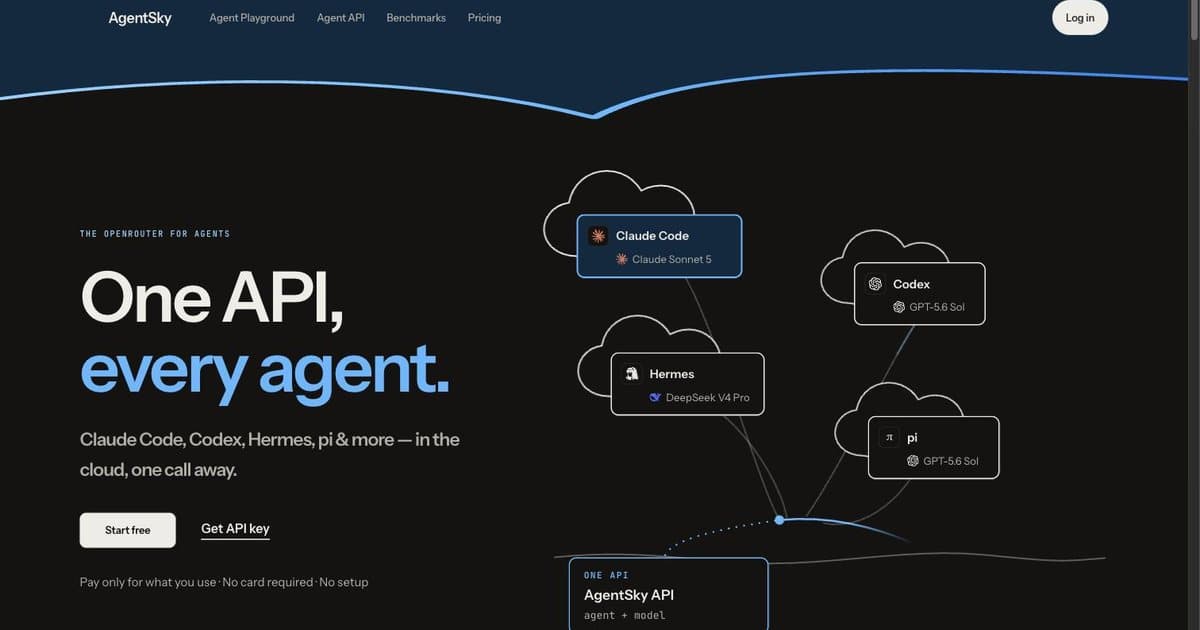
Managed AI Agent Hosting: Do You Actually Need It?
Your agent stops when you close the laptop. Whether that is worth paying to fix, what it actually costs, and the cheaper answer most people should take instead.
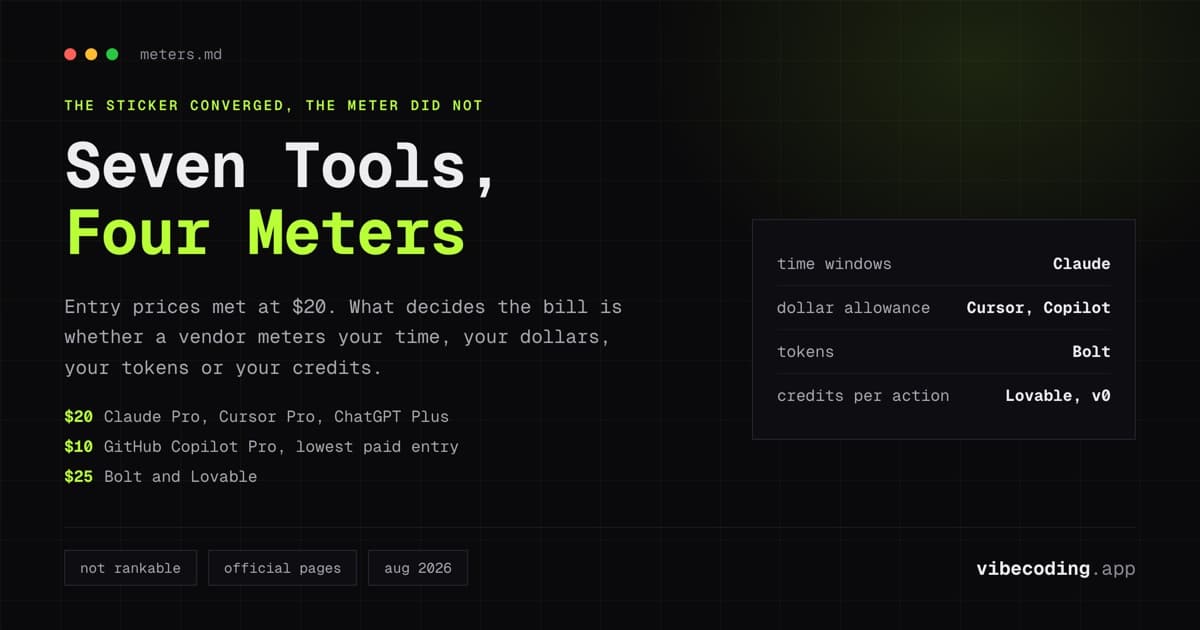
AI Coding Agent Pricing Comparison 2026: Seven Tools, Four Ways to Meter You
Every AI coding agent priced from its official page in one comparison: Claude Code, Cursor, Codex, GitHub Copilot, Bolt, v0 and Lovable. The real difference is not the price, it is the meter: time windows, dollar allowances, tokens or credits.
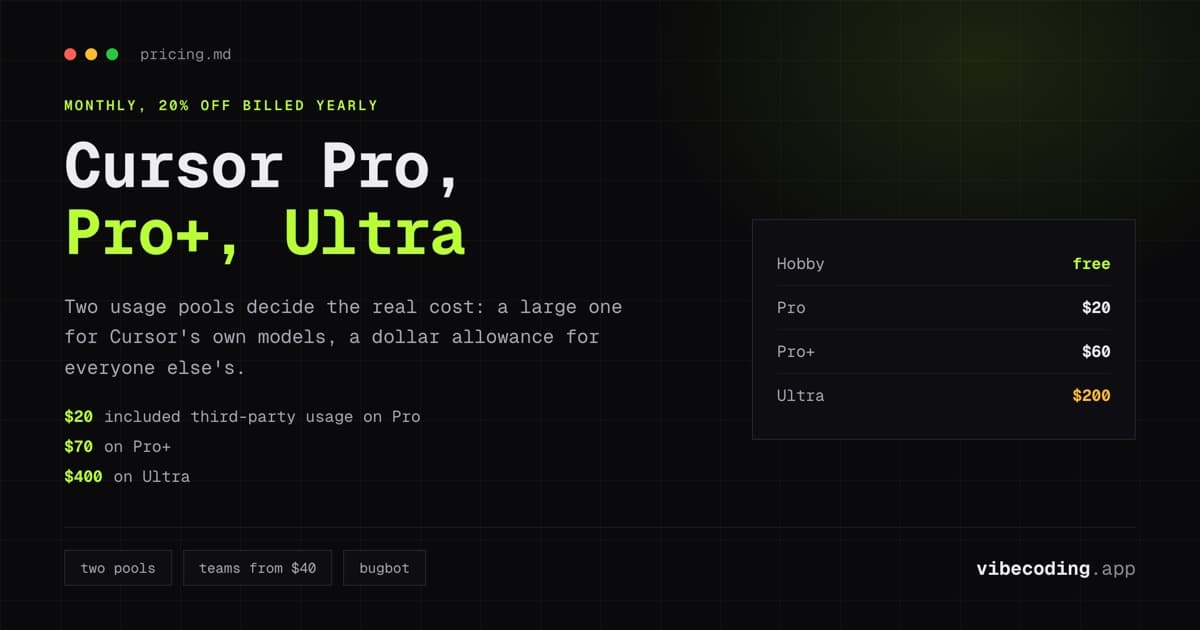
Cursor Pricing 2026: Pro vs Pro+ vs Ultra, and Where the Money Actually Goes
Cursor pricing with every toggle on the official page clicked: Pro $20, Pro+ $60, Ultra $200, Teams $40 to $120 per user, yearly 20% off. Plus the two usage pools that decide how fast your plan runs out.

Claude Code Pricing 2026: Pro vs Max, Team, API, and What It Really Costs
Claude Code pricing explained with the exact figures from Anthropic's live pricing page: Pro at $20/mo, Max from $100/mo, Team seats from $20, and what API usage costs per developer. Plus how the 5-hour and weekly limits work.