The four layers of a vibe coding stack
There is no single "AI tool for vibe coding." There are four layers, and most people who ship build a small stack across them rather than betting everything on one product.
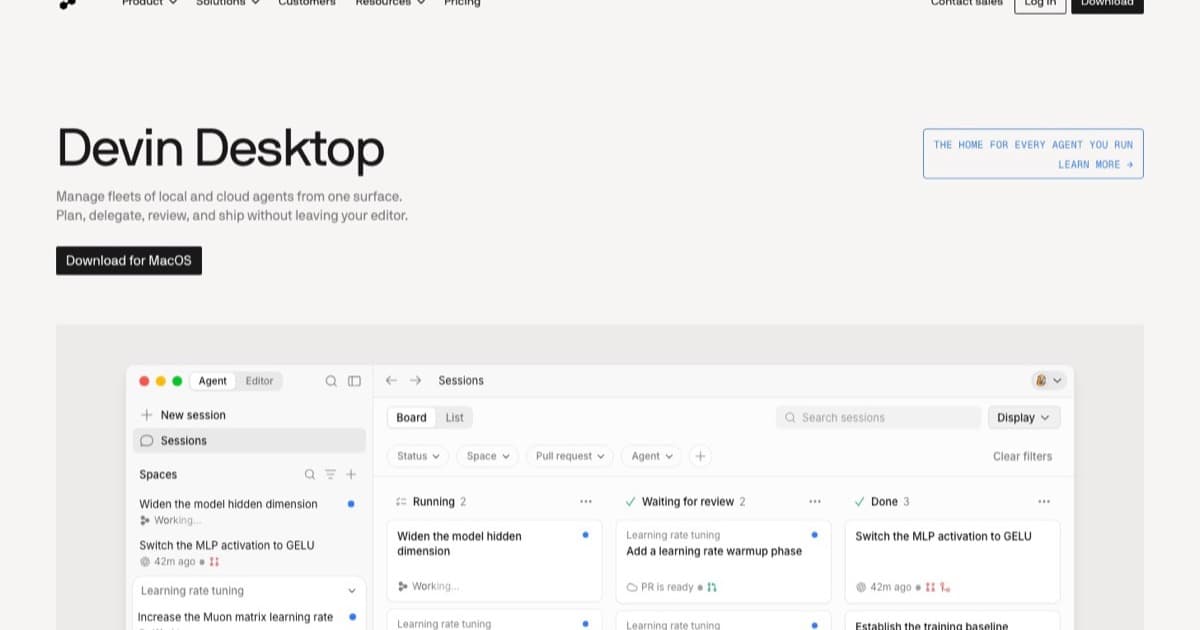
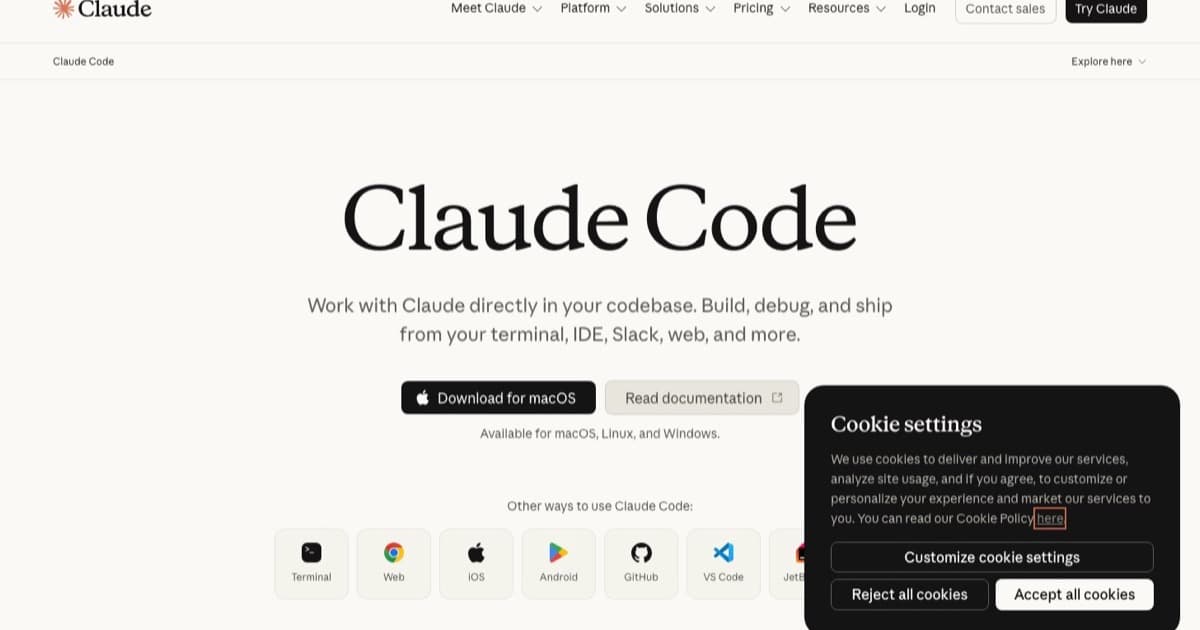
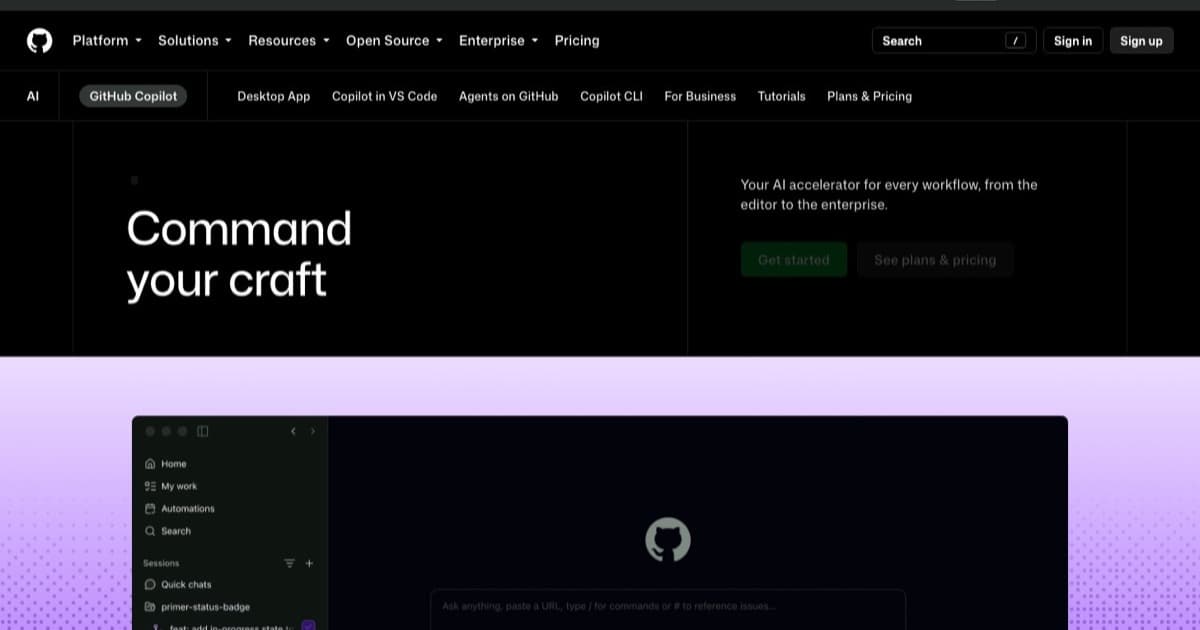
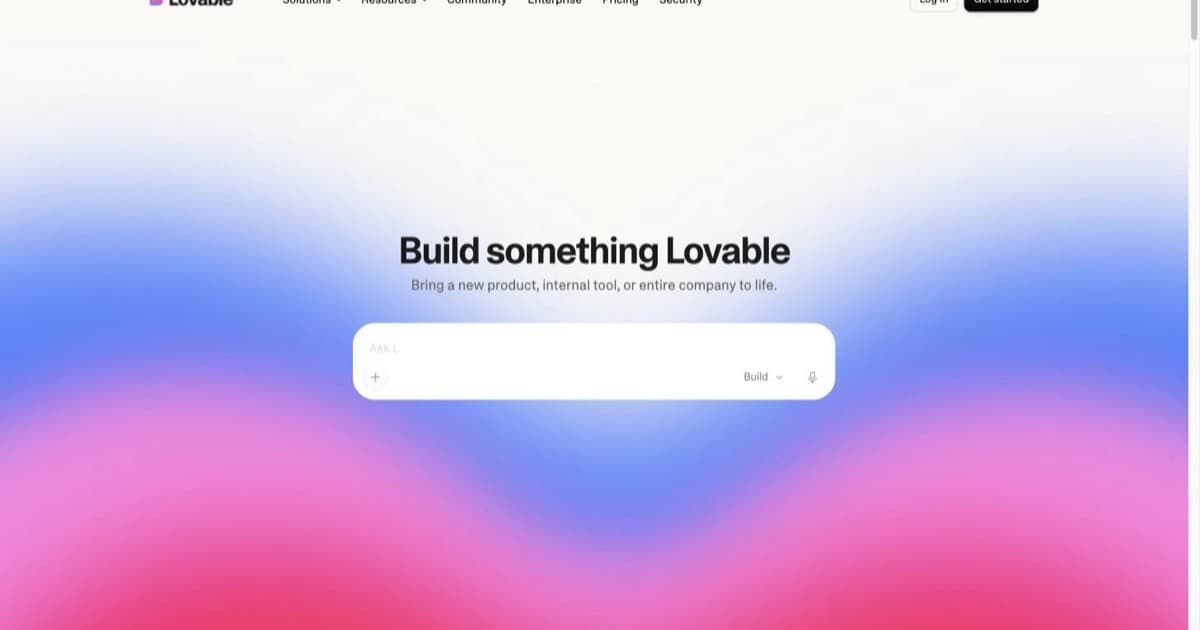
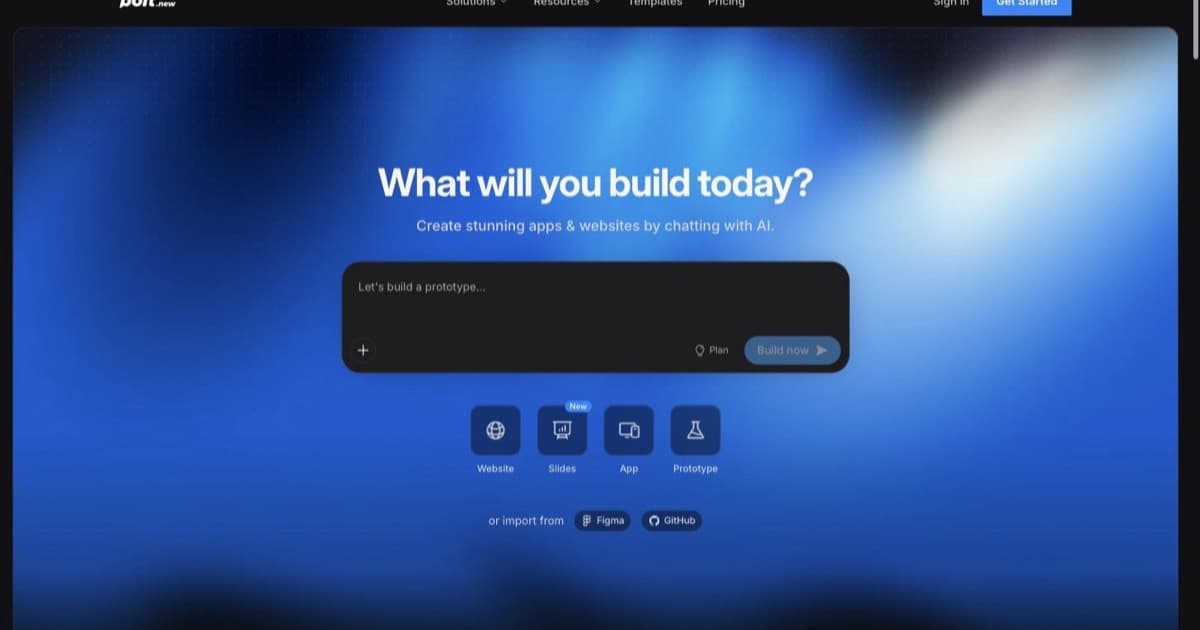
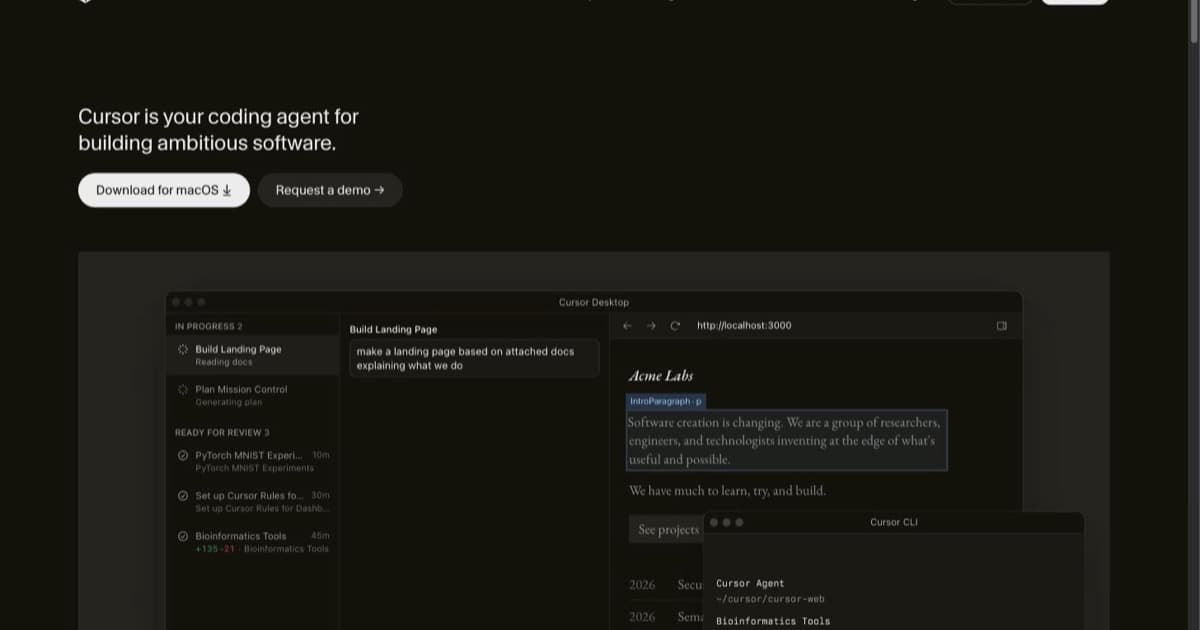
The first layer is AI code editors: tools like Cursor and Windsurf that replace or wrap your editor and keep a human in the loop on real source code. The second is coding agents: more autonomous tools like Claude Code that take a task and execute multiple steps, editing files and running commands with less hand-holding. The third is AI app builders: Lovable, Bolt, Replit, and the rest, which turn a prompt into a deployed app without you managing a local environment. The fourth is the supporting layer: the skills, plugins, and workflows that make the first three reliable, from reusable instruction packs to the review and testing habits that keep AI output honest.
Knowing which layer you are shopping in is half the battle. "What is the best AI coding tool" is an unanswerable question; "what is the best app builder for a non-technical founder" has a real answer.
How to choose the right AI tool for your workflow
Start from what you are, not from a leaderboard. If you write code and want to stay in control of the repository, an AI code editor is your home base; Cursor is the common default, Windsurf if you want a more autonomous agent built in. If you live in the terminal or run long agentic sessions, a coding agent like Claude Code fits better. If you do not write code, or you want a clickable product in an afternoon, start with an app builder like Lovable or Bolt and only move to an editor when you need finer control.
Then match the tool to the job's stakes. AI tools are excellent for prototypes, internal tools, and the repetitive 80% of a codebase. They are riskier for the 20% that has to be correct, secure, or fast, where you want a human reviewing what the model produced. The best stack is usually a builder or editor for speed plus a deliberate review step for anything that touches real users or data.
Free vs paid: what you are actually paying for
Almost every tool here has a free tier, and for learning or a weekend project the free tiers are genuinely enough. What you pay for on the upgrade is rarely the AI itself; it is capacity and control. Paid plans buy higher rate limits, access to stronger models, private projects, custom domains, team seats, and the larger context windows that matter on bigger codebases.
The practical pattern: stay free while you are deciding whether a tool fits your workflow, then upgrade the one or two you use daily rather than paying for a drawer full of subscriptions. Pricing in this space changes often, so confirm the current plan on each tool's page before committing.
How the landscape is shifting in 2026
Two things are happening at once. The category is consolidating around a few strong editors and builders, while the supporting layer, skills and plugins and shared workflows, is exploding as teams figure out how to make AI output dependable rather than just fast. The interesting work has moved from "can the AI write this" to "how do we review, test, and ship what it writes."
That is why this hub is organised the way it is. The tools matter, but so do the playbooks around them. Browse the categories below, then pair your chosen tool with the workflows and skills that keep its output honest.