What is an AI coding agent?
An AI coding agent is a developer tool that can plan a task, read the relevant parts of your codebase, edit multiple files, run shell commands, and iterate when something fails. The line between "assistant" and "agent" sits at autonomy. An assistant suggests the next token or the next line. An agent takes a prompt like "add OAuth login with Google to this Next.js app, write the tests, and run them" and works through it end to end.
In practice that means three capabilities most autocomplete tools never had. First, project-level context: the agent indexes or grep-walks your repo so it can find the file it needs without being told. Second, tool use: it can run your build, your tests, your linter, your migrations. Third, a loop: when the test fails, it reads the error, edits the code, and tries again until it passes or it gives up.
These tools sit one rung above pair programmers like GitHub Copilot and one rung below fully managed app builders like Lovable or Bolt. You still own the repo and the architecture. The agent saves you the keystrokes.
Who should use an AI coding agent?
Three buyer profiles get the most value from this category.
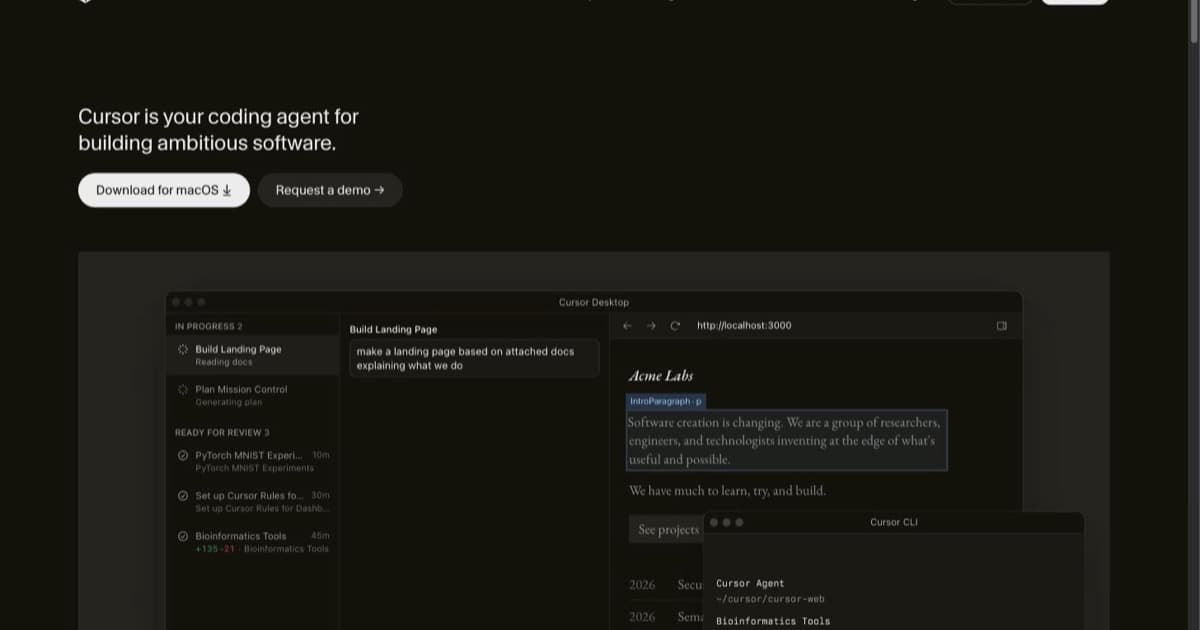
Working software engineers shipping production code. If you are paid to ship features in a real codebase with tests, types, and reviewers, an agent shortens the loop on the tedious parts: writing boilerplate, refactoring across files, generating tests for code you wrote yesterday, and translating a Linear ticket into a first draft PR. Cursor and Claude Code are the dominant picks here in 2026.
Solo founders and indie hackers building real products. You have a stack you understand but limited hours. An agent lets you treat large chunks of feature work as a delegation. You write the spec in CLAUDE.md or AGENTS.md, the agent does the first pass, you review.
Engineering teams running internal platforms or migrations. Renaming a field across 400 files, upgrading a framework, porting tests from Jest to Vitest. These are the canonical "agent wins" because the task is mechanical, the success criterion is "build passes and tests pass", and a human will spot-check the result.
If you are completely new to code, an app builder (Lovable, Bolt, Replit Agent) is a better starting point than an IDE agent. Coding agents assume you can read a diff and a stack trace.
How to evaluate a coding agent
Five axes matter when you compare options. Score each tool from 1 to 5 and the winner usually picks itself.
Model quality and routing. The agent is only as smart as the model it calls. In 2026 the frontier is Claude Opus 4.5 and GPT-5 family models for hard reasoning, with Haiku and smaller models for cheap edits. Tools that let you pick the model (Cursor, Cline, Aider) give you control over the cost/quality tradeoff. Tools that route automatically (Claude Code, Devin Desktop) give you fewer knobs but better defaults.
Codebase understanding. How does the agent figure out what is in your repo? Indexed (Cursor, Augment, GitHub Copilot Workspace), grep-walked (Claude Code, Aider), or memory-based (Devin)? Indexing scales further but creates a sync problem. Grep-walking is honest and fast on small to mid repos. Test it on a real repo of yours, not a toy.
Integration depth. IDE agents (Cursor, Windsurf, JetBrains AI) keep you in the editor you already use. CLI agents (Claude Code, Aider, Codex CLI) work over SSH, in containers, and inside CI. Cloud agents (Devin, Replit Agent, Cosine Genie) run on someone else's machine and report back. Pick the surface where you actually spend your day.
Pricing model. Flat monthly seats are easier to budget (Cursor Pro $20/mo, GitHub Copilot $10/mo individual). Usage-based pricing scales with workload but can spike (Claude Code's API-passthrough, Devin's task-based pricing). Free open-source CLIs (Aider, Continue) plus a bring-your-own API key are the cheapest path if you already have credit at Anthropic, OpenAI, or Google.
Code ownership and privacy. The agent reads your source. Where does it go? Local-first agents (Cline running locally, Aider) keep code on your machine and only send relevant snippets to the model. Indexed agents (Cursor, Augment) ship code to a vendor index. Cloud agents (Devin) run on vendor infrastructure. For client work and regulated codebases, this is the first axis, not the last.
Common pitfalls when picking a coding agent
Buyers waste money in predictable ways.
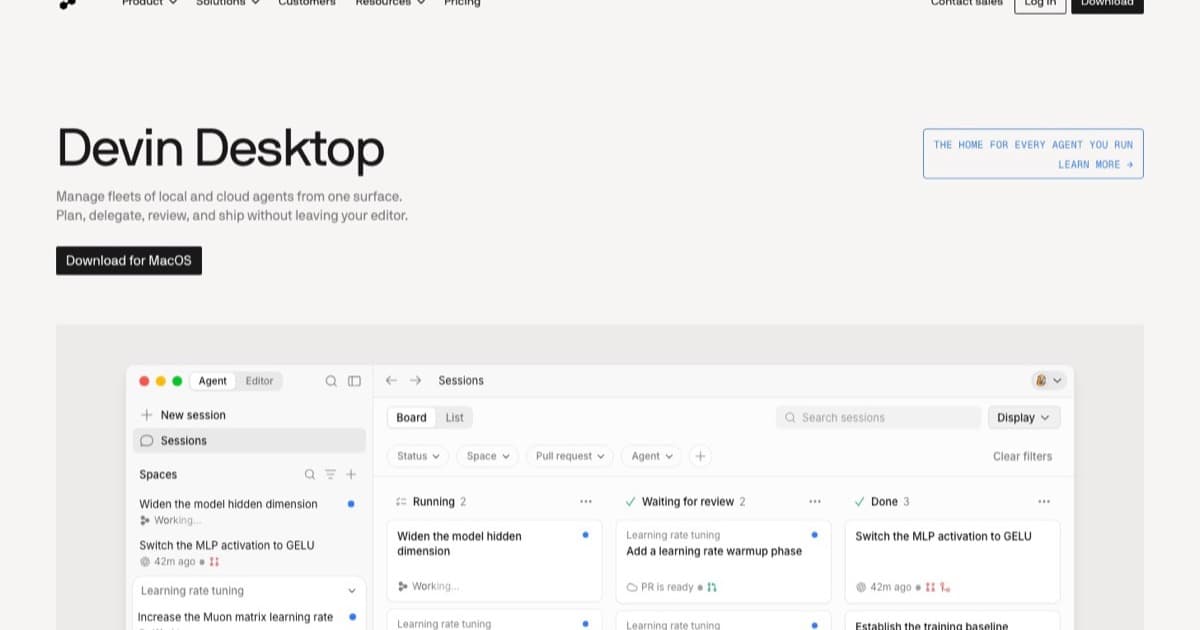
Picking on Twitter hype rather than fit. Devin Desktop (formerly Windsurf) and Cursor solve different problems. Devin is closer to a junior engineer you assign a ticket to. Cursor is closer to a power tool you wield. Match the tool to how you actually work, not the demo video.
Underestimating context engineering. The agent is dumb without a CLAUDE.md, AGENTS.md, or .cursorrules file that tells it your conventions, your test commands, and what to leave alone. Teams that skip this step blame the tool when the real issue is missing context.
Confusing model quality with agent quality. A great agent on a weak model is mediocre. A weak agent on a great model is still mediocre because the loop matters as much as the brain. Run a real task end to end before committing to a yearly plan.
Letting the agent commit straight to main. The fix is not to disable the agent; it is branch protection plus a CI pipeline that the agent has to satisfy. If the agent can run tests, lint, and type-check before opening the PR, you get the speed without the breakage.
What changed in coding agents in 2026
The category looks different than it did six months ago.
Windsurf became Devin Desktop in early 2026 after Cognition acquired the team. The IDE is still there, the Cascade agent still ships, but the positioning is now "Devin on your laptop" rather than "AI-native fork of VS Code." If you used Windsurf in 2025, your subscription likely migrated; the muscle memory is the same.
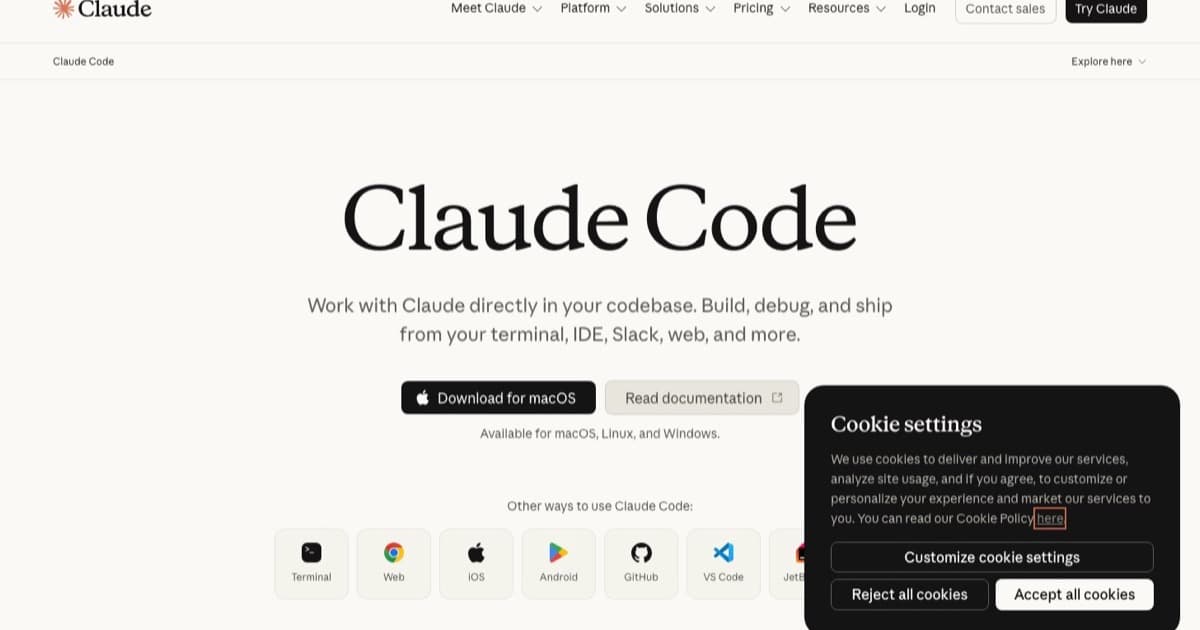
Claude Code shipped Skills and a stable subagent API. CLAUDE.md became the de facto context format, and the SDK now supports persistent background agents you can schedule. Teams running Claude Code in CI report shipping refactor PRs overnight that they would not have queued for a human.
Cursor 1.x stabilised on a tab/agent split. The "Agent" mode (background, long-running, full-repo) and "Tab" mode (inline, fast, single-file) are now treated as separate products inside the same IDE. Most engineers run both.
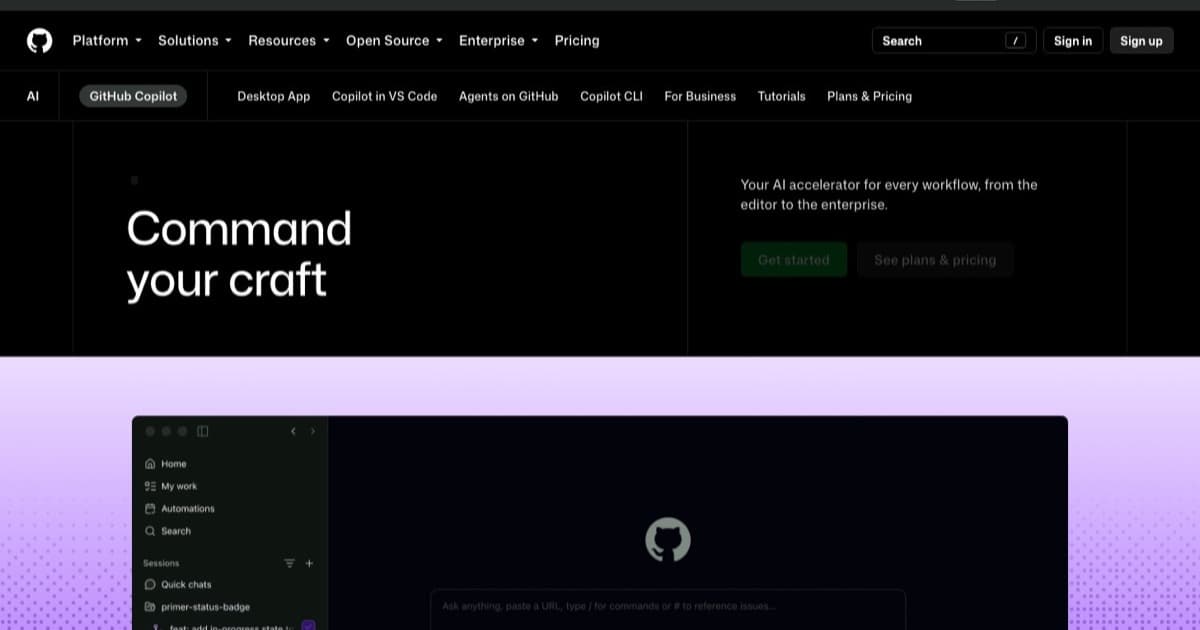
GitHub Copilot Workspace went GA and absorbed the "agent that opens a PR" pattern into the GitHub UI. For teams already on GitHub Enterprise, the friction of adding a separate agent vendor is now harder to justify.
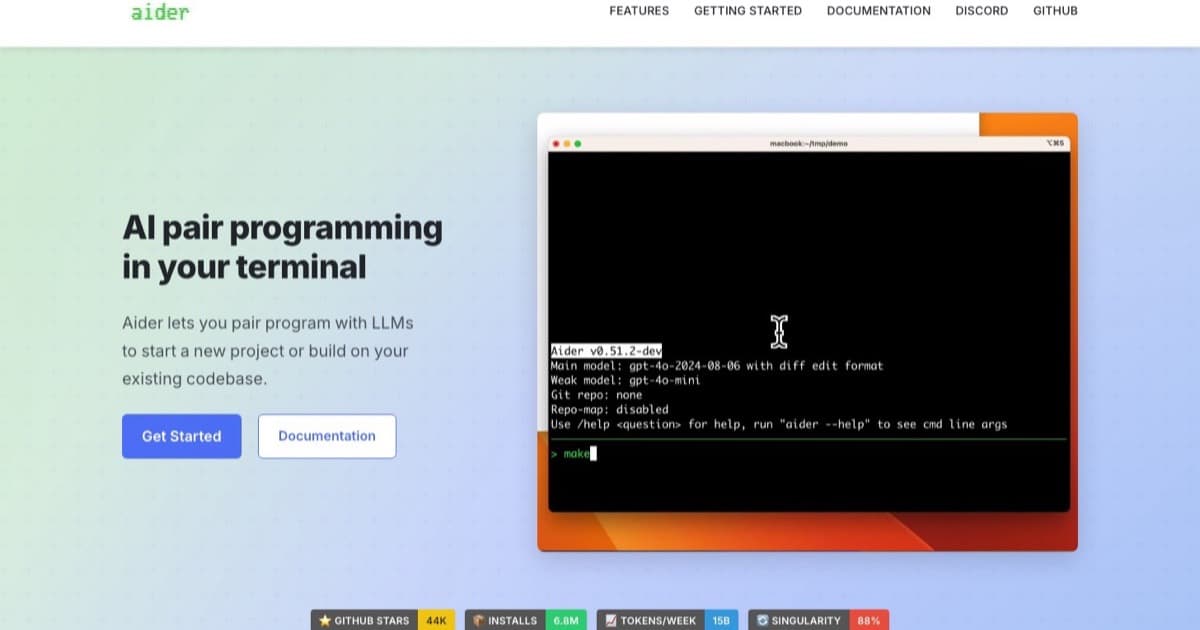
Aider and Cline (the open-source CLIs) crossed mainstream adoption. With a free key from Google AI Studio plus Aider, a working agent setup costs nothing. This is the floor the paid agents have to beat.