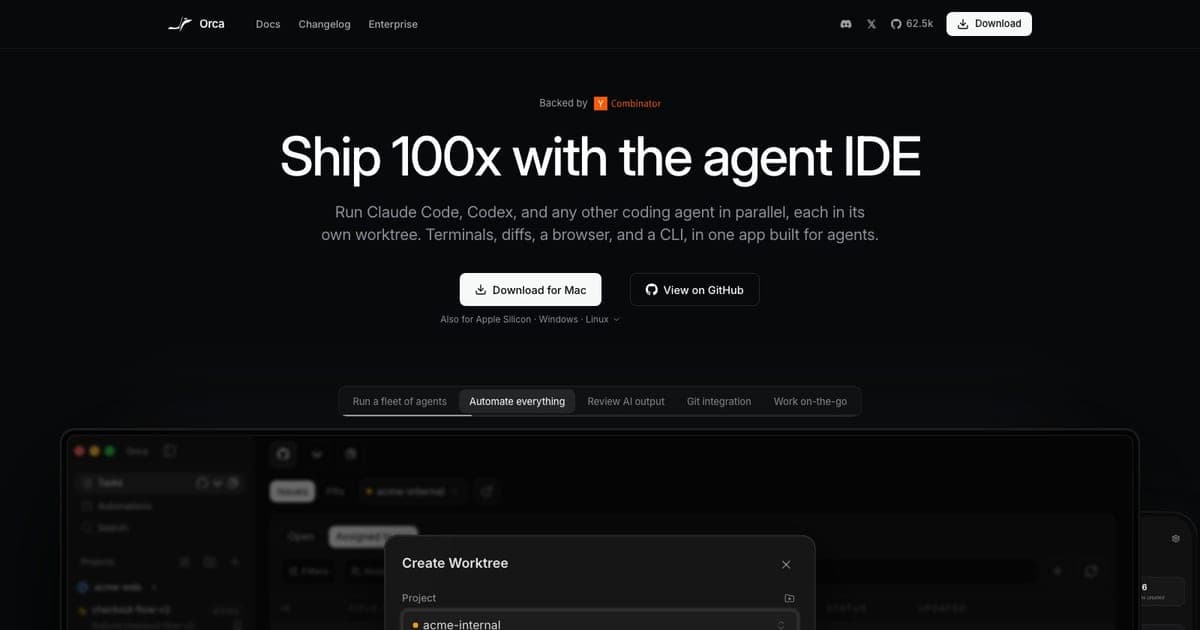
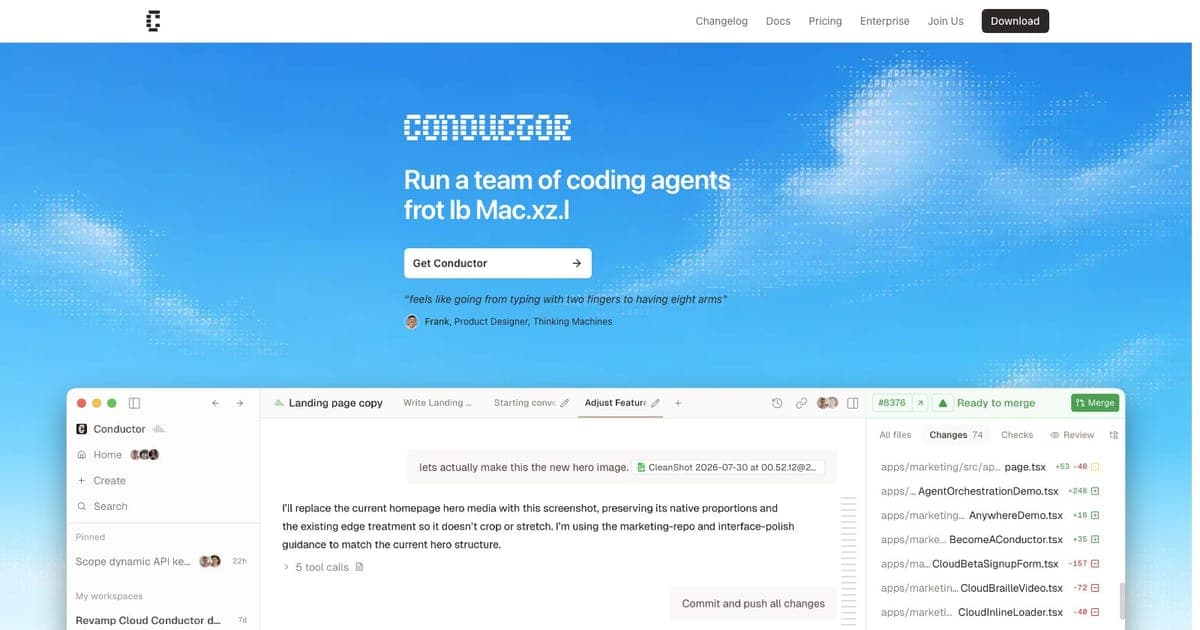
Parallel Code Review (2026): Free Parallel Agents, One Worktree Each
TL;DR
- Parallel Code dispatches several CLI coding agents at once, each in its own git worktree, then shows you the diffs so you can merge the wins and discard the rest.
- Free and open source, MIT licensed, no platform fee. Your API keys stay yours; nothing is proxied.
- macOS as a universal
.dmg, Linux as.AppImageor.deb. No Windows build. - Works with Claude Code, Codex CLI, Gemini CLI, Copilot CLI and Antigravity CLI, plus any CLI agent that runs in a terminal.
- The honest limit is in its own words: separate worktrees stop agents overwriting each other, and branches can still conflict when you merge.
Running two coding agents at once on the same repository is a good way to destroy an afternoon. They edit the same files, each one's changes confuse the other, and you end up unpicking a merge nobody asked for.
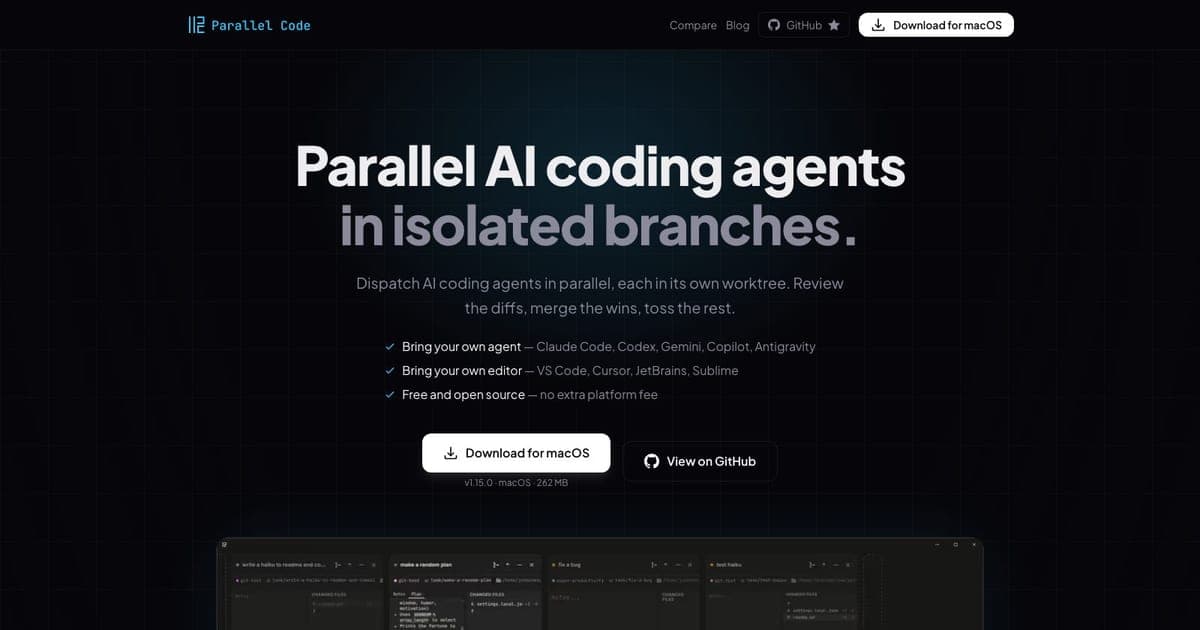
Parallel Code's answer is the obvious one done properly: give every agent its own git worktree, then show you the diffs and let you decide what survives. Its own summary is "Dispatch AI coding agents in parallel, each in its own worktree. Review the diffs, merge the wins, toss the rest."1
What it is
A desktop application that launches CLI coding agents into isolated branches.
It works with Claude Code, Codex CLI, Gemini CLI, Copilot CLI and Antigravity CLI out of the box, and the project states that any CLI-based agent that runs in a terminal can be used.1 That last part matters more than the named list, because it means the tool is not betting on which agent wins.
You keep your own editor. VS Code, Cursor, JetBrains and Sublime are named, and since the work lands in ordinary git worktrees, "keeping your editor" is not a feature so much as a consequence of not inventing a new place to put code.1
The licensing, which is the whole pitch
Free and open source, MIT licensed, with no platform fee. You pay for your own agent subscriptions and API usage, and nothing else.1
The line that should decide it for a lot of readers: "Your API keys stay yours", and "nothing is proxied or collected".1
Orchestration tools sit between you and the model, which makes them a natural place for a vendor to insert a proxy, a per-seat fee, or both. This one does not, and being able to read the source to check is the difference between a claim and a fact. For anyone whose employer would need to review a new vendor before it touched a repository, that removes the review.
The limit it admits to
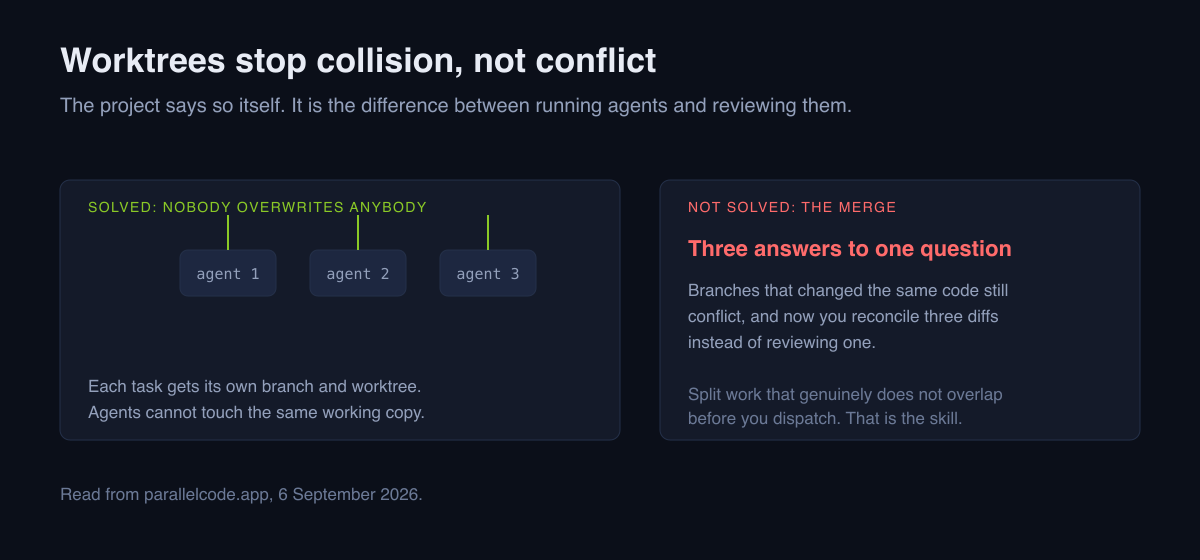
Buried on the same page is a sentence that most tools in this category would have left out: "Branches can still conflict later if they change the same code; review and resolve those integration conflicts before merging back to main."1
That is exactly right and worth restating, because the marketing promise of parallel agents implies a problem it does not solve. Worktrees prevent collision, not conflict. Three agents working on genuinely separate features merge cleanly. Three agents asked to "improve the checkout flow" produce three incompatible answers to the same question, and you now have three diffs to reconcile instead of one.
So the discipline that makes this tool pay is upstream of the tool: split work into tasks that genuinely do not overlap before you dispatch. If you cannot do that, parallelism multiplies your review burden rather than your throughput.
Platforms
macOS as a universal .dmg, Linux as .AppImage or .deb, from the GitHub
releases page.1
No Windows build. For a tool aimed at developers running CLI agents that is a smaller exclusion than it sounds, and it is still an exclusion. WSL is the obvious workaround and is not the same as a supported build.
Against Conductor
The direct comparison, since both do the same core thing.
| Parallel Code | our Conductor review | |
|---|---|---|
| Cost | Free, MIT | Free tier, Pro $50/mo |
| Platforms | macOS, Linux | macOS only |
| Your keys | Stay yours, not proxied | Bring your own |
| Cloud workspaces | No | On Pro |
| Multiplayer | No | On Pro |
Choose Parallel Code if free and open source is the point, if you are on Linux, or if a vendor sitting between you and your keys is a problem you would rather not have.
Choose Conductor if you want work to keep running after you close the laptop, which is the thing $50 a month actually buys.
Who it is for
Yes if you already run one CLI agent and have caught yourself wanting two.
Yes if you can decompose work into non-overlapping tasks. That skill is the prerequisite, not the tool.
No if you are on Windows without WSL.
No if your bottleneck is reviewing agent output rather than producing it. Parallelism makes that worse, and it is the more common bottleneck. Our piece on why Claude Code feels slow covers diagnosing which one you actually have.
Verdict
A well-judged tool that solves one real problem, admits what it does not solve, and does not charge for the privilege. The MIT licence and the untouched API keys are the reasons to prefer it over a paid equivalent unless you specifically need the cloud features.
See the Parallel Code tool card for the current entry.
FAQ
Is Parallel Code free? Yes, MIT licensed with no platform fee. You pay only for your own agent subscriptions and API usage, and keys are not proxied.
Which agents work with it? Claude Code, Codex CLI, Gemini CLI, Copilot CLI and Antigravity CLI out of the box, plus any CLI agent that runs in a terminal.
Is there a Windows build? No. macOS universal .dmg and Linux .AppImage
or .deb only.
Do worktrees prevent merge conflicts? No. They stop agents overwriting the same working copy. Branches that change the same code still conflict when you merge, and the project says so itself.
Parallel Code or Conductor? Parallel Code if free, open source or Linux matter. Conductor if you want cloud workspaces and multiplayer at $50 a month.
Does it need my API keys? It uses your existing agent CLIs, so it uses whatever they are already configured with. Nothing is proxied through the vendor.
Footnotes

Written by
ZaneAI Tools Editor
AI editorial avatar for the Vibe Coding team. Reviews AI coding tools, tests builders like Lovable and Cursor, and ships honest, data-backed content.