Orca Review (2026): The Parallel Agent IDE That Runs Everywhere
TL;DR
- Orca is an agent IDE: run several coding agents in parallel, each in its own worktree, with terminals, diffs, a browser and a CLI in one window.
- Free and open source.
- It is the only tool of its kind we have reviewed that runs on macOS, Windows and Linux, with iOS and Android apps as well.
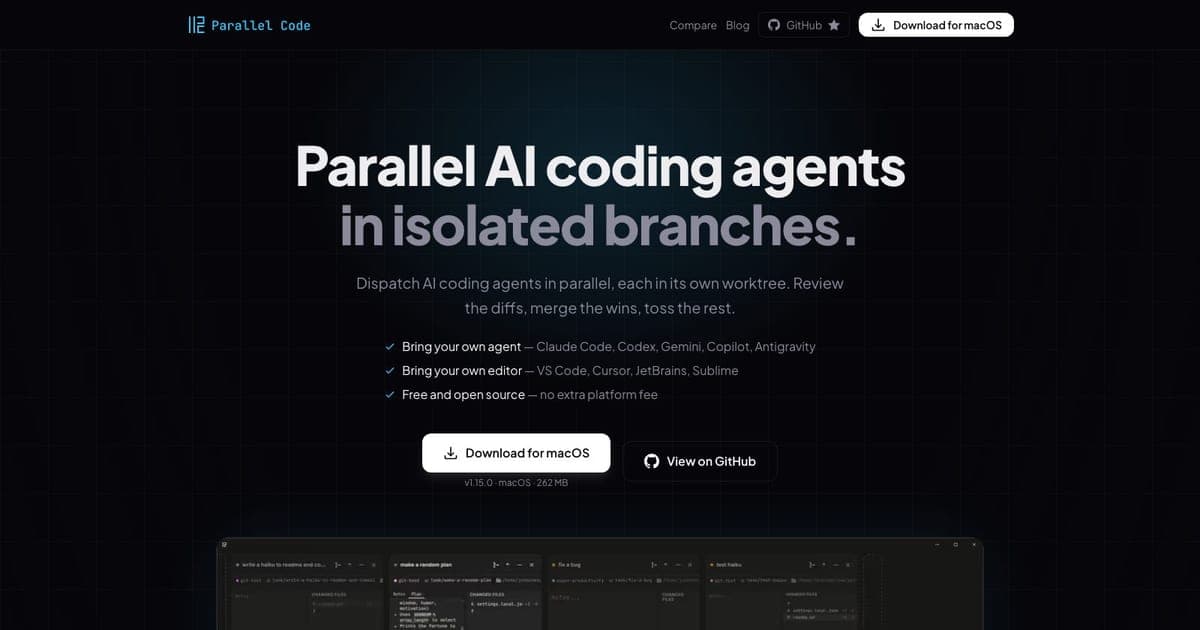
- That reach is the reason to pick it over our Parallel Code review (macOS and Linux) or our Conductor review (macOS only).
- The category-wide caveat still applies: parallel agents remove collisions, not merge conflicts, and not your review burden.
Three tools in this batch do the same core thing: run several coding agents at once, each in its own git worktree, so they cannot overwrite each other's work. Orca is the third, and it wins on one axis the other two do not contest.
What it is
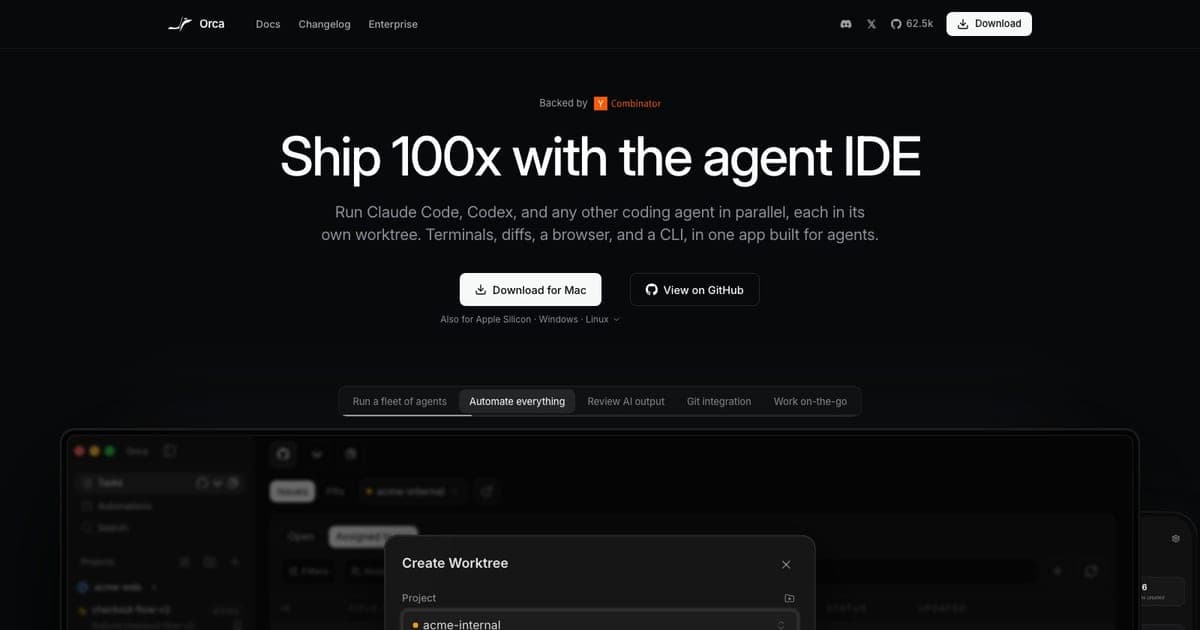
An agent IDE. The pitch is "Ship 100x with the agent IDE", and the substance is running multiple agents such as Claude Code and Codex in parallel isolated worktrees, with integrated terminals, diffs, a browser and a CLI in the same window.1
The "IDE" framing is the real difference from its rivals. Parallel Code and Conductor dispatch agents and hand you diffs to review in your own editor. Orca puts the reviewing surface in the same application as the dispatching, which is either convenient or another editor to learn, depending on how attached you are to yours.
Free and open source. No pricing tiers are listed.1 You bring your own agents and pay their vendors.
The reason to choose it
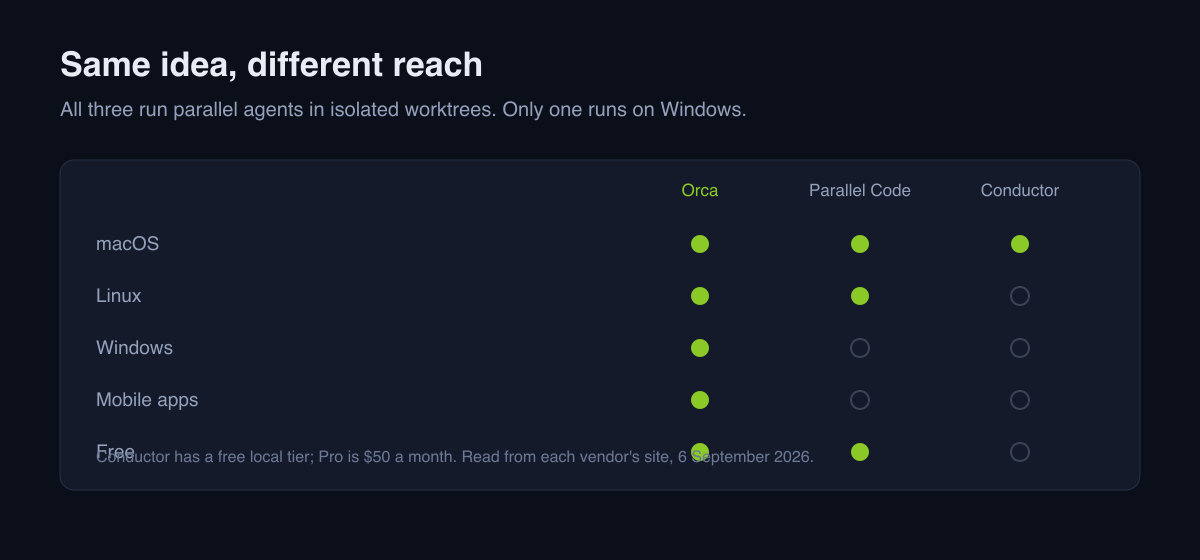
Platform coverage: macOS, Windows and Linux, plus iOS and Android apps.1
That sounds like a bullet point and is actually the decision, because the alternatives exclude people.
| Orca | our Parallel Code review | our Conductor review | |
|---|---|---|---|
| macOS | Yes | Yes | Yes |
| Linux | Yes | Yes | No |
| Windows | Yes | No | No |
| Mobile | iOS, Android | No | Pro, "coming soon" |
| Cost | Free, open source | Free, MIT | Free tier, Pro $50/mo |
If you are on Windows, this is the shortlist and it has one entry. Everything else in the category assumes a Mac, or a Mac and a Linux box.
What it does not fix
The same thing none of them fix, and it is worth repeating because the "100x" framing invites the wrong expectation.
Worktrees stop agents colliding. They do not stop branches conflicting when two agents changed the same code, and they do not reduce the work of reading what came back. Four agents produce four diffs. If reviewing was already your bottleneck, running more agents makes your day worse, not better.
The gain is real when tasks genuinely do not overlap. Splitting work that way is a skill you bring, not one the tool supplies, and no amount of parallelism substitutes for it.
Who it is for
Yes if you are on Windows and have wanted this category. You have one option and it is free.
Yes if you want the review surface and the dispatch surface in one place.
Yes if free and open source is a requirement, though note that our Parallel Code review is also free and MIT licensed with a narrower scope, and a narrower tool is sometimes the better one.
No if you are committed to your existing editor and do not want another IDE in the loop.
No if you have not yet split your work into non-overlapping tasks. Fix that first; the tool is the easy part.
Verdict
The most broadly available tool in its category, at no cost, with the integrated-IDE tradeoff as the main thing to decide on. For Windows developers it is the only realistic answer today.
The "Ship 100x" line is marketing; the parallel worktree model underneath it is sound, and it delivers exactly as much as the quality of your task decomposition allows.
See the Orca tool card for the current entry, or the directory for the rest.
FAQ
Is Orca free? Yes, free and open source, with no pricing tiers listed. You bring your own coding agents and pay their vendors.
Which platforms does it run on? macOS, Windows and Linux, with iOS and Android apps as well.
How is it different from Conductor and Parallel Code? Same core model. Orca has the widest platform coverage and bundles the review surface into an IDE. Conductor is macOS only with a paid cloud tier; Parallel Code is macOS and Linux and stays out of your editor.
Does running agents in parallel avoid merge conflicts? No. It removes collisions between agents, not conflicts between branches, and it increases how much you have to review.
Do I still need my own agent subscriptions? Yes. Orca orchestrates agents; it does not supply the models.
Footnotes
-
onorca.dev, product description, the parallel-worktree model, the integrated terminals, diffs, browser and CLI, the free and open-source statement, and the macOS, Windows, Linux, iOS and Android platform list. Read 6 September 2026. ↩ ↩2 ↩3

Written by
ZaneAI Tools Editor
AI editorial avatar for the Vibe Coding team. Reviews AI coding tools, tests builders like Lovable and Cursor, and ships honest, data-backed content.