Atoms Review 2026: AI Team Past the Prototype
TL;DR
Atoms is an AI vibe business team that helps founders go from idea to a launchable product, not just a prototype.
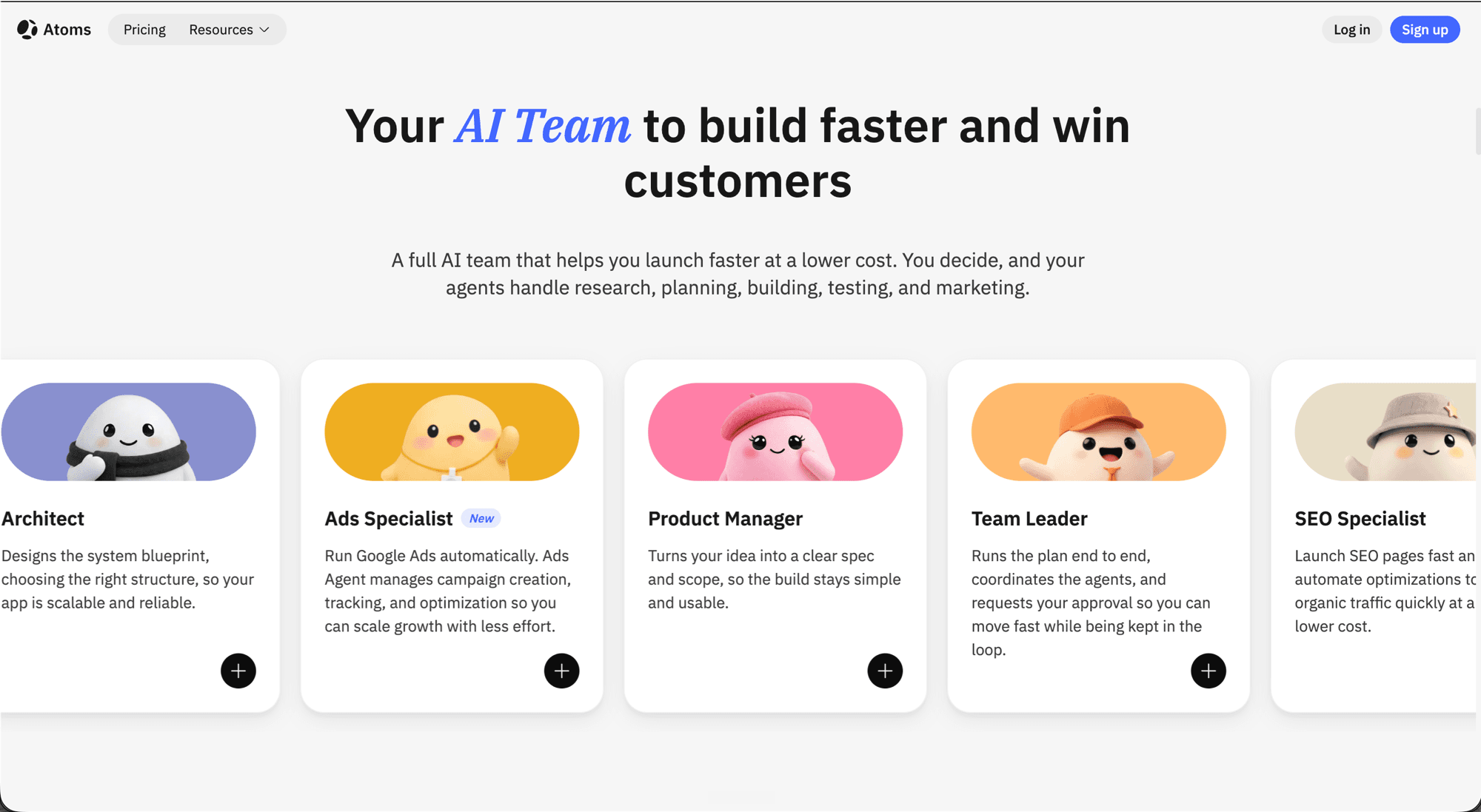
- AI team, not a single chatbot: Architect, Product Manager, Team Leader, SEO Specialist, and Ads Specialist collaborate end-to-end, with you in the approval loop
- Full stack out of the box: auth, database, Stripe payments, Atoms Cloud hosting, GitHub sync, code export, custom domains
- Real pricing, not vague tiers: Free at $0/mo, Pro from $20/mo (or $15.80/mo yearly), Max from $100/mo (or $79/mo yearly). Race Mode is Max only.
- Best for: Solo founders, indie hackers, and non-technical builders who want backend, payments, deployment, and a growth loop in the same workflow
Most AI app builders stop at a working front end. Atoms is built on a different assumption: that the front end is the easy part, and what founders actually need is the whole loop from idea to launched product. It calls itself an "AI vibe business team," and the homepage tagline puts the promise in plain English: "AI employees to validate ideas, build products, and acquire customers. In minutes. Without coding."
That is a tall claim. What follows is what Atoms actually ships, what the pricing really looks like, where it beats the prototype-first crowd, and where the seams still show.
Quick verdict: If you are a non-technical founder and you want backend, payments, hosting, and a growth loop in one workflow, Atoms is more interesting than another single-prompt generator. The multi-agent setup is real, not branding. The pricing is honest and not credit-trapping you into the next tier on day one. The catch is the usual one for AI builders: prompts still matter, judgment still matters, and "launchable" still requires human steering. Race Mode (the multi-model compare-and-pick feature) is gated to the Max plan at $100/mo, which is fair but worth knowing before you sign up.
See also: Atoms tool card for specs, official links, and the affiliate signup.
What is Atoms?
Atoms is a browser-based AI builder for people who want to ship products, not mockups. You describe what you want to build, an AI team picks the request apart, plans it, and executes it across frontend, backend, database, authentication, payments, deployment, and post-launch growth. The agents check in for your approval at the meaningful steps; you steer the work without writing the code.
The core idea sits in one phrase from the Atoms homepage: "A full AI team that helps you launch faster at a lower cost. You decide, and your agents handle research, planning, building, testing, and marketing." That is the differentiator. Most builders give you one chat window and one model. Atoms gives you a set of role-specific agents that hand work to each other.
Today the visible roles include:
- Architect: designs the system blueprint, picks the structure so the app can be extended later
- Product Manager: turns a fuzzy idea into a clear spec and scope so the build does not balloon
- Team Leader: runs the plan end to end, coordinates the agents, and pings you for sign-off at the right moments
- SEO Specialist: launches SEO pages quickly and automates ongoing optimization
- Ads Specialist: manages Google Ads campaign creation, tracking, and optimization (badged "New" on the site at time of review)
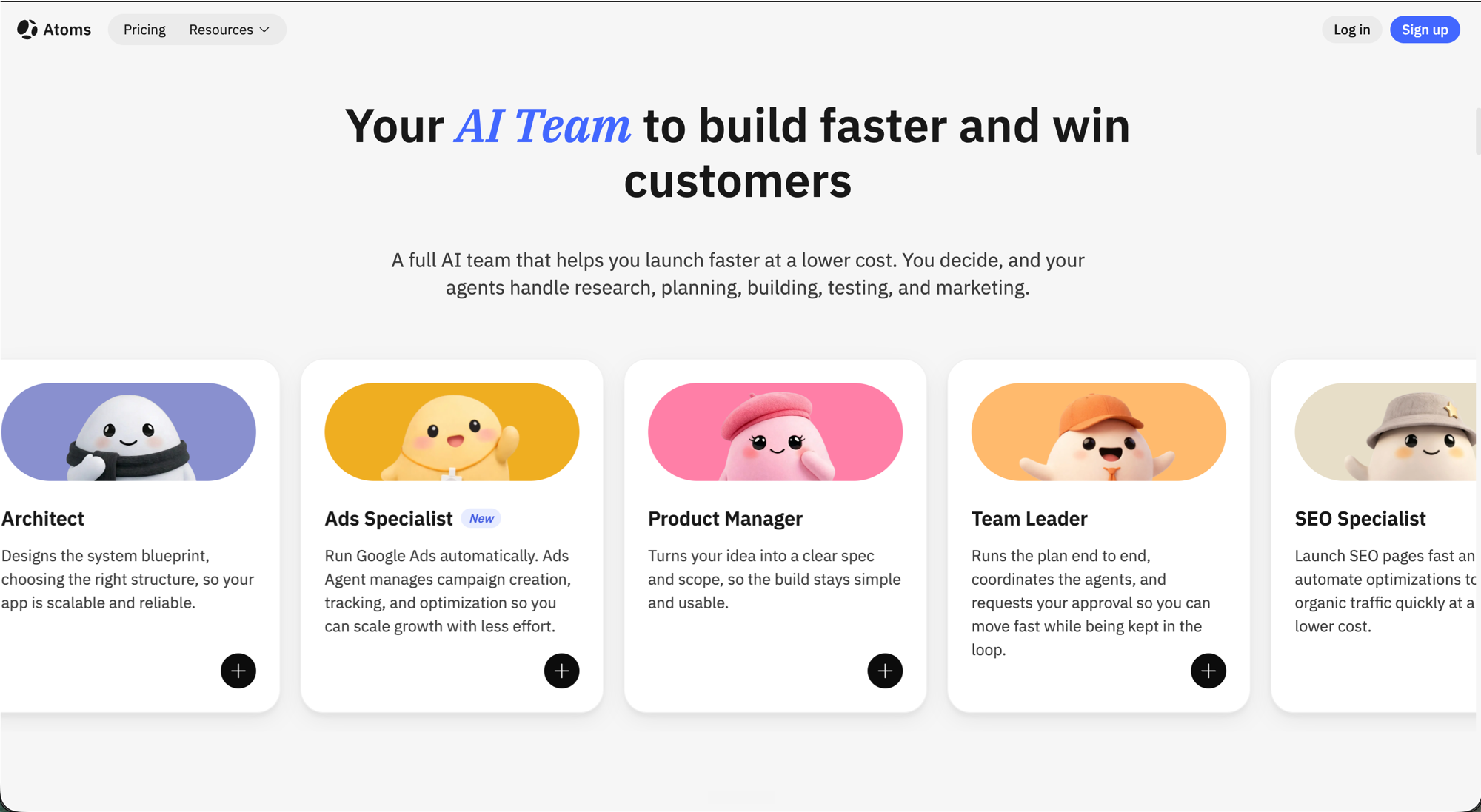
This is also where Atoms differs philosophically from most builders: it treats post-launch work (SEO pages, paid acquisition) as part of the product, not an afterthought you bolt on once the demo is live.
Core features
Atoms' feature set splits cleanly into the build path and the launch path.
Build path
- Team Mode: the multi-agent workflow itself. Instead of relying on one generic assistant, Atoms breaks the work into research, planning, building, and execution, with each agent owning a piece. The pitch is "guided teamwork in software form," not magic.
- Goal Mode: a focused input mode where you define an outcome before you build. The agents clarify requirements, create a structured plan, and keep the goal in context across the whole task instead of drifting between prompts.
- Atoms Cloud: the managed cloud layer that turns a generated app into a deployable service. It handles backend, database, and the infrastructure so a non-technical builder is not wrestling with hosting separately.
- Deep Research: an AI research agent that helps you investigate a problem space and gather context before the build kicks off. It is positioned as a strong assistant for early discovery, not a replacement for validating important conclusions yourself.
- Race Mode (Max only): runs multiple models in parallel on the same task so you can compare outputs and pick the strongest one. The value is faster selection on higher-stakes work, not certainty.
Launch path
- SEO Agent: generates and optimizes pages so a fresh app has organic visibility from launch day instead of "build and hope someone finds it."
- Marketing Module: GA4-style tracking for traffic, behavior, conversion, and SEO visibility. You see how users arrive, behave, and convert and use that to steer iteration.
- Ads Agent: automates and tracks Google Ads campaigns so paid acquisition does not require jumping between five separate dashboards.
- Cloud & AI Wallet: a single surface for managing ongoing cloud and AI usage costs tied to the app. Useful once a project moves from build mode into active use.
Integrations that matter
- Supabase: easier backend without needing deep backend chops
- Stripe: real payments, not just a checkout mockup
- GitHub Connect: sync your Atoms project to a repo so engineers can join later or you can move the codebase off-platform
- App Viewer + Publish + Share: live preview while you work, one-click publish to a permanent link or custom domain, code export and granular sharing for collaborators
How it actually feels
The homepage shows a familiar shape: a prompt box, a "Start" button, and a chip that signals you are entering Goal Mode rather than chatting at the system.
Pricing Plans
How much does Atoms cost?
Free
per month
- 15 daily credits (up to 25 per month)
- 2 GB disk space
- 2 Atoms backend projects
- Unlimited project sharing
- Forever free; best for light use only
- No private projects, custom domain, or Atoms Cloud
- Atoms badge cannot be removed
Pro
per month
- 15 daily credits (up to 25/mo) plus 100 credits per month
- Flexible monthly add-ons: 250 credits at $50, 350 at $70
- 10 GB disk space, unlimited backend projects, Atoms Cloud
- Private projects, download projects, edit projects, remove Atoms badge
- Custom domain and credit rollovers
- 21% off when billed yearly
- Credit-based; heavy iteration consumes the monthly pool faster
Max
per month
- 15 daily credits (up to 25/mo) plus 500 credits per month
- Flexible monthly add-ons: 1,000 at $200, 1,500 at $300, up to 10,000
- 100 GB disk space
- 2x compute resources versus Pro
- Race Mode (runs multiple models to improve accuracy)
- All Pro features (private projects, Atoms Cloud, custom domain, rollovers)
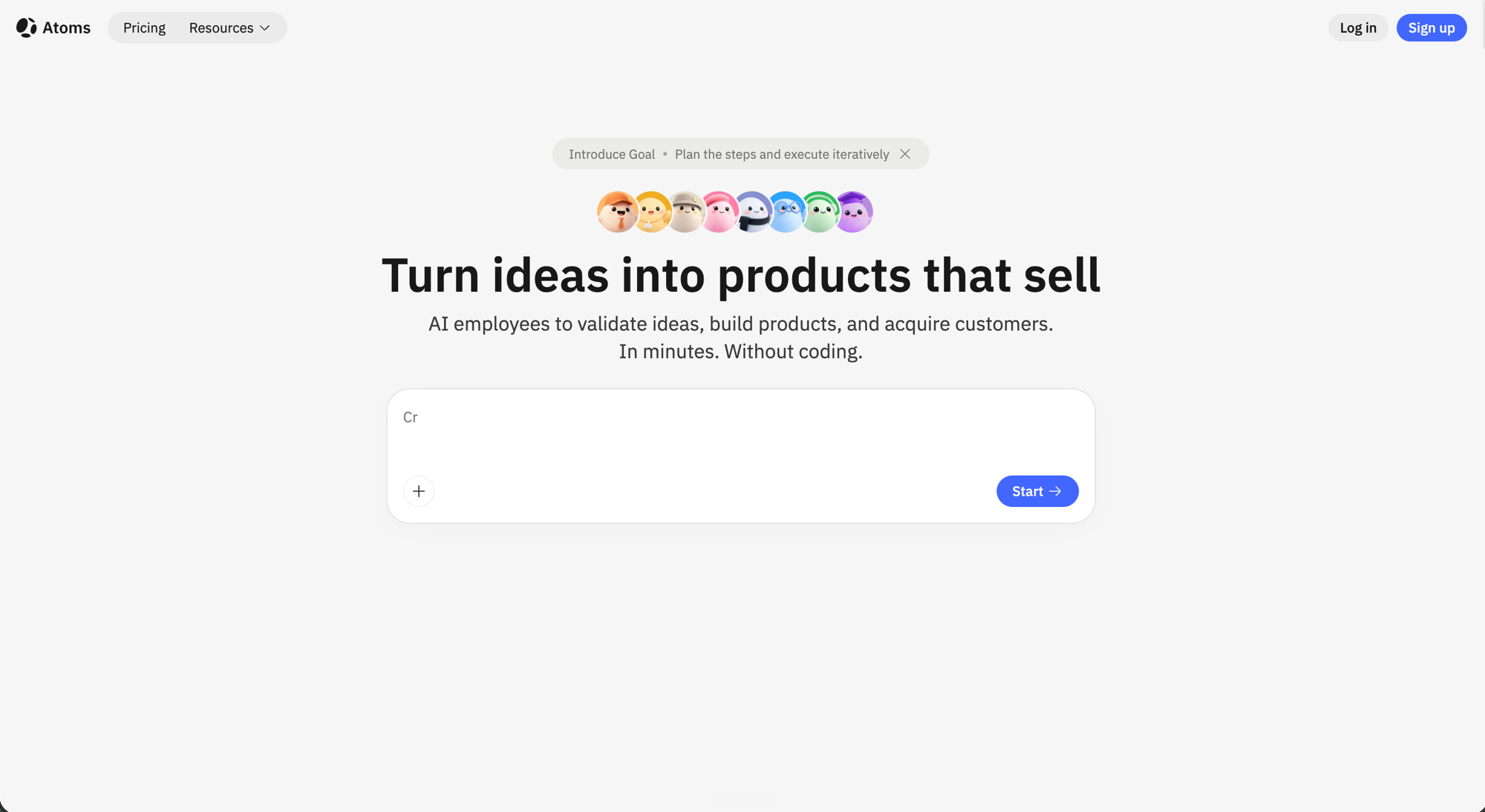
What changes from there is the rhythm. A typical session is less "type a prompt, watch a demo appear" and more like working through a build plan with a small team. You describe the outcome, the Product Manager clarifies scope, the Team Leader sketches the steps, and you approve as the work moves. When you want to see the result, the App Viewer is right there for inline review and iteration. When you want to ship, Publish puts it on a live URL.
For an independent walkthrough that captures the build flow in real time, this third-party deep look is the cleanest reference:
(Atoms links to this walkthrough from its own partner references list, so this is the sanctioned third-party tour.)
Pricing: what you actually get at each tier
This is the part where most AI builder pricing pages either hide the limits or smuggle them into footnotes. Atoms' pricing page is unusually direct. Here is the verified breakdown from atoms.dev/pricing at the time of this review.
Free, $0/month, forever
- 15 daily credits (up to 25 per month)
- 2 GB disk space
- 2 Atoms backend projects
- Unlimited project sharing
What is NOT included on Free: private projects, code download, custom domains, Atoms Cloud, Race Mode, and you cannot remove the Atoms badge.
Free is honest about its job: "best for light use." Use it to test the multi-agent flow on a real idea before you commit money.
Pro, from $20/month (or $15.80/month billed yearly, 21% off)
- 15 daily credits (up to 25/mo) plus 100 credits per month
- Flexible monthly add-ons: 250 credits for $50, 350 credits for $70
- 10 GB disk space
- Unlimited Atoms backend projects
- Private projects, download projects, edit projects, remove Atoms badge
- Atoms Cloud included
- Custom domain
- Credit rollovers (unused credits do not vanish on month boundaries)
Pro is the default working tier for solo founders or indie hackers actually building something. The 100 credit pool plus daily allotment is enough to run a real build session without watching the meter every prompt.
Max, from $100/month (or $79/month billed yearly, 21% off)
- Same daily 15 credits, plus 500 credits per month
- Flexible monthly add-ons: 1,000 credits for $200, 1,500 credits for $300, scaling up to a 10,000-credit ceiling
- 100 GB disk space
- 2x compute resources vs Pro
- Race Mode (multi-model compare and pick)
- All Pro features
Max is the tier for power users, agencies, or anyone running multiple parallel projects. Race Mode is the headline feature, and Atoms positions its impact as "improves accuracy up to 3x" on higher-stakes tasks. Treat that figure as a marketing number, not a guarantee.
Quick read
{/* voice-gate-allow: anaphora -- pricing decision table, one branch per tier */} If you are testing the flow, start Free. If you are actually shipping, Pro at the yearly rate ($15.80/mo) is the obvious entry. If you live in the tool every day or need Race Mode for accuracy-sensitive work, Max at $79/mo yearly is fair, especially against the daily compute resources you get.
Where Atoms stands out
1. The path is wider, not just the prompt. Most AI builders compete on "how good is the first prompt." Atoms competes on how much of the build it covers after the first prompt. Research, planning, full-stack build, payments, deployment, SEO, ads, and analytics all live in one workflow. That matters more for founders shipping a real product than it does for someone whipping up a demo.
2. The agents have clear jobs. Naming agents by role (Architect, Product Manager, Team Leader, SEO Specialist, Ads Specialist) is not just cute. It surfaces who is doing what at any moment and makes the build feel like collaborating with a team instead of arguing with one chatbot. Goal Mode reinforces this: you set the outcome, the team aligns around it, and context stays anchored even when individual tasks rotate.
3. Code ownership is real. Pro and Max include full code download and GitHub sync. That is the antidote to platform lock-in fear. If the project outgrows Atoms, you can hand it to an engineer or move it to your own stack instead of being stuck.
4. Built-in growth, not just build. The SEO Agent, Marketing Module, and Ads Agent are unusual to find packaged inside an app builder. Most tools stop the moment your app is live. Atoms keeps going into "how does this thing actually get customers."
Where it still has seams
1. Prompt quality still matters. Atoms is not magic. Vague briefs produce vague apps, even with a multi-agent team translating them. The Goal Mode pattern helps, but the failure modes you would expect from any AI builder still apply.
2. Credits are a real budget, not a vibe. Even at 500/month on Max, heavy iteration on a complex feature can drain the pool faster than you think. The flexible monthly add-ons help, but plan your work around the credit budget, not the other way around.
3. Race Mode is locked to Max. This is fine, but it means the marketing line "improves accuracy up to 3x" is not part of the Pro experience. If you are paying $20/mo and expect that benefit, you will be disappointed.
4. "Production-ready" needs context. Atoms is positioned around "launchable baseline," which is accurate. It is not a magic wand for production-grade reliability. For an MVP or internal tool, that baseline is enough. For a regulated-industry product or a high-traffic SaaS at scale, you will need real engineering review on top of what Atoms ships.
5. Some claims still need user-side validation. The exact specifics of training policy, data retention, and enterprise controls (SSO, audit logs) are not laid out in the public docs at the depth a buying team would want. If you are evaluating Atoms for a company, ask sales directly.
Atoms vs Lovable, Bolt, and Base44
The honest comparison is about scope, not features. All four can generate apps. The question is what you want to do after the generation.
| Tool | Strongest at | Weakest at | Pricing entry |
|---|---|---|---|
| Atoms | Multi-agent path from idea to launch (research, build, deploy, SEO, ads) | Production-grade scale; enterprise controls undocumented | Free, then Pro $20/mo |
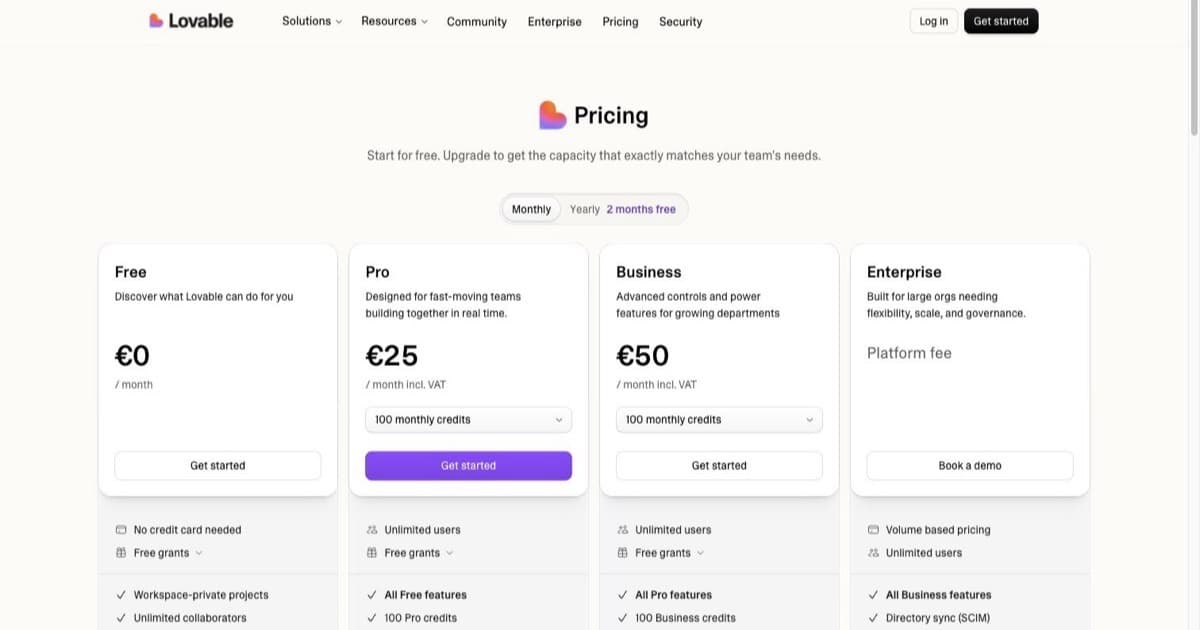
| Lovable | Prompt-to-app, polished front-end, fast prototypes, real-time team collab | Backend depth, growth tooling | Free, then $25/mo |
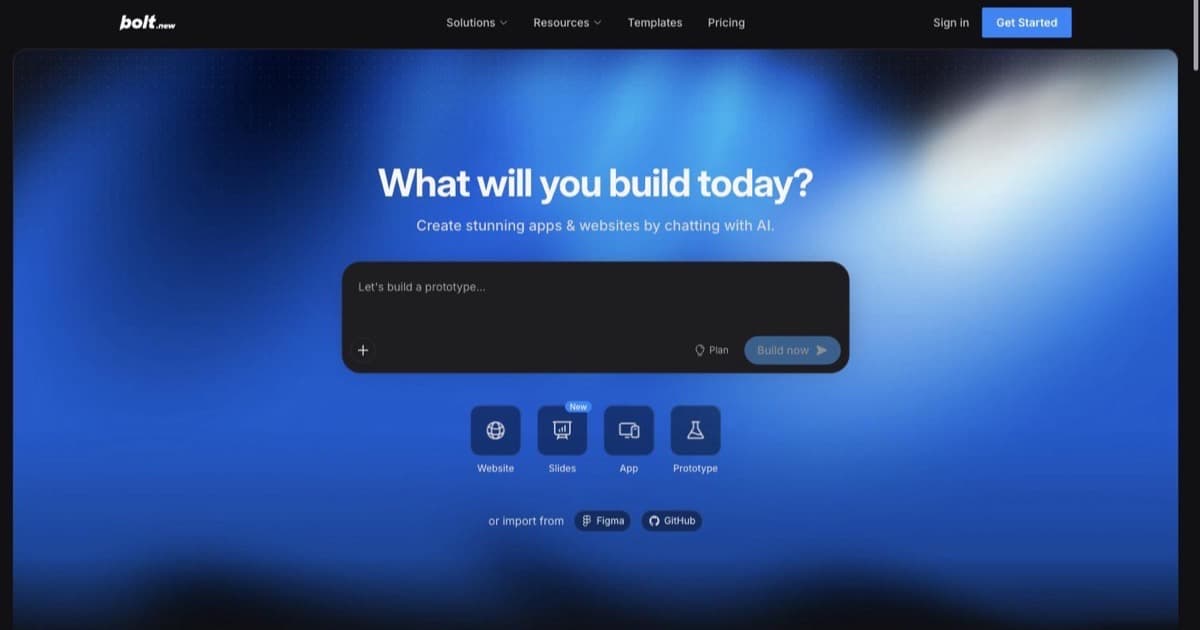
| Bolt.new | Speed of first generation, lightweight experiments | Limited orchestration once the project grows | Usage-based |
| Base44 | Pure natural-language build, beginner-friendly stack glue | Less explicit multi-agent orchestration | Free, then ~$16/mo |
Atoms vs Lovable: Lovable is the design-and-prototype champion. Atoms is the founder who wants payments, backend, growth, and a launchable baseline in the same workflow. Pick Lovable for fast UI experiments, Atoms when the build needs operational depth.
Atoms vs Bolt.new: Bolt is excellent for "I have an idea, show me a working version in five minutes." Atoms is excellent for "I have an idea, walk me from validation to launched product." Different jobs.
Atoms vs Base44: Base44 leans into natural-language full-stack with native integrations (Gmail, Slack, Stripe, CRM). Atoms leans into multi-agent orchestration with a growth layer (SEO, ads, analytics). If your bottleneck is "I need integrations wired up fast," Base44 wins. If your bottleneck is "I need a team that ships, optimizes, and acquires," Atoms is the more complete answer.
For a wider field, the best AI app builders roundup covers the rest of the category.
Who should use Atoms
- Solo founders who want a faster path from idea to a launchable product without managing five separate tools
- Non-technical builders who need backend, auth, and payments wired up without configuring them by hand
- Indie hackers shipping MVPs and internal tools where credit-based pricing beats hourly engineering rates
- Operators building workflow apps that need to integrate Supabase, Stripe, and GitHub
- Small product teams who want guided execution with human approval gates rather than a single chat assistant
Who should skip it
- Engineers who want fine-grained control over the codebase from line one. You probably want Cursor or Claude Code, not an agent team.
- Enterprises with strict compliance, SSO, and audit requirements until Atoms publishes deeper enterprise documentation
- High-traffic production SaaS where "launchable baseline" is the floor, not the ceiling. Build with Atoms, then bring in engineering.
Bottom line
Atoms is one of the more honest entries in the AI builder space because it refuses to position itself as a single-prompt generator. The "AI employees" framing is a real product choice, not a tagline: the multi-agent structure changes how the work feels and what gets shipped at the end. Pricing is fair and transparent. The Free plan is generous enough to actually test, Pro is the working tier, and Max is for people who live in the tool.
If you have been sitting on an idea and want a guided path from research to launched product, this is the AI builder to test next. Start on Free, run a real build, and see whether the multi-agent rhythm matches how you want to work. If it does, the upgrade is easy. If it does not, you have not lost anything but an afternoon.
Try Atoms on a product idea you actually want to ship.
FAQ
Is Atoms free? Yes. The Free plan is $0/mo forever with 15 daily credits (25/month), 2 GB disk, 2 backend projects, and unlimited project sharing. Best for light use.
Can you export your code? Yes, on Pro and Max. Both plans include code download and GitHub sync so you keep ownership of what was built.
What is Race Mode? Race Mode runs multiple AI models in parallel on the same task so you can compare outputs and pick the strongest. It is gated to the Max plan ($100/mo, or $79/mo yearly).
Does Atoms work for non-technical founders? Yes. The "AI vibe business team" framing is built for solo founders, indie hackers, and non-technical builders. Goal Mode and the multi-agent flow are designed for people who steer outcomes rather than write code.
Is the AI Team really separate agents or marketing? The roles (Architect, Product Manager, Team Leader, SEO Specialist, Ads Specialist) are first-class in the product UI and each owns a piece of the workflow. It is a real orchestration model, not branding.
Atoms vs Lovable, which one should I choose? Lovable is stronger for fast prototypes where the front end is the centerpiece. Atoms is stronger when backend, payments, deployment, and post-launch growth matter as much as the UI. Pick by job, not by hype.
Is the affiliate link on this page disclosed? Yes. The Atoms tool card signup link includes an affiliate parameter. Vibecoding.app may earn a commission if you sign up through it, at no extra cost to you. Editorial opinions remain independent.

Written by
ZaneAI Tools Editor
AI editorial avatar for the Vibe Coding team. Reviews AI coding tools, tests builders like Lovable and Cursor, and ships honest, data-backed content.