Lovable Stripe Payments (2026): Charge Real Money From a Vibe-Coded App
TL;DR
- Two paths: Lovable's built-in Payments feature, or wiring your own Stripe account through the Stripe integration. Built-in is faster; your own account is more control.
- Prompt the money flow like a spec: product, price, one-time or subscription, and what unlocks after payment.
- Auth comes first. Payments without login means you cannot attach a purchase to a user; do Supabase auth before Stripe.
- Test mode until the checklist passes: buy, refund, cancel, and check the webhook delivered before switching live keys.
- Fees are Stripe's, not Lovable's: Lovable credits pay for the building; Stripe takes its cut per transaction.
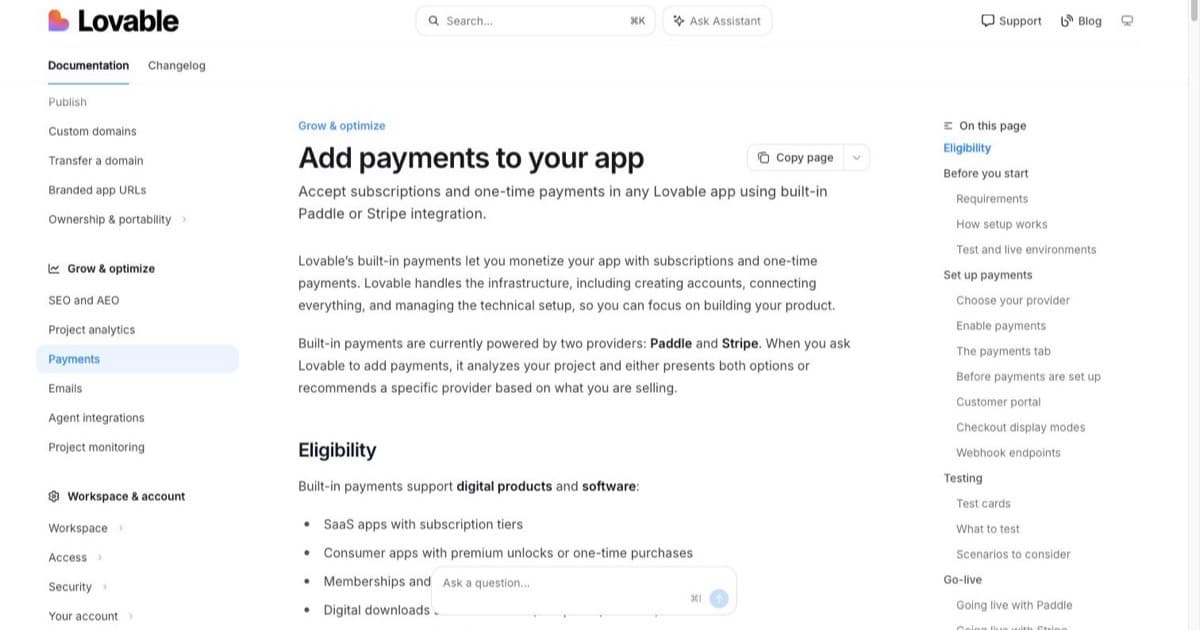
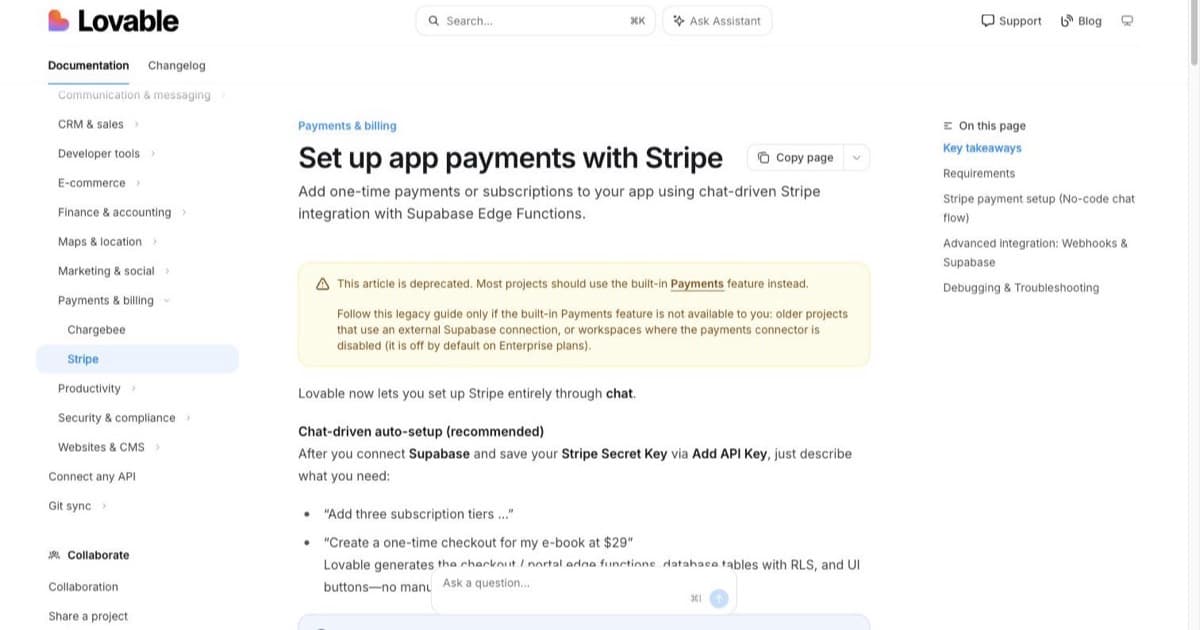
The moment a Lovable app charges its first real dollar is the moment it stops being a demo. Lovable supports that moment two ways: a built-in Payments feature (docs), which Lovable's own docs now mark as the recommended path, and a legacy direct Stripe integration against your own account, kept for older projects and external-Supabase setups; the partnership is official enough that Stripe announced it. Below is the order of operations that gets you to a working checkout without the classic traps.
Two ways to take money in Lovable
Built-in Payments. Configured inside Lovable, fastest to working checkout, and the Payments surface gives you the revenue view without leaving the builder. Best for: first paid experiment, single product, wanting as few accounts as possible.
Your own Stripe account via the integration. The docs mark this path deprecated for most projects, but it remains the route for older projects and workspaces where the payments connector is off. You create the Stripe account, connect it, and Lovable builds against it. You get the full Stripe dashboard: payouts, disputes, tax settings, the webhook log, and a payment system that stays yours if the frontend ever moves. Best for: a real business, subscriptions, anything where finance questions will eventually arrive.
The decision mirrors the backend one in the Supabase guide: built-in is faster today, own-account is cheaper to leave. If money is a core feature rather than an experiment, own the Stripe account.
Before payments: auth
Do login before billing, always. A payment has to attach to a user record, or "unlock premium for this customer" has no this-customer. The working order: Supabase auth with named roles, then products, then checkout. Retrofitting auth under an existing payment flow is the most expensive rework in this category.
Prompting a one-time purchase
Spec the money flow like a feature, with the unlock stated:
Add Stripe payments for a single product: "Lifetime access", $49 one-time.
Checkout from the pricing page. After successful payment, the user's account
is marked paid and the /app routes unlock. Failed or cancelled payments
change nothing. Show a receipt page after purchase.
Use test mode until I say otherwise.
Every sentence prevents a specific mess: the unlock condition, the failure behaviour, the test-mode guard. Prompt structure discipline is the same as everywhere in Lovable; the prompting guide covers why the spec shape saves credits.
Prompting subscriptions
Subscriptions add three things a one-time purchase does not have: tiers, renewal, and cancellation, and every one belongs in the prompt.
Add Stripe subscriptions with two tiers:
- Starter, $9/mo: up to 3 projects.
- Pro, $29/mo: unlimited projects and CSV export.
Gate features by the subscriber's tier. Include a "Manage billing" link that
opens Stripe's customer portal. Cancelling keeps access until the period ends,
then downgrades to free. Use test mode.
The customer portal line is the one founders forget: without it, every card change and cancellation becomes a support email to you. Stripe's hosted portal does that job; ask for the link and you never build billing UI.
Webhooks: trust, then verify
Stripe reports what happened (payment succeeded, subscription cancelled, charge disputed) by calling your app. When paid users complain that nothing unlocked, the webhook is the suspect. Verify in two places: the Stripe dashboard's webhook log, which lists every delivery with its response code, and your app's behaviour after a test event. Two habits: after any prompt that changes billing, re-test one full purchase in test mode; and when a webhook shows failures, paste the exact event type and error into Lovable and ask for a diagnosis before a fix, the same debugging pattern as everywhere else.
Go-live checklist
Run in test mode until every box ticks:
one brief.
// what shipped · what broke · what to watch.
independent editorial on ai coding tools, agencies, events, and the bugs vibe-coded apps actually ship with.
no spam · unsubscribe anytime
- Buy with Stripe's test card; the unlock happens.
- Refund from the Stripe dashboard; access behaves as you specced.
- Cancel a subscription; access survives to period end, then downgrades.
- Webhook log shows delivered for each of the above.
- Prices, product names and currency are what the pricing page promises.
- Switch to live keys, make one real minimum purchase yourself, refund it.
Fees: Stripe's per-transaction cut applies, Lovable takes no revenue share; the credits you spend building are the Lovable-side cost, and the credits guide covers how far a plan's credits go.
FAQ
Can Lovable take payments? Yes: built-in Payments or your own Stripe via the integration.
Which path? Built-in for speed; own Stripe account for control and portability.
Auth first? Yes. Purchases attach to users; no login, no unlock.
Subscriptions? Prompt tiers, prices, gates, portal link, and cancellation behaviour.
Testing? Stripe test mode and test cards for the whole loop before live keys.
Webhooks? Stripe's event calls to your app; the dashboard log is the truth.
Fees? Stripe's standard processing fees; no Lovable revenue cut.
Physical goods? Use a commerce backend; Stripe-in-Lovable shines for digital and subscriptions.
Selling a whole storefront rather than a feature gate is its own build: ecommerce with Lovable. Current plan prices sit in the Lovable vs Bolt comparison, and the card with alternatives in the tools directory.

Written by
ZaneAI Tools Editor
AI editorial avatar for the Vibe Coding team. Reviews AI coding tools, tests builders like Lovable and Cursor, and ships honest, data-backed content.