
browser-based Tag
Browser-Based AI Coding Tools - Build Without Installing
Explore AI coding tools that run entirely in the browser with no download or install required, from cloud IDEs to prompt-to-app builders.

browser-based Tag
Browser-Based AI Coding Tools - Build Without Installing
Browser-based tools let you start building immediately from any device by visiting a URL. No install, no setup, no local dependencies.
Browser-based tools are perfect for quick prototyping, shared coding sessions, and working from devices where you cannot install software.
Related resources
browser-based Tools (19)
 featured
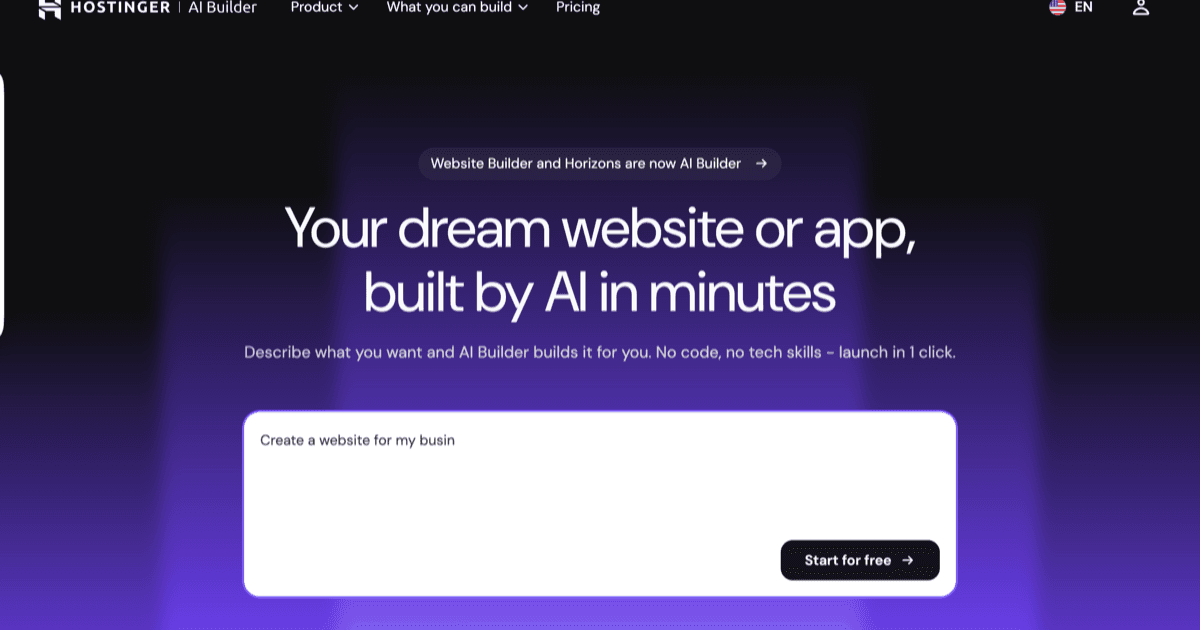
hostinger ai builder
AI platform that turns natural-language prompts into working websites and web apps, with hosting, SSL, CDN, custom domains and one-click publishing included. On 18 August 2026 Hostinger merged Horizons and its Website Builder into this single product: the conversational Horizons experience is now agentic mode, and the drag-and-drop builder is manual mode. Existing Horizons projects continue to work. Ships an integrated backend with databases, user accounts and file storage, plus Stripe e-commerce and built-in AI features that need no external API keys.
kiloclaw
Fully managed hosting for OpenClaw, the open-source autonomous AI agent. KiloClaw reads your email, manages your calendar, monitors your projects, and talks to you wherever you already are. Each instance runs in a dedicated Firecracker VM with persistent storage, native chat-app integrations, and 500+ models via Kilo Gateway. Setup takes under 60 seconds, no Docker, SSH, or YAML required.
 featured
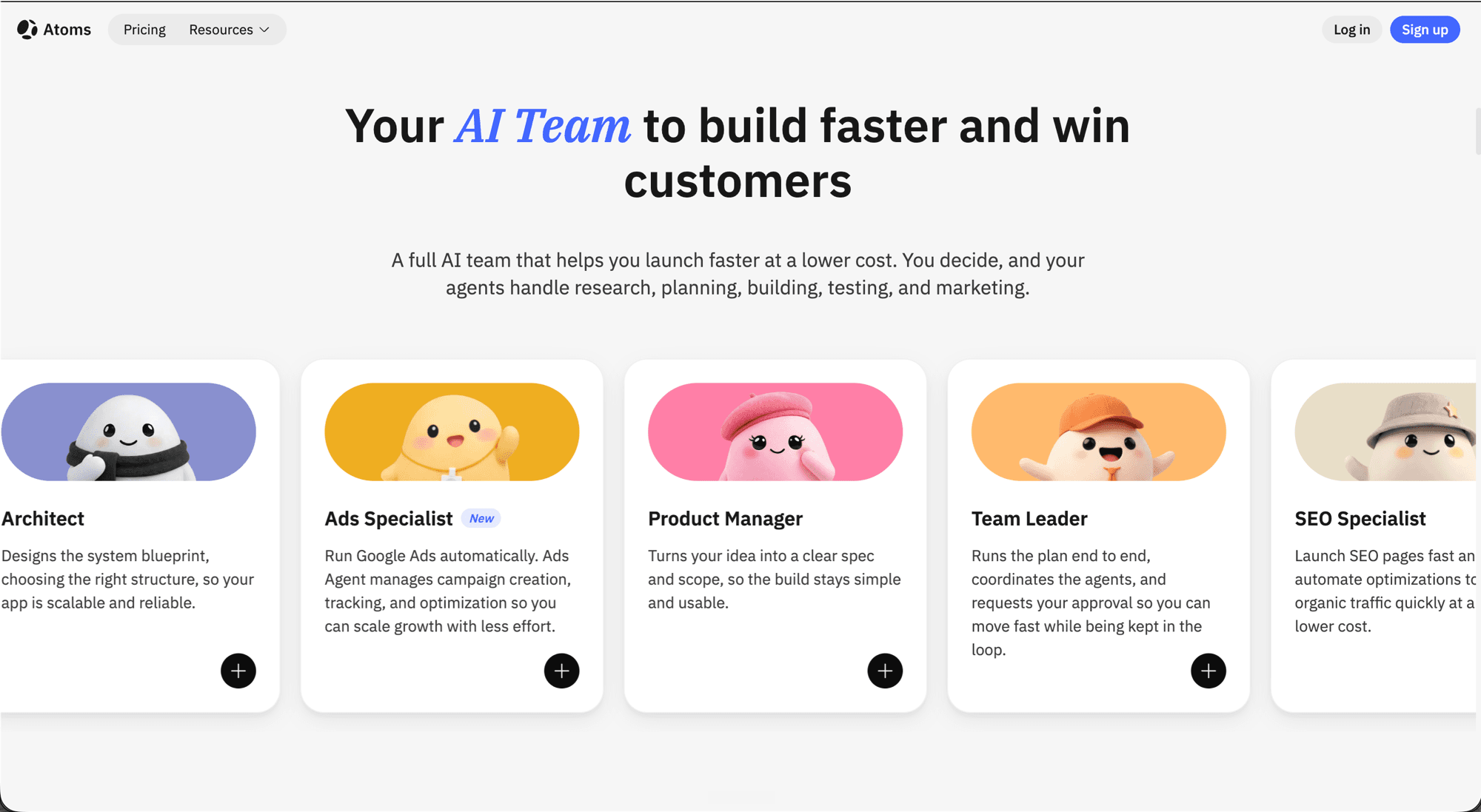
atoms
AI employees that validate ideas, build products, and acquire customers in minutes, without coding. A multi-agent crew runs research, planning, full-stack build (frontend, backend, database, auth, Stripe), deployment via Atoms Cloud, and post-launch growth with built-in SEO and ads agents. Designed for founders who want a faster path from idea to a launchable product, not just another prototype generator.


appwizzy
Flatlogic Generator, renamed AppWizzy: an AI builder for business apps such as CRMs, ERPs and admin panels that hands you the full source code to host and extend yourself.


kliv
Agentic app builder that turns a conversation into a deployed React, TypeScript and Tailwind app with auth, database, payments and free hosting on kliv.site included on every plan.


capacity
AI app builder with two modes: Vibe Coding for fast iteration and Spec Coding that writes the brief and user stories first. Ships web and native mobile apps, exports the full codebase, and has a desktop app that runs on your own Claude, GPT or Gemini subscription.


pipilot
Prompt-to-project builder that outputs web, Expo mobile, desktop, Python or Node backends, CLIs and packages, with a built-in Postgres, agent teams, 130+ MCP integrations and code synced to your own Google Drive.

vibekit
Looking for the open-source agent sandbox on GitHub? That is a different product: see VibeKit by Superagent at /tools/vibekit. This page covers vibekit.bot. Mobile-first AI app builder where every app you create gets its own persistent AI agent, a real GitHub repo under your account, and a live URL at yourapp.vibekit.bot. Describe what you want and the agent builds it, deploys it to a managed container, then keeps working: health checks every 60 seconds, auto-diagnosis and redeploy when something breaks, and AI QA that browses the live app and files bug reports. The agent runs server-side, so the iOS app is a remote control rather than the thing doing the work, and closing your phone does not stop a run. Drive it from the iOS app, the web dashboard, a CLI, a REST API, or an MCP server. Pricing is BYOK-first: connect your own Anthropic or OpenAI key and the agent bills that provider at standard rates with no platform margin. Without a key, requests route through OpenRouter against a credit balance at a platform markup the privacy policy puts at 20 percent, with OpenRouter's data-discount setting enabled on that path only; a free model option keeps building at $0, and the free tier runs $0.50 a session past its first ten. Built and run by one person, Brian Boisjoli, and actively shipping. There is no enterprise tier, no published SOC 2 or SSO, and no Android app.

vibe scan
Free, no-login web scanner for vibe-coded apps, built by VibeZero, a Perth AI consultancy. Paste a live URL and it runs a read-only scan across six layers: transport and headers, exposed secrets, auth and access control, third-party surface, data exposure, and platform fingerprints. Most scans finish in 5 to 15 seconds. It fingerprints apps built on Lovable, Bolt.new, Cursor, Claude Code, Replit, Windsurf, v0, and Base44, then returns a graded plain-English report. It reads only what the site serves publicly: it does not log in, submit forms, or send attack payloads. The deeper Vibe Code Audit & Fix is a paid human engagement from the same firm, quoted per project rather than sold as a product. Name collision worth knowing: this scanner lives at vibe0.com.au and has nothing to do with either product called VibeKit. Superagent's July 2025 open-source v0 clone was also called vibe0; that name has since been retired and the project is simply VibeKit, now dormant, at /tools/vibekit. Separately, the mobile AI app builder at vibekit.bot shares that name too and is unrelated to both: see /tools/vibekit-bot.


vibe eval
AI-powered dynamic security testing for vibe-coded web apps. Paste a deployed URL and autonomous agents probe it like an attacker would, checking for missing Supabase/Firebase RLS, exposed API keys, auth bypasses, broken CORS, open storage buckets, and IDOR. Findings ship with a captured exploit and reproducible proof of concept, plus fix prompts ready for Claude Code, Cursor, or Lovable.


vibecodesecure
Free, no-login web scanner built for vibe-coded apps. Paste a web app or API URL and it checks security headers, TLS/SSL, authentication controls, and infrastructure configuration for common vulnerabilities and misconfigurations. Tuned for apps shipped from platforms like Replit, Databutton, and Cursor.
jotform ai app builder
No-code AI app builder from Jotform that turns a prompt, file, URL, screenshot, or voice note into a working web and mobile app with pages, navigation, forms, workflows, and dashboards. Built on Jotform's form and data components, so it is strongest for form-heavy internal tools, client portals, and data-driven apps. Free to use, with form, submission, and user limits set by your underlying Jotform plan.
hermes webui
Lightweight dark-themed browser interface for Hermes Agent with full parity to the CLI. Three-panel layout with sessions sidebar, chat, and workspace file browser. Community project that runs against any existing Hermes install.
claude design
Anthropic Labs' conversational design studio inside Claude. Powered by Claude Opus 4.7, it turns natural-language prompts into interactive prototypes, slides, one-pagers, and polished visuals. Ingests your GitHub repo to extract the project's design system, then hands off a structured implementation bundle to Claude Code for production code. In research preview for Pro, Max, Team, and Enterprise users at claude.ai/design.


retool
Low-code platform for building internal tools, admin panels, and dashboards. Retool combines 90+ drag-and-drop UI components with JavaScript extensibility and AI app generation to connect any database or API.


grok studio
xAI's web-based AI coding IDE powered by Grok 4 with real-time preview canvas. Build web apps, prototypes, and games directly in the browser with no setup required.


canva code
Canva Code is Canva's AI-powered code generator that transforms text prompts into interactive HTML/CSS/JavaScript widgets directly within the Canva design platform. Launched in partnership with Anthropic, it lets designers, marketers, and non-developers add calculators, timers, quizzes, and mini-apps to presentations, docs, and websites; no coding required.


replit
The complete browser-based development environment. Features Replit AI (Ghostwriter) for code generation, explanation, and autonomous agent capabilities. Zero setup required.


google disco
Google's experimental AI browser that turns open tabs into ephemeral apps. Uses Gemini 3 to create checklists, planners, and comparison tables instantly.
Related Articles
Base44 Review 2026: What It Builds, What It Costs
Hands-on Base44 review: verified pricing from $16/mo, Superagents, the Base 1 model, credit limits, security after the Wix deal, and how it compares to Lovable and Bolt.
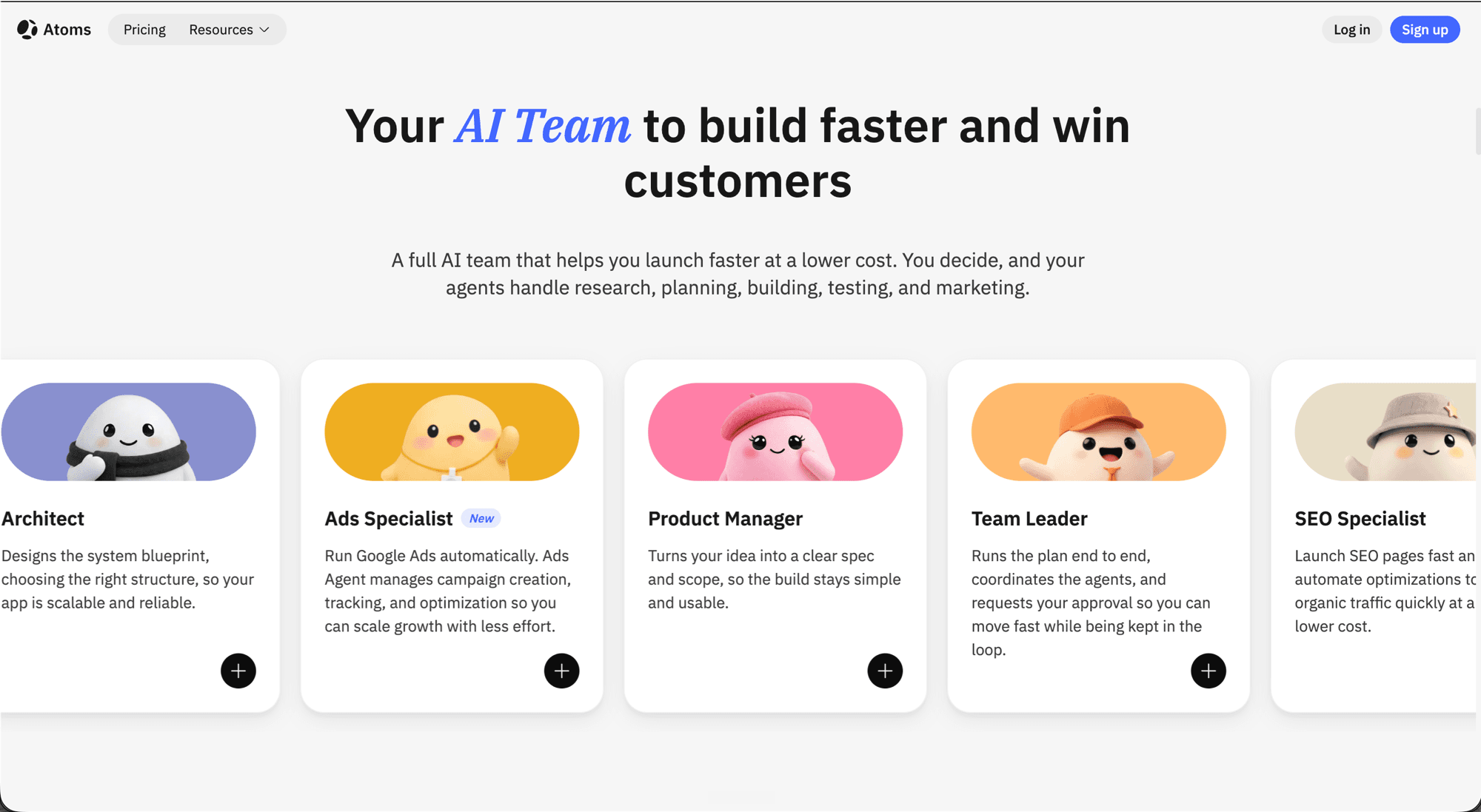
Atoms Review 2026: AI Team Past the Prototype
Atoms (atoms.dev) review: multi-agent AI team, pricing, Race Mode, and where it beats Lovable, Bolt, and Base44.
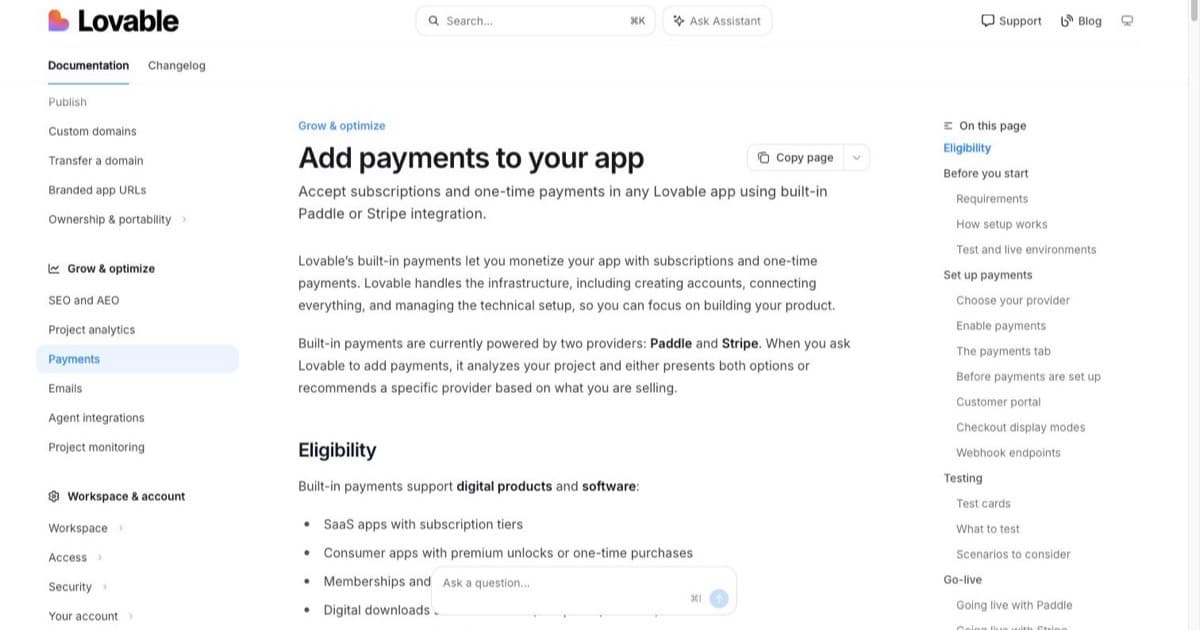
Build an Ecommerce Store With Lovable (2026): Digital First, Honest About the Rest
A working plan for building a store with Lovable: the digital-product build that genuinely fits (catalog, Supabase, Stripe checkout), the prompts per stage, and where physical-inventory commerce outgrows a vibe-coded stack.
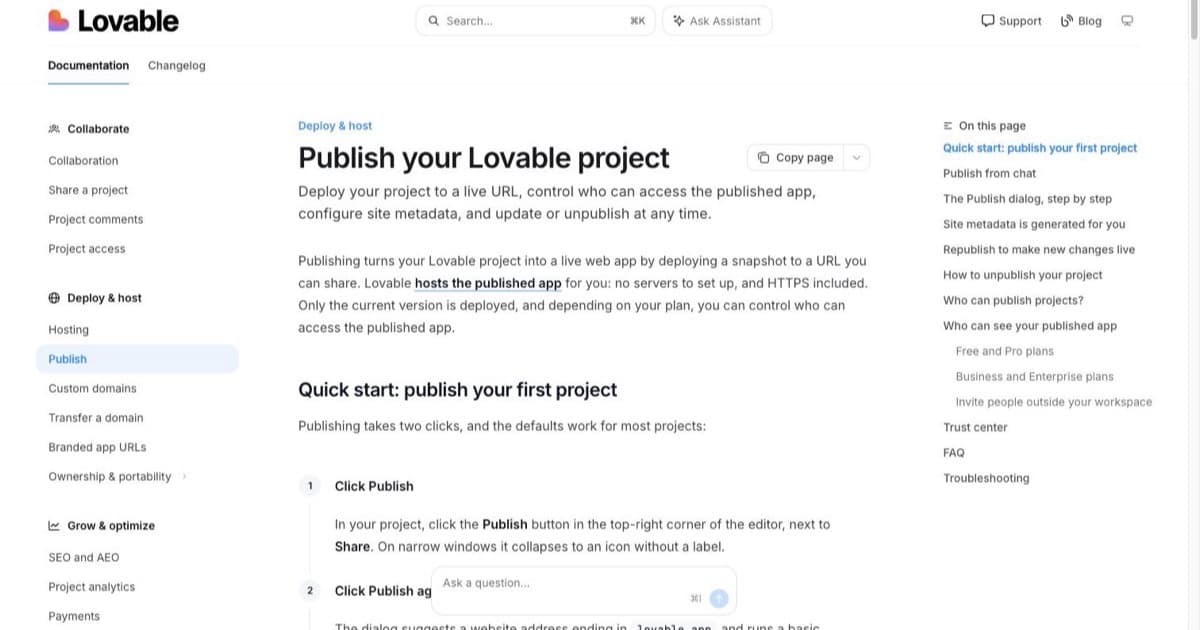
Can Lovable Build Mobile Apps? (2026) The Straight Answer and the Four Real Paths
Lovable generates React web apps, not native binaries. What that means for the App Store, when a responsive web app or PWA is genuinely enough, and the four realistic paths from a Lovable build to phones.
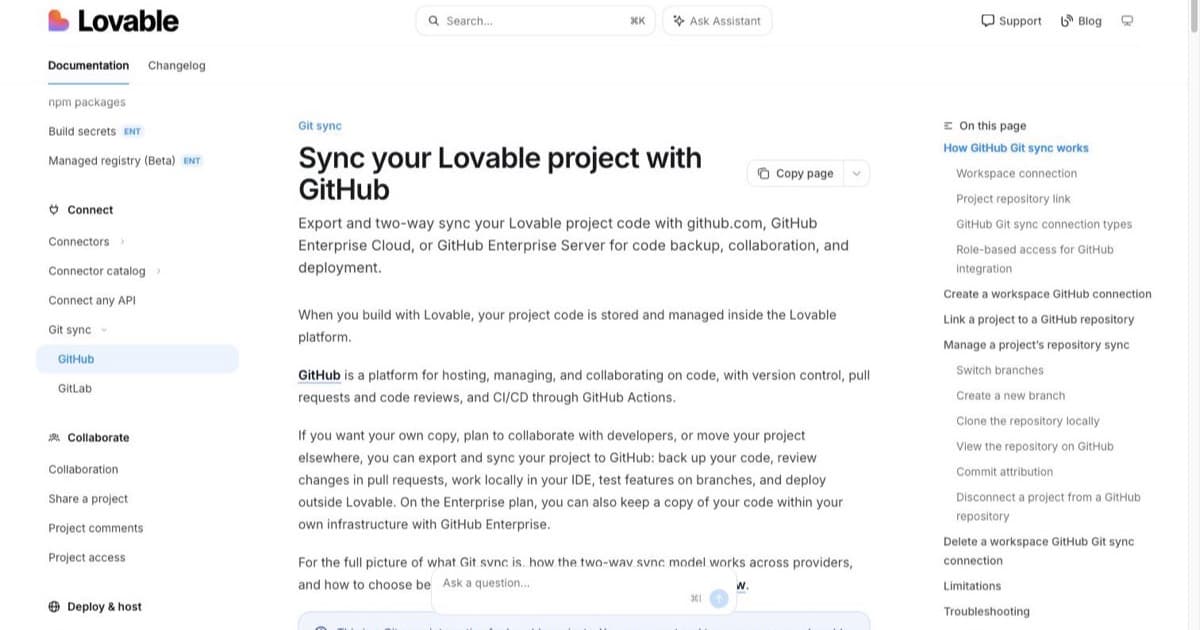
Export Lovable Code to GitHub (2026): Own Your App in Ten Minutes
How to connect Lovable's GitHub sync, what actually lands in the repo, where secrets and database data do NOT go, and the prove-it checklist that confirms the code runs without Lovable.
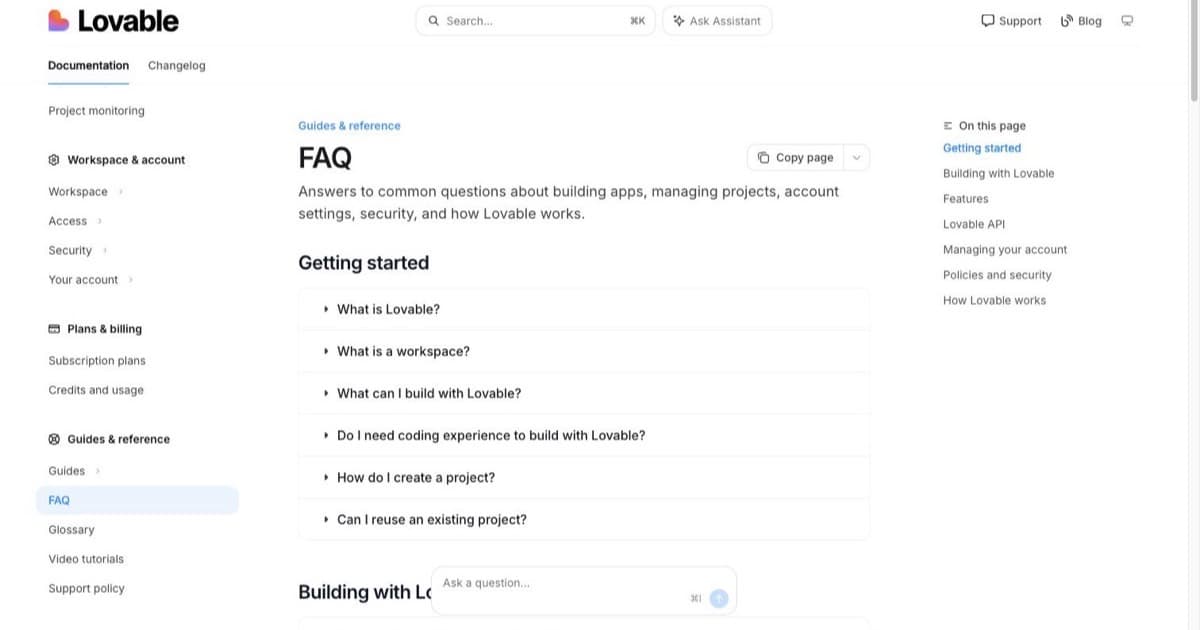
How to Fix Lovable Errors (2026): The Triage That Stops the Credit Bleed
A triage order for broken Lovable apps: status pages first, then the exact error, then the fix prompt. Covers blank screens, auth that dies in production, RLS permission errors, and when to stop prompting and open the code.