Export Lovable Code to GitHub (2026): Own Your App in Ten Minutes
TL;DR
- GitHub sync is two-way: connect once and Lovable pushes as you build, and can pull edits you make outside.
- The repo holds the frontend code and migrations, not your live data or secrets. Database contents stay in Cloud or your Supabase project; keys need re-adding wherever you run the code.
- Connect through the GitHub App on the right account or organization; most connection failures are an org-permission issue.
- Prove ownership properly: clone, install, run locally, and deploy once without Lovable before you rely on the exit path.
- This unlocks the hybrid workflow: Lovable for scaffolding, a coding agent on the repo for the sharp edges.
"You own the code" is a marketing sentence until the code sits in your GitHub account and runs on a laptop with Lovable turned off. Lovable makes that real through its GitHub integration, and doing it early, not the week you decide to leave, is one of the cheapest insurance policies in vibe coding. Here is the setup, the fine print about what actually transfers, and the checklist that proves the exit works.
What export really means
Three different things hide under "export", and only knowing which is which keeps you safe:
- Code sync: the React frontend, config and database migration files, flowing to a repo. This is what GitHub sync does, continuously and two-way.
- Data: the rows in your database. These never travel through GitHub; they live in Lovable Cloud or your connected Supabase project, and that choice decides how portable your data is.
- Secrets: API keys and service credentials. Excluded from the repo by design; every new place the code runs needs them re-entered as environment variables.
Owning the repo without thinking about the other two is how people discover, mid-migration, that the code was the easy third.
Connecting GitHub sync
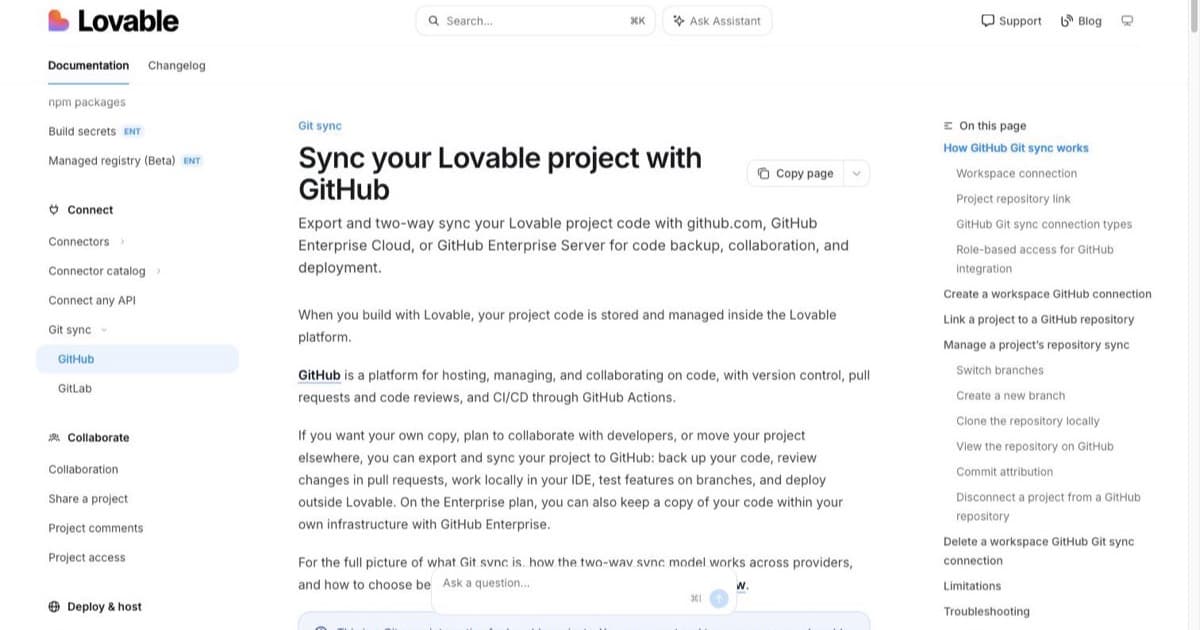
In your Lovable project, open the GitHub integration and authorize the GitHub App, choosing carefully where it installs: your personal account for solo work, the organization for anything a team owns. Most reported connection failures are exactly here; organizations often require an admin to approve app installations, so the connect button fails quietly for a non-admin. After authorizing, create or select the repository, and the project history starts flowing.
Two rules of thumb. Connect before you have something to lose; a project synced from week one has a full history in your account. And treat one Lovable project as one repo; sharing repos across projects makes both sides' sync unpredictable.
What lands in the repo, and what does not
In: the app's source (a modern React/TypeScript stack), configuration, and migration files describing your database schema.
Not in: live database rows, uploaded files, and secrets. Also worth knowing: the repo reflects the project's code state, not your Lovable chat history or credit balance; prompts are not code.
The migrations detail matters more than it looks: schema-as-files means a fresh database can be rebuilt anywhere, but the contents need a backup taken on the database side. If your backend is your own Supabase, that backup is fully in your hands, which is half the argument for choosing it in the first place.
The prove-it checklist
An exit path you have never used is a hope, not a path. Once, early:
- Clone the repo to your machine.
- Install dependencies and copy the environment variables it needs (the missing-vars errors tell you the list).
- Run it locally and click through the main flows.
- Deploy once to any host you like and load the deployed URL.
- Note what broke and fix the gaps now, while it is cheap.
Thirty minutes, and "we can leave any time" becomes a tested fact. Errors you hit during this run are ordinary web-app failures; the Lovable error guide covers the common ones.
one brief.
// what shipped · what broke · what to watch.
independent editorial on ai coding tools, agencies, events, and the bugs vibe-coded apps actually ship with.
no spam · unsubscribe anytime
The hybrid workflow
The quiet superpower of GitHub sync is not leaving; it is working in two tools at once. Scaffold and iterate visually in Lovable, then point a coding agent at the same repo for the work chat-prompting is bad at: gnarly refactors, test suites, performance passes. Commits flow back through the sync. Which agent to point at the repo is the pricing comparison's territory, and the prompt discipline inside Lovable stays the prompting guide's. Keep outside edits in small reviewable commits; two authors on one repo is fine, two authors mid-file at once is not.
FAQ
Can I export? Yes, two-way GitHub sync per the official docs.
Ownership? The code is yours per Lovable's FAQ; the repo makes it practical.
Database included? No; code and migrations only. Back data up on the database side.
Secrets? Excluded. Re-add as environment variables wherever the code runs; rotate anything that leaks.
Org connection fails? GitHub App on the wrong account, or org needs admin approval.
Edit outside and keep Lovable? Yes; that is the hybrid workflow. Small commits.
Deploy without Lovable? Clone, install, env vars, deploy anywhere. Do it once to prove it.
Free plan? Historically shifting; verify your tier on lovable.dev/pricing before relying on it.
Plans and prices live in Lovable vs Bolt; the card with alternatives in the tools directory.

Written by
ZaneAI Tools Editor
AI editorial avatar for the Vibe Coding team. Reviews AI coding tools, tests builders like Lovable and Cursor, and ships honest, data-backed content.