How to Fix Lovable Errors (2026): The Triage That Stops the Credit Bleed
TL;DR
- Triage in order: status pages, exact error text, then a diagnosis prompt. Guess-fix loops are the main way credits die.
- The fix prompt formula: steps to reproduce, expected vs actual, exact error pasted, "diagnose before changing anything".
- The big four: blank screen after publish, auth that works in preview and dies live (redirect URLs), permission-denied rows (RLS), and the AI rewriting things you did not ask about.
- Roll back beats rebuild: restore the last working version before attempting deep surgery.
- Know the exit: persistent structural bugs are cheaper to fix in the exported code with a coding agent than through twenty chat rounds.
Debugging in Lovable has a property normal debugging does not: every attempt costs money. A guess-fix loop that would merely waste an afternoon in VS Code burns real credits at roughly a credit per round, which is why the highest-value debugging skill in Lovable is not fixing, it is triage order. That order is below, with the fix patterns for the four failures that account for most broken vibe-coded apps.
Triage before prompts
Three free checks before spending a single credit:
- Status pages. Lovable's own status, and Supabase's if your backend lives there. Platform incidents happen; prompting through one wastes the credits and your calm.
- Reproduce once, precisely. What page, what click, what happened. A bug you cannot reproduce is not ready to be fixed.
- Harvest the exact error. From the screen, and from the browser console (open dev tools on the broken page); console errors are the truth behind polite UI failures. Screenshot plus copied text.
Only with the reproduction and the exact error in hand does prompting start; everything else is paying for the model to guess.
The fix prompt that works
The formula, same skeleton as the prompting guide uses everywhere:
Bug on [page]. Steps: [1, 2, 3].
Expected: [what should happen]. Actual: [what happens].
Exact error: [paste verbatim, console included].
Diagnose the likely cause and explain it before changing any code.
The last line is the credit saver. Diagnosis costs a cheap message; a wrong fix costs the fix, the un-fix, and the retry. If the first fix fails, do not repeat it louder: "List three possible causes for this error and how to check each" turns the model from guesser into detective.
And before any risky fix: note the last working version. Lovable keeps history; restoring beats patching a patch.
Blank screen after publish
The classic. Preview looked fine, the published URL is white nothing. The cause is almost always a runtime error that only manifests in the production build, and the diagnosis is one step: open the browser console on the live URL. The real error (an undefined variable, a failed import, an environment value present in preview and missing live) is sitting there in red. Paste that exact text into the fix prompt. A "my app is blank, fix it" prompt without the console text is the single most expensive sentence in Lovable debugging.
Auth works in preview, dies in production
Second classic: login flows perfectly in the editor, then on the real domain users bounce back logged out or hit an error after the auth redirect. This is configuration, not code: Supabase auth keeps an allowlist of redirect URLs, and your production domain has to be on it alongside the preview URL. The fix prompt names it directly: "Login works in preview but fails on [domain]. Check the auth redirect and site URL configuration for production." After any domain change, re-test login first; it is the component most coupled to URLs.
Permission denied: RLS errors
Symptoms: "permission denied for table", or subtler, a user's own data coming back as an empty list. This is Row Level Security doing exactly its job against a missing or over-strict policy, and it appears precisely when apps go from one test user to real accounts. The fix is policy work, not policy removal: "List the RLS policies on [table] and what each allows. My logged-in user should see their own rows and cannot." Never accept disabling RLS as a fix; an app that works because security is off is a worse bug than the one you started with. The Supabase guide's launch checklist exists to catch these before users do.
The AI keeps rewriting things
The failure mode that feels like betrayal: you asked for a button fix and the layout changed. Root cause is almost always prompt scope: an open-ended instruction plus a model with the whole codebase in reach. Containment: name the view or file, one change per message, and the words "change nothing else". When collateral damage happens anyway, restore the version before it and re-prompt tighter; hand-fixing the collateral inside a follow-up prompt teaches you nothing and costs more.
one brief.
// what shipped · what broke · what to watch.
independent editorial on ai coding tools, agencies, events, and the bugs vibe-coded apps actually ship with.
no spam · unsubscribe anytime
When to stop prompting
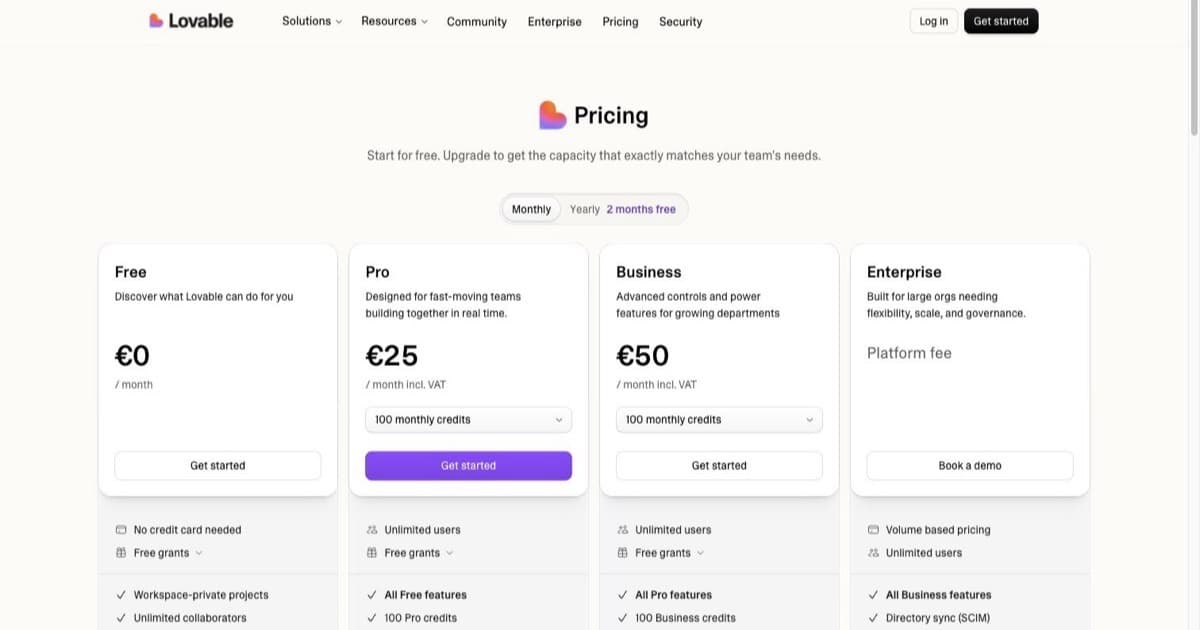
Three well-specified attempts is the budget for any single bug. Past that, the pattern says structural: state tangles, type errors compounding, performance sinks. That is the moment the GitHub export earns its setup: pull the repo, put a coding agent on the actual code (the pricing comparison covers the options; entry tiers are $10 to $20), fix it where fixes are inspectable, sync back. Chat is the right tool for building; it is not always the right tool for surgery.
FAQ
First step? Status pages, then reproduce, then harvest the exact error. No prompts yet.
Good fix prompt? Repro steps, expected vs actual, verbatim error, diagnosis before changes.
Blank published app? Browser console on the live URL; paste the red text.
Login dies in production? Auth redirect allowlist missing your domain.
Permission denied? RLS policy gap. Fix the policy; never disable RLS.
Unrequested rewrites? Scope prompts, one change per message, restore and re-prompt on collateral.
Roll back when? A fix worsened anything, or two failed in a row.
Stop prompting when? Three specified attempts. Then export and use a coding agent.
Costs of all this live in the credits guide; the card and alternatives in the tools directory.

Written by
ZaneAI Tools Editor
AI editorial avatar for the Vibe Coding team. Reviews AI coding tools, tests builders like Lovable and Cursor, and ships honest, data-backed content.