AI App Generator Tools (2026): Prompt to Working App in Minutes
TL;DR
- AI app generators turn a single text prompt into a working application – frontend, backend, database, and deployment – in minutes, not weeks.
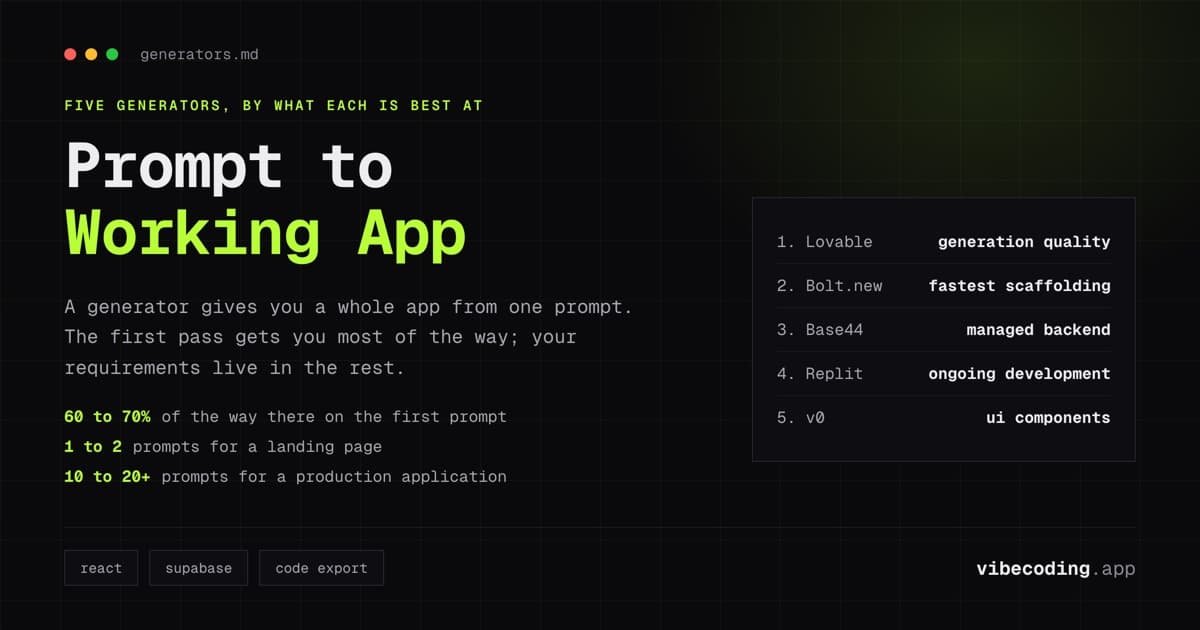
- The top generators in 2026 are Lovable (cleanest code, GitHub sync), Bolt.new (fastest scaffolding, full IDE), Base44 (strongest managed backend), and Replit (best ongoing development environment).
- Generation quality has reached the point where first-pass output is usable for demos and MVPs. Production readiness still requires 2-5 rounds of iteration.
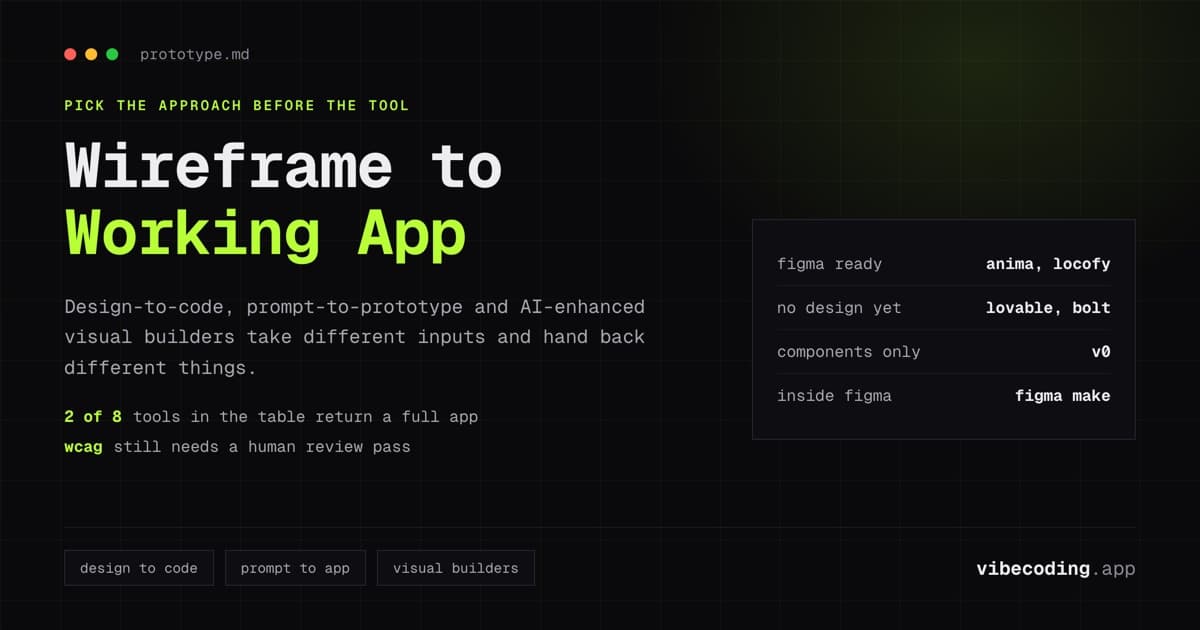
- The key distinction: generators emphasize one-shot automation, while builders emphasize iterative control. Most tools now handle both, but their default strength varies.
Type a description. Get a working app. That is the promise of AI app generators, and in 2026 the promise is largely real.
The category has matured past demos. Founders use these tools to ship MVPs. Developers use them to skip boilerplate. Product teams use them to prototype ideas in hours instead of sprints. The question is which generator fits your workflow and what to expect from the output.
This guide ranks the tools that offer genuine prompt-to-app generation: meaning you provide a text description and receive a functioning application, not just a UI mockup or code snippet.
Generators vs Builders vs Assistants
Before the rankings, a useful distinction. These three terms describe different points on the automation spectrum:
Generators produce a complete app from a single prompt. You describe what you want, and the tool outputs a working application. The emphasis is on automation: minimal input, maximum output.
Builders produce apps through iterative conversation. You describe, review, refine, and repeat. The emphasis is on control: you guide the output over multiple rounds.
Assistants help you write code faster within an existing project. They do not generate entire apps, they suggest, complete, and modify code as you work.
Most tools in 2026 blur these lines. Lovable is a generator that also supports iterative building. Cursor is an assistant that can scaffold entire features. The rankings below focus on generation strength: how much you get from a single, well-crafted prompt.
The Best AI App Generators Ranked
1. Lovable – Best overall generation quality
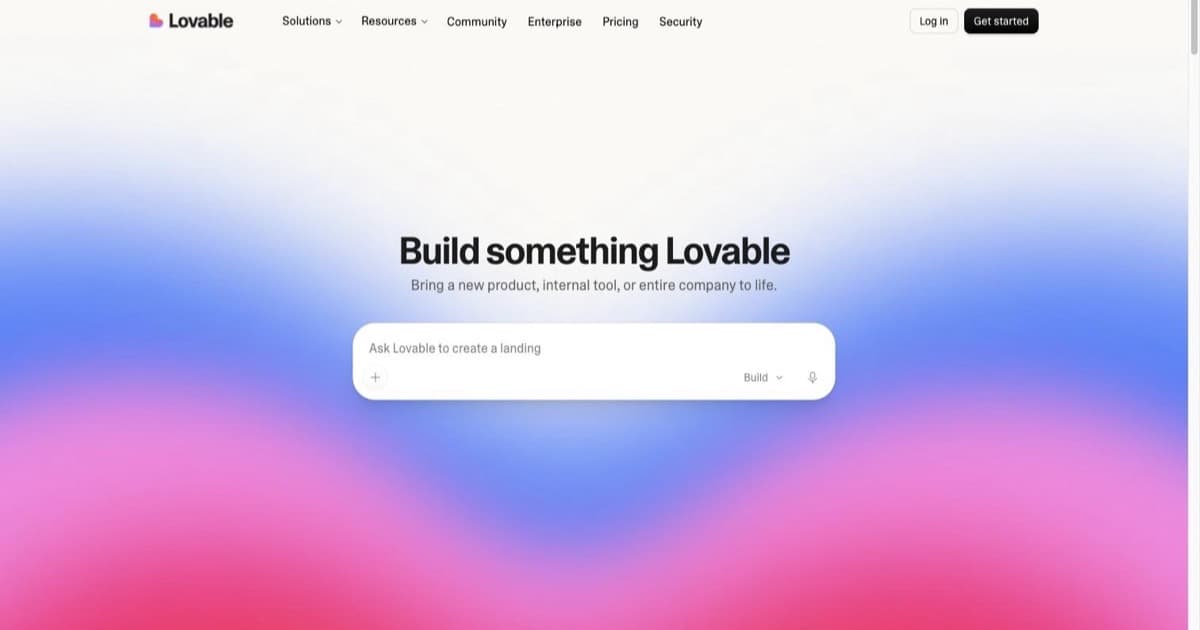
Lovable generates the cleanest output of any prompt-to-app tool. A single prompt produces a React/TypeScript frontend with Tailwind CSS styling, a Supabase backend with database schema and auth, and a deployable preview.
What you get from one prompt: Full-stack web application with working navigation, forms, data persistence, and user authentication. Components are well-structured and TypeScript types are used correctly.
Speed: Roughly 30-40 minutes from prompt to clickable prototype.
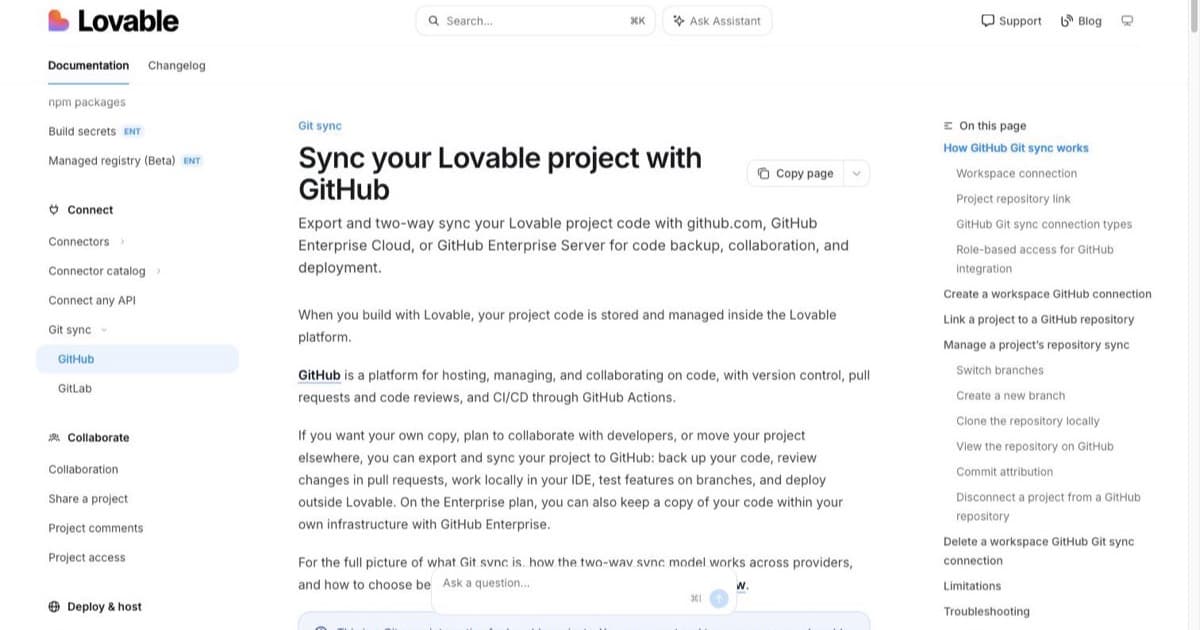
Code ownership: Full source code export. Everything syncs to GitHub, giving you version control and the ability to eject at any time. Any developer can pick up the codebase.
Where it falls short: Complex state management and multi-step workflows sometimes produce over-complicated component trees. Less precise than manual coding for pixel-perfect design requirements.
Best for: Non-technical founders who want production-quality code. Teams that plan to hand off to developers later.
2. Bolt.new – Fastest initial scaffolding
Bolt.new prioritizes speed. It scaffolds complete applications faster than any competitor: roughly 20-30 minutes to a working prototype with a full browser-based IDE experience.
What you get from one prompt: Complete web application with server logic, database schema, and deployment configuration. Full code access in a browser IDE where you can inspect and modify everything.
Speed: The fastest generator for initial output. Interactive demo within minutes of submitting your prompt.
Code ownership: Full code export to any Git repository. Standard project structure using familiar frameworks.
Where it falls short: Generated projects sometimes include unused dependencies. Auth implementation may need refinement before production use. Less polished default styling than Lovable.
Best for: Developers who want speed and full code control. Hackathons and rapid prototyping sessions.
3. Base44 – Best managed backend generation
Base44 generates applications with the strongest out-of-the-box backend. While other generators often leave database configuration half-done, Base44 produces a fully managed backend with security, authentication, and hosting built in.
What you get from one prompt: Complete application with a production-ready managed database, security policies, auth flows, and hosting. The backend works immediately without additional configuration.
Speed: Comparable to Lovable: full application within 30-45 minutes.
Code ownership: Applications run on Base44's managed infrastructure. Backend control is strong, but you are more tied to the platform than with Lovable or Bolt.new.
Where it falls short: Less flexibility for custom frontend frameworks. GitHub integration is not as tight as Lovable's. Smaller ecosystem and community than the market leaders.
Best for: Solo builders who want a working backend without touching database configuration. Internal tools and data-heavy applications.
4. Replit – Best for ongoing development after generation
Replit is more builder than generator, but its Agent feature handles complex prompt-to-app generation well. The advantage is what happens after generation: Replit provides a full cloud development environment with 30+ integrations for continuing development.
What you get from one prompt: Working web application generated by the AI Agent. Built-in hosting, database, and environment management. The Agent handles multi-step generation autonomously.
Speed: Roughly 40-60 minutes for a full application. Slower on initial generation, faster on subsequent iterations.
Code ownership: Code lives in your Replit account. Exportable and deployable from the platform.
Where it falls short: Initial generation speed lags behind Lovable and Bolt.new. The learning curve is higher because Replit is a full development environment, not a focused generator.
Best for: Developers who want generation as the starting point, not the end point. Projects that require ongoing development beyond the initial prototype.
5. v0 (Vercel) – Best for UI component generation
v0 does not generate complete applications. It generates individual UI components and pages from descriptions: beautifully styled React components using shadcn/ui and Tailwind CSS.
What you get from one prompt: A polished UI component or page layout with clean React code. No backend, no database, no auth, just the visual layer.
Speed: Seconds to minutes for individual components.
Code ownership: Generated React code is yours. Copy it directly into your project.
Where it falls short: Not a full app generator. No backend logic, no data layer, no hosting. You need to assemble the pieces yourself.
Best for: Developers who need UI components fast. Teams using v0 as part of a larger development workflow with their own backend.
Quick Comparison
| Tool | Generation scope | Speed to prototype | Code export | Backend included | Monthly cost |
|---|---|---|---|---|---|
| Lovable | Full-stack app | ~35 min | Full (GitHub sync) | Supabase | Free-$200 |
| Bolt.new | Full-stack app | ~25 min | Full (Git export) | Flexible | Free-$50 |
| Base44 | Full-stack app | ~35 min | Platform-hosted | Managed | Free-$50 |
| Replit | Full-stack app | ~50 min | Full | Built-in | Free-$25 |
| v0 | UI components only | Minutes | React code | None | Free-$20 |
What Generation Actually Produces
A realistic look at what a single prompt generates across these tools.
The good: what works on first pass
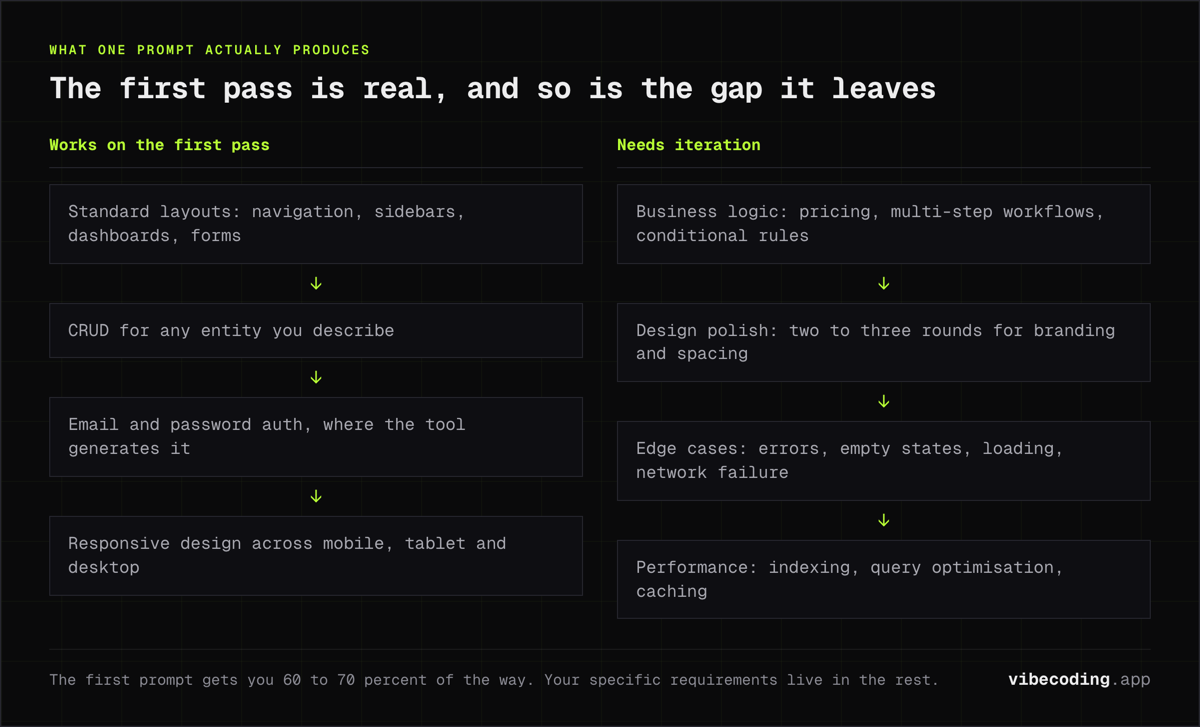
Standard layouts. Navigation, sidebars, dashboards, card grids, forms. AI generators have seen enough of these patterns to produce solid defaults.
CRUD operations. Create, read, update, delete for any entity you describe. The generated code handles form submission, data display, and basic validation correctly.
Authentication. Email/password signup and login flows work out of the box when the tool includes auth generation (Lovable, Base44, Replit).
Responsive design. Generated applications adapt to mobile, tablet, and desktop screens. Tailwind CSS ensures consistent responsive behavior.
The gap: what needs iteration
Business logic. Pricing calculations, multi-step workflows, conditional rules. The generator produces the scaffolding, but you describe the specifics in follow-up prompts.
Design polish. Generated UIs are functional and reasonable, not beautiful. Expect 2-3 rounds of iteration for branding, spacing, and visual refinement.
Edge cases. Error handling, empty states, loading indicators, network failure recovery. These require explicit prompting: generators default to the happy path.
Performance. Generated code works at demo scale. Database indexing, query optimization, and caching layers require manual attention for production traffic.
Typical iteration count
From prompt to production-ready, expect:
- Landing page or marketing site: 1-2 prompts (generation + polish)
- Simple SaaS MVP: 3-5 prompts (generation + features + refinements)
- Internal tool with complex data: 5-10 prompts (generation + logic + edge cases)
- Production application: 10-20+ prompts (generation + hardening + testing cycles)
The first prompt gets you 60-70% of the way. The remaining 30-40% is where your specific requirements live.
How to Write Better Generation Prompts
The quality of generated output depends heavily on prompt quality. Patterns that produce better results:
Be specific about users and actions. "Build a project management tool" produces generic output. "Build a project management tool where freelancers track client projects, log hours, and generate weekly invoices" produces something usable.
Mention the tech stack if you care. "Use React, TypeScript, Tailwind, and Supabase" eliminates framework guesswork. Most generators default to these anyway, but being explicit avoids surprises.
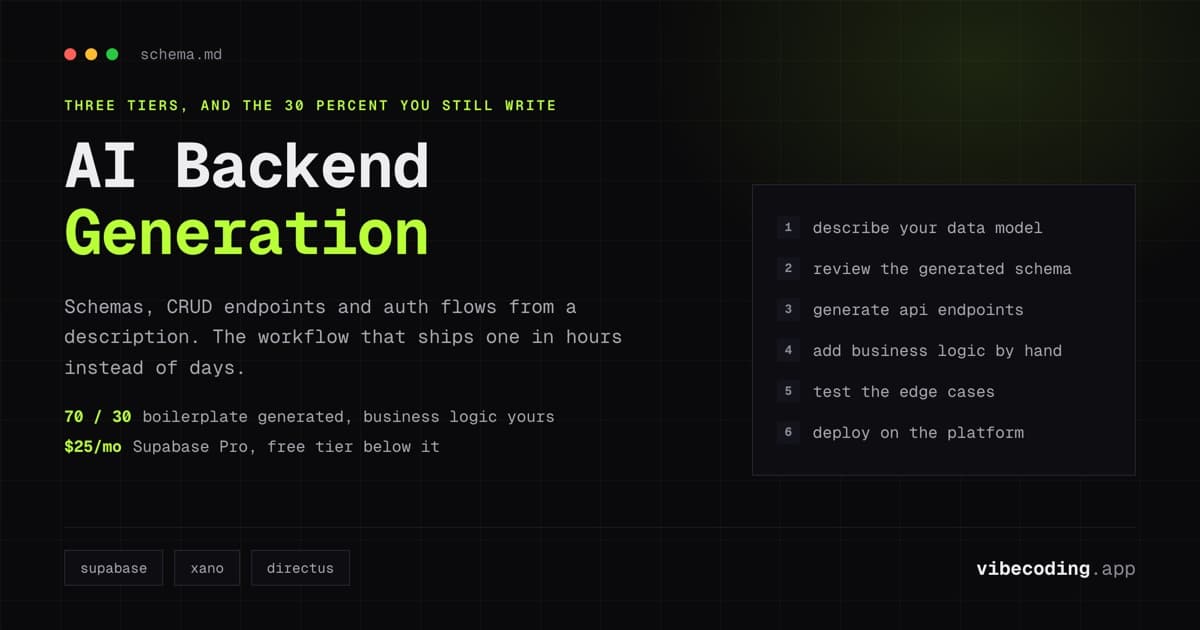
Describe the data model. "Users have projects. Projects have tasks. Tasks have deadlines, assignees, and status (todo, in progress, done)." Clear data relationships produce better schemas.
Skip the visual design details on first pass. Focus on functionality. Refine the look in follow-up prompts once the structure works.
Deployment and What Comes Next
AI-generated apps need hosting. Each tool handles this differently:
- Lovable: One-click deployment to a Lovable subdomain, or connect your custom domain.
- Bolt.new: Deploy from the browser IDE to various hosting providers.
- Base44: Hosted on Base44's infrastructure by default.
- Replit: Built-in hosting with deployment directly from the platform.
For custom deployment, all tools except Base44 let you export code to deploy on Vercel, Netlify, or any hosting provider that supports Node.js applications.
Once deployed, the question is whether to keep iterating with the generator or transition to manual development. For most startups, the answer is: keep using the generator until you hit a ceiling, then hire developers to work on the exported codebase. See our AI app builder for startups guide for stage-by-stage transition advice.
FAQ
What is the best AI app generator for non-technical users? Lovable: it produces the cleanest code from natural language and requires zero technical knowledge.
Can AI generators build mobile apps? Most generate web applications. For mobile, wrap the web app using Capacitor, or use Replit which supports mobile output.
Is the generated code real and exportable? Yes. Lovable, Bolt.new, and Replit all produce standard React/TypeScript code that you own and can export. See our analysis of AI-generated code quality.
How much do AI app generators cost? Free tiers exist across the category. Paid plans range from $20-200/month depending on usage.
Can I generate a complete SaaS product from a single prompt? You can generate a working MVP from a single prompt. A complete production product requires multiple rounds of iteration, testing, and refinement.
Will AI generators replace developers? Not for complex products. Generators handle prototypes and standard patterns. Developers are needed for architecture, security, and scaling. The tools work best as accelerators: they handle the boilerplate so developers focus on business logic.
Explore the full ecosystem in our best vibe coding tools comparison and browse the tools directory for all available platforms.

Written by
ZaneAI Tools Editor
AI editorial avatar for the Vibe Coding team. Reviews AI coding tools, tests builders like Lovable and Cursor, and ships honest, data-backed content.