AI Database & Backend Tools (2026): The Infrastructure Behind AI-Built Apps

TL;DR
- The backend layer is where AI-built apps meet reality. Frontend generation is solved – backend infrastructure (database, auth, APIs, server logic) is the remaining bottleneck.
- Supabase has become the default backend for AI-built apps in 2026, with native integration in Lovable, Bolt.new, and most major builders. PostgreSQL, auto-generated APIs, row-level security, and pgvector for AI workloads.
- Three categories of tools: managed backend platforms (Supabase, Firebase, Neon), auth providers (Clerk, Supabase Auth, Auth.js), and API/schema generators (Hasura, Xano, Directus).
- For most AI-built apps, the stack is simple: Supabase for database + auth + storage, connected to your AI-generated frontend. Add specialized tools only when Supabase's built-in features are not enough.
AI app builders generate beautiful frontends. The backend is where things get real: where data lives, where users authenticate, where business logic runs, and where security matters. Most AI builder content focuses on the frontend magic and glosses over the infrastructure that makes it all work.
This guide covers the backend and database tools that power AI-built applications. Some of these are AI tools themselves. Others are traditional infrastructure that AI builders connect to. All of them are essential to shipping a working product.
The AI Backend Ecosystem
Category 1: Managed database platforms
These platforms provide hosted databases with APIs, authentication, and storage. They are the foundation most AI-built apps run on.
Supabase: The default backend for AI-built apps in 2026. Open-source PostgreSQL with auto-generated REST and GraphQL APIs, built-in authentication, file storage, and edge functions. Native pgvector support for AI/ML embeddings alongside relational data.
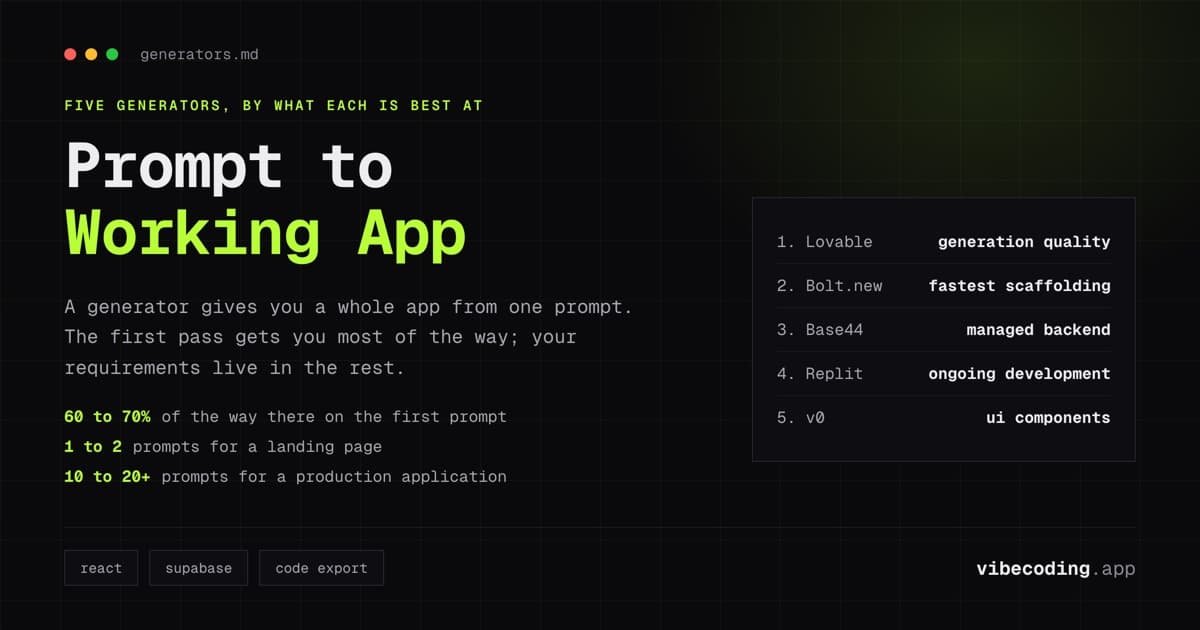
Why Supabase dominates: Lovable, Bolt.new, and most AI app builders use Supabase as their default backend. When you generate an app with Lovable, the database is Supabase. The ecosystem chose it, and the integration is seamless.
- Free tier: 500MB database, 50,000 MAU, 500MB storage
- Pro: $25/month: 8GB database, 100,000 MAU, 100GB storage
- AI features: AI schema assistant, pgvector for embeddings, edge functions
Firebase (Google): Google's backend platform with real-time database (Firestore), authentication, hosting, and cloud functions. Firebase excels at real-time applications where data syncs instantly across clients.
Where Firebase wins over Supabase: real-time sync, mobile SDKs (stronger on iOS/Android), and Google Cloud integration. Where it loses: vendor lock-in (proprietary database), less SQL flexibility, and weaker integration with AI app builders.
- Free tier: Generous Spark plan with Firestore, Auth, and hosting
- Blaze: Pay-as-you-go after free tier limits
- AI features: Firebase Genkit for AI integration, Vertex AI connection
Neon: Serverless PostgreSQL with autoscaling and branching. Neon's database branches work like Git branches: create a copy of your production database for testing without affecting live data.
Where Neon wins: database branching for safe schema changes, serverless scaling that handles traffic spikes without configuration, and a generous free tier for PostgreSQL.
- Free tier: 512MB storage, autosuspend after 5 minutes of inactivity
- Pro: $19/month: 10GB storage, always-on compute
- AI features: pgvector support, AI-assisted schema suggestions
PlanetScale: MySQL-compatible serverless database with non-blocking schema changes. Strong for teams that prefer MySQL over PostgreSQL.
- Free tier: Limited (Hobby plan changes have varied)
- Scaler: $29/month: production-ready with branching
- AI features: AI Insights for query optimization
Category 2: Authentication providers
Authentication is the most security-sensitive layer. Getting it wrong exposes user data. These tools handle auth so you do not have to build it from scratch.
Supabase Auth: Built into Supabase. Email/password, social OAuth (Google, GitHub, Apple), magic links, phone auth. Row-level security policies tie directly to auth context.
Why most AI apps use it: If your database is Supabase, your auth is Supabase Auth. Zero additional setup. AI builders generate the auth flows automatically.
Clerk: Drop-in authentication with pre-built UI components. Clerk handles signup, login, user profiles, organizations, and multi-factor auth with minimal configuration.
Why teams choose Clerk over Supabase Auth: Pre-built UI components that look polished out of the box. Organization management for multi-tenant apps. Stronger user management dashboard.
- Free tier: 10,000 MAU
- Pro: $25/month + $0.02 per MAU beyond 10,000
Auth.js (NextAuth): Open-source authentication for Next.js applications. Self-hosted, no vendor dependency, full control over the auth flow.
Why developers choose Auth.js: No vendor lock-in. Full control over session handling and token management. Free (open source). AI tools like Cursor can generate the configuration.
Category 3: API and schema generators
Tools that create API layers and database schemas from descriptions or existing data.
Hasura: Instant GraphQL and REST APIs from your PostgreSQL database. Connect Hasura to your database and get a production-ready API without writing resolver code.
Why it matters for AI apps: AI builders generate database schemas but sometimes leave the API layer incomplete. Hasura fills that gap: point it at your Supabase PostgreSQL database and get a complete API instantly.
- Free tier: Cloud free with 1GB data passthrough/month
- Cloud Professional: $99/month
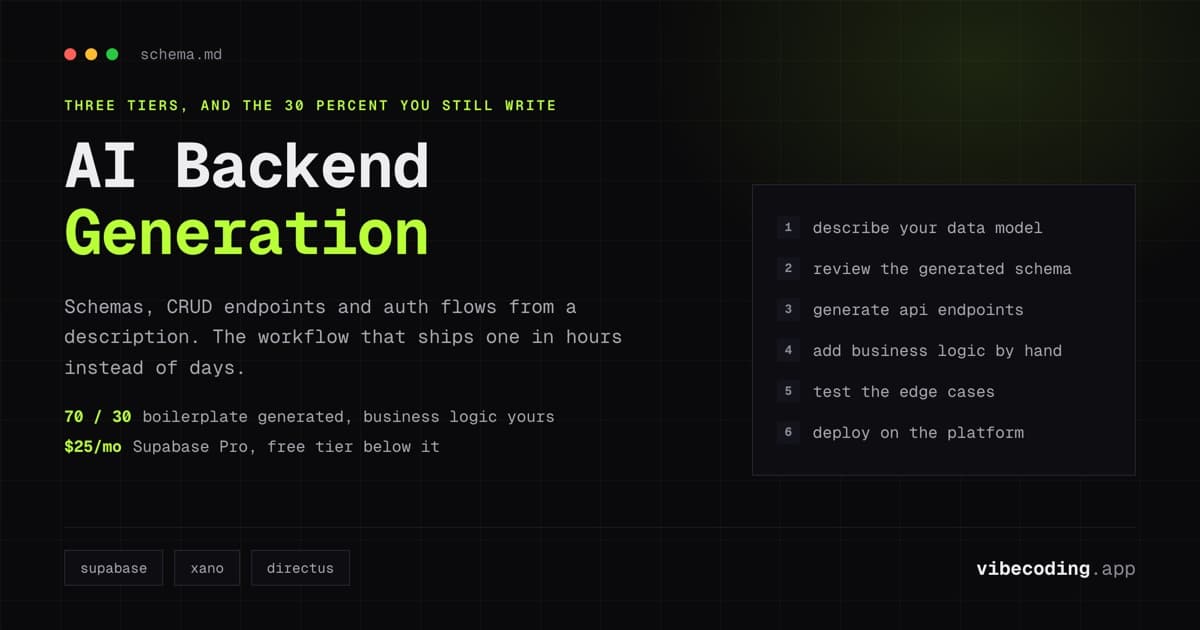
Xano: No-code backend builder with AI-assisted schema and API generation. Describe your data model in natural language, and Xano generates tables, fields, relationships, and CRUD APIs.
- Free tier: Available for testing
- Launch: $25/month
Directus: Open-source data platform that wraps any SQL database with REST and GraphQL APIs. Self-hostable with MCP support for AI tool integration.
- Free tier: Self-hosted (open source)
- Cloud: Starting at $15/month
Database Comparison for AI-Built Apps
| Platform | Database type | Auto APIs | Auth | Free tier | Pro pricing | AI integration |
|---|---|---|---|---|---|---|
| Supabase | PostgreSQL | REST + GraphQL | Built-in | 500MB, 50K MAU | $25/mo | pgvector, AI schema |
| Firebase | Firestore (NoSQL) | SDK-based | Built-in | Generous | Pay-as-you-go | Genkit, Vertex AI |
| Neon | PostgreSQL | No (BYO) | No (BYO) | 512MB | $19/mo | pgvector |
| PlanetScale | MySQL | No (BYO) | No (BYO) | Limited | $29/mo | AI Insights |
BYO = Bring Your Own: the platform provides the database; you add API and auth layers separately.
Integration Patterns
Pattern 1: Supabase all-in-one (most common)
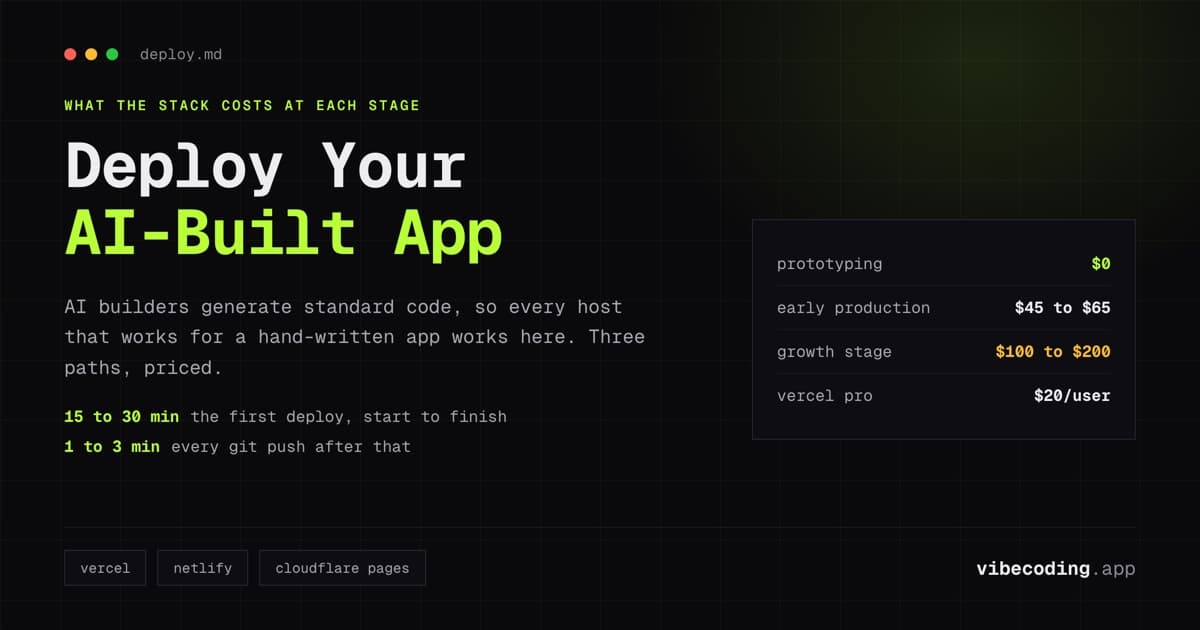
Stack: AI builder (Lovable/Bolt.new) → Supabase (database + auth + storage) → Vercel (hosting)
This is the default pattern for 80% of AI-built apps. The AI builder generates the frontend and connects to Supabase for everything backend. One external service to manage.
When to use: Most projects. Especially MVPs, prototypes, and apps up to ~50,000 users.
Pattern 2: Supabase database + Clerk auth
Stack: AI builder → Supabase (database + storage) + Clerk (auth) → Vercel (hosting)
Replace Supabase Auth with Clerk when you need pre-built auth UI components, organization management, or a more polished user management experience.
When to use: Multi-tenant SaaS apps. Products where the login and user management experience needs to look polished from day one.
Pattern 3: Firebase for real-time apps
Stack: AI builder → Firebase (Firestore + Auth + hosting)
Use Firebase when your app needs real-time data synchronization: live dashboards, collaborative features, chat applications. Firestore's real-time listeners push updates to all connected clients automatically.
When to use: Chat apps, collaborative tools, live dashboards, apps with strong mobile requirements.
Pattern 4: Self-hosted with Neon + Auth.js
Stack: Cursor/Claude Code → Neon (PostgreSQL) + Auth.js (auth) + Vercel (hosting)
Maximum control, minimum vendor lock-in. Use Neon for serverless PostgreSQL with branching, Auth.js for self-managed authentication, and deploy on your choice of hosting.
When to use: Teams with specific compliance requirements, developers who want full control, projects where vendor independence matters.
Security Essentials for AI-Generated Backends
AI builders generate backend code that works. Whether it is secure enough for production is a separate question. Review these areas:
Row-level security (RLS). Supabase supports RLS policies that restrict data access at the database level. AI builders generate basic policies, but they may not match your exact access control requirements. Review every policy before production.
Input validation. AI-generated API routes handle standard input. Custom business logic needs manual validation: type checking, range validation, sanitization for SQL injection and XSS.
Environment variables. Verify that API keys, database credentials, and secrets are stored as environment variables, not hardcoded in source code. AI builders sometimes generate code with inline credentials during development.
CORS configuration. After deploying to a production domain, update CORS settings to allow only your domain. AI-generated defaults may allow all origins.
FAQ
Which database should I use for my AI-built app? Supabase for most apps. Firebase if you need real-time sync. Neon if you want serverless PostgreSQL without the full Supabase platform.
Do I need a separate auth service? Not usually. Supabase Auth covers most needs. Add Clerk if you need pre-built auth UI components or organization management.
Is Supabase free tier enough for production? For apps with under 50,000 monthly active users and less than 500MB of data, yes. Most MVPs run on the free tier for months.
Can I switch databases later? Supabase and Neon both use PostgreSQL: migration between them is straightforward. Moving from Firebase (NoSQL) to PostgreSQL requires data model changes.
How do AI builders connect to backends? Through environment variables. Set your Supabase URL and anon key in the builder's settings, and the generated code connects automatically.
What about serverless functions for custom logic? Supabase Edge Functions, Vercel Serverless Functions, and Netlify Functions all support custom server-side logic. AI builders can generate these from prompts.
For AI-specific backend generation patterns, read our AI backend generation tools guide. For the complete infrastructure picture, see the AI full-stack development guide and deployment tools.
Related: Supabase Review.
Related: Neon Review.
Related: Planetscale Review.

Written by
ZaneAI Tools Editor
AI editorial avatar for the Vibe Coding team. Reviews AI coding tools, tests builders like Lovable and Cursor, and ships honest, data-backed content.