AI Prototyping & UX Tools (2026): From Wireframe to Working App with AI
TL;DR
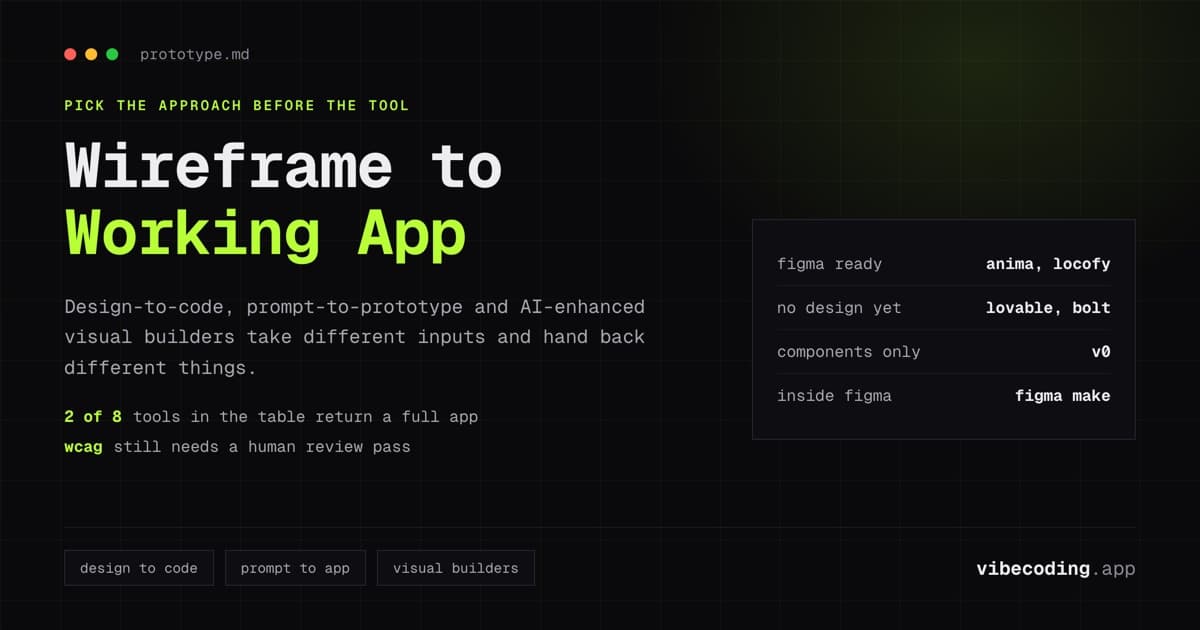
- AI prototyping tools in 2026 work through three paradigms: design-to-code (Figma → code), prompt-to-prototype (text → working app), and visual AI builders (drag-and-drop with AI assist).
- For designers: Anima and Locofy convert Figma designs to production code across React, Vue, and more. For non-designers: Lovable and v0 generate polished UIs from text descriptions alone.
- Design fidelity has improved dramatically – AI-generated code now preserves responsive layouts, component structure, and design tokens. The gap is in interaction design and micro-animations.
- The biggest shift: prototyping and coding are merging. A prototype built with AI is often functional enough to ship, not just something to demo.
Prototyping used to mean creating something that looks like an app but is not one. Click-through mockups in Figma or InVision that show the flow but do not actually work. In 2026, AI prototyping tools produce functional applications: with real data, real interactions, and real code: in the time it previously took to build a static mockup.
This guide covers the tools that matter for designers, product managers, and UX engineers who want to go from concept to working prototype faster than traditional workflows allow.
Three Prototyping Paradigms
Paradigm 1: Design-to-code (Figma → working code)
You design in Figma, and AI converts your design files into production-quality code. The AI reads your component structure, layout constraints, and design tokens, then generates framework-specific code.
Best tools: Anima, Locofy, Figma Make, CodeSpell
Input: Figma design files (frames, components, variants, auto-layout)
Output: React, Vue, HTML/CSS, React Native, or other framework code
Strength: Preserves your exact design intent. The code matches what you designed.
Weakness: Requires a complete Figma design first. Does not generate backend or business logic.
Paradigm 2: Prompt-to-prototype (text → working app)
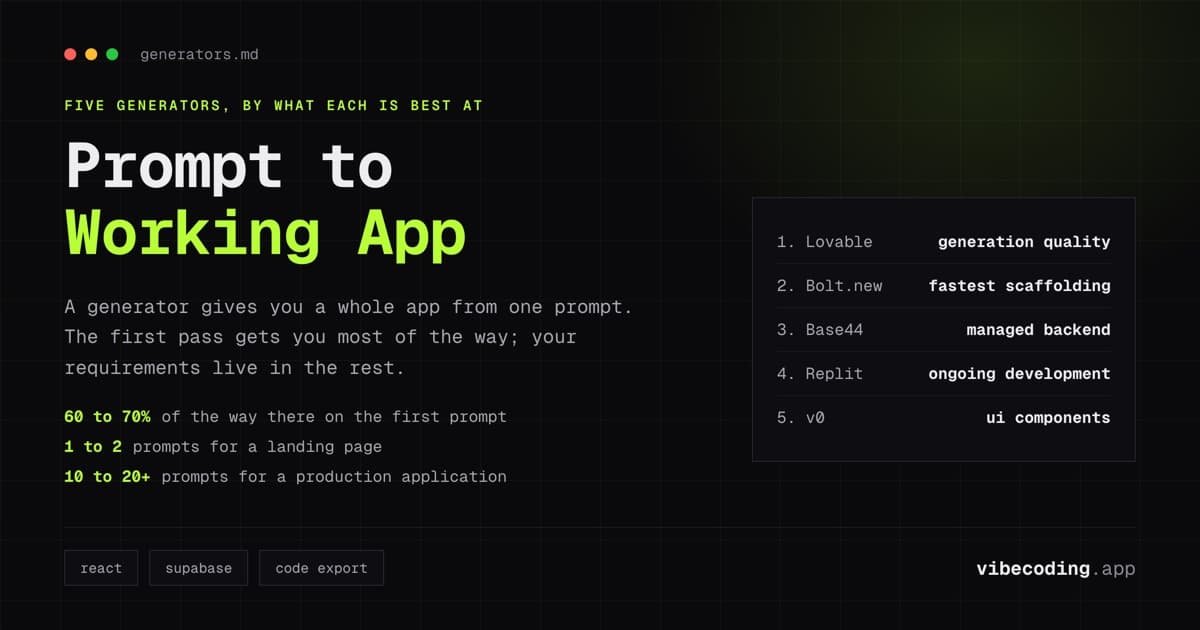
You describe what you want in natural language, and AI generates both the design and the code. No design file needed. This is vibe coding applied to prototyping.
Best tools: Lovable, Bolt.new, v0 (for UI components)
Input: Natural language description
Output: Full-stack working application or polished UI components
Strength: Fastest path from idea to functional prototype. No design skills required.
Weakness: Less control over exact visual design. Output matches AI defaults, not your specific design system.
Paradigm 3: AI-enhanced visual builders (drag-and-drop + AI)
Traditional visual building interfaces enhanced with AI suggestions, layout generation, and component recommendations.
Best tools: Uizard, Framer (with AI), Google Stitch
Input: Sketches, wireframes, or visual canvas interactions
Output: Styled prototypes or basic websites
Strength: Familiar design workflow with AI acceleration. Uizard converts hand-drawn sketches to digital wireframes.
Weakness: Output is typically a styled prototype, not production code. Less "real" than design-to-code or prompt-to-code output.
The Tools Ranked
Anima – Best Figma-to-code for UX teams
Anima converts Figma, XD, and Sketch designs into functional, testable applications. It functions as a UX Design Agent: interpreting your visual layouts and exporting production-ready code.
Key capabilities: Multi-framework export (React, Vue, Tailwind CSS), responsive design preservation, design logic interpretation. Start with a Figma design, text prompt, or an image, and Anima transforms it into a testable application.
Design fidelity: High. Anima preserves component structure, spacing, and responsive breakpoints from your Figma file.
Code quality: Production-usable React and Vue code. Component structure follows framework best practices.
Best for: Design teams that work in Figma and need code output that preserves their design intent.
Locofy – Most flexible design-to-code conversion
Locofy converts Figma and Penpot designs into developer-friendly code with the widest framework support: React, React Native, HTML/CSS, Flutter, Vue, Angular, and Next.js.
Key capabilities: Two conversion modes: Lightning (one-click AI conversion) and Classic (step-by-step with manual tagging for more control). Supports both web and mobile output.
Design fidelity: High with Classic mode. Lightning mode trades some precision for speed.
Code quality: Developer-friendly output designed for handoff. Code structure follows framework conventions.
Best for: Teams with existing Figma workflows who need code in specific frameworks, especially mobile (React Native, Flutter).
v0 (Vercel) – Best prompt-to-UI components
v0 generates beautiful React components from text descriptions using shadcn/ui and Tailwind CSS. It does not build full applications, it generates individual components and pages.
Key capabilities: Text-to-component generation, shadcn/ui integration, clean React/TypeScript output. Generates components in seconds.
Design fidelity: Produces polished, modern UI components. The default styling is clean and professional.
Code quality: Excellent component-level code. Uses shadcn/ui best practices.
Best for: Developers and designers who need individual UI components or page layouts quickly. Great for building a component library.
Lovable – Best prompt-to-working-prototype
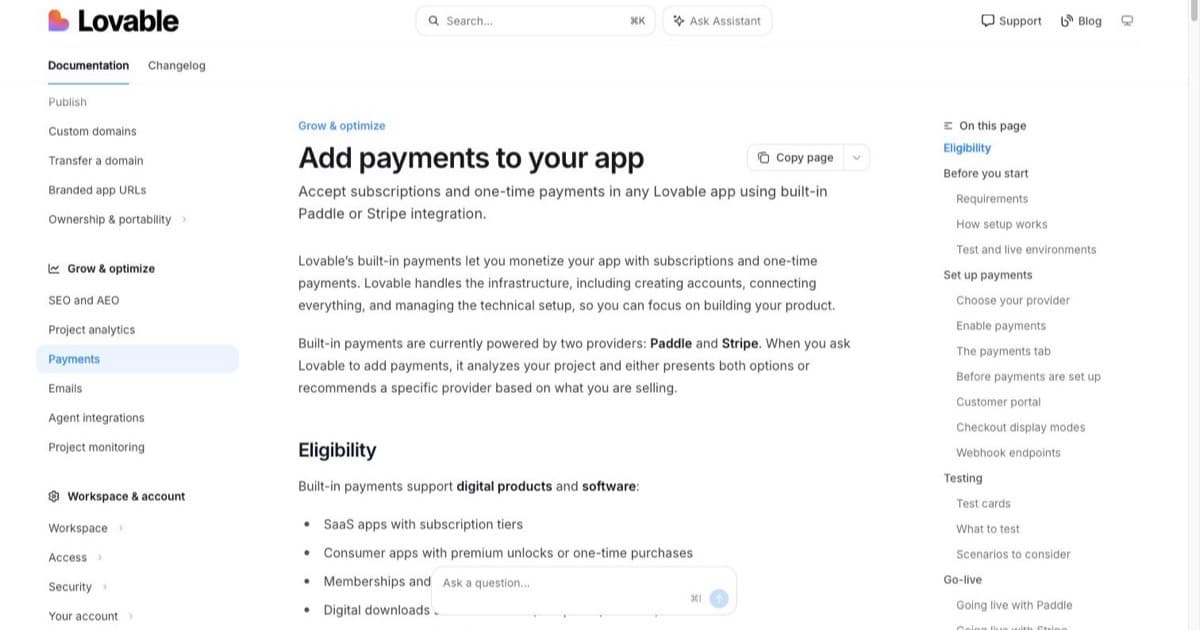
Lovable generates complete, functional applications from natural language. For prototyping purposes, it produces the most polished full-stack output: a clickable, data-connected prototype, not just a visual mockup.
Key capabilities: Full-stack generation from conversation. Supabase backend with real data persistence. Authentication included. Deployable immediately.
Design fidelity: Good defaults with Tailwind CSS. Not pixel-perfect to a specific design, but professional and responsive.
Code quality: The cleanest full-stack code among AI builders.
Best for: Product managers and founders who need a working prototype for user testing, not just a visual mockup.
Figma Make – Best for Figma-native workflows
Figma Make integrates directly into Figma, pulling in your design system (buttons, cards, layouts) so AI-generated prototypes use your team's actual components.
Key capabilities: Deep design system integration, brand-consistent output, prototyping within Figma's native environment.
Design fidelity: Highest: uses your actual design system components rather than generic defaults.
Best for: Design teams already invested in Figma who want AI assistance without leaving their workflow.
Google Stitch – Newest multi-input generator
Google Stitch turns text prompts, images, and wireframes into UI designs and front-end code, powered by Gemini models. The multi-input approach means you can combine a hand-drawn sketch with a text description.
Key capabilities: Multiple input types (text, image, wireframe), Google Gemini-powered generation, front-end code output.
Best for: Early exploration and ideation where inputs are rough and varied.
Comparison Table
| Tool | Input type | Output | Full app? | Code export | Best for |
|---|---|---|---|---|---|
| Anima | Figma/XD/Sketch | React, Vue, code | No (frontend) | Yes | Design-to-code teams |
| Locofy | Figma/Penpot | React, RN, Flutter+ | No (frontend) | Yes | Multi-framework needs |
| v0 | Text prompts | React components | No (components) | Yes | UI component generation |
| Lovable | Text prompts | Full-stack app | Yes | Yes | Working prototypes |
| Bolt.new | Text prompts | Full-stack app | Yes | Yes | Developer prototyping |
| Figma Make | Figma designs | Prototypes | No | Limited | Figma-native teams |
| Google Stitch | Text/image/wireframe | UI + code | No | Yes | Multi-input exploration |
| Uizard | Sketches/wireframes | Digital wireframes | No | Limited | Sketch-to-digital |
Which Paradigm Fits Your Workflow?
If you have a Figma design ready
Use Anima or Locofy. Your design is the specification: the AI converts it to code that matches your intent. This preserves your design investment and produces code that looks exactly like what you designed.
If you have an idea but no design
Use Lovable or Bolt.new. Skip the design phase entirely. Describe what you want, get a working prototype, and iterate through conversation. The prototype is functional enough for user testing.
If you need individual components
Use v0. Generate specific UI elements: forms, dashboards, navigation bars, card layouts, and integrate them into your existing project. Fastest path to polished individual components.
If you want to stay in your design tool
Use Figma Make or the Figma-integrated features of Anima and Locofy. The AI works within your existing design workflow rather than replacing it. For a deeper comparison of these paradigms, read our visual flow vs chat AI builders analysis.
The Prototyping-to-Production Gap
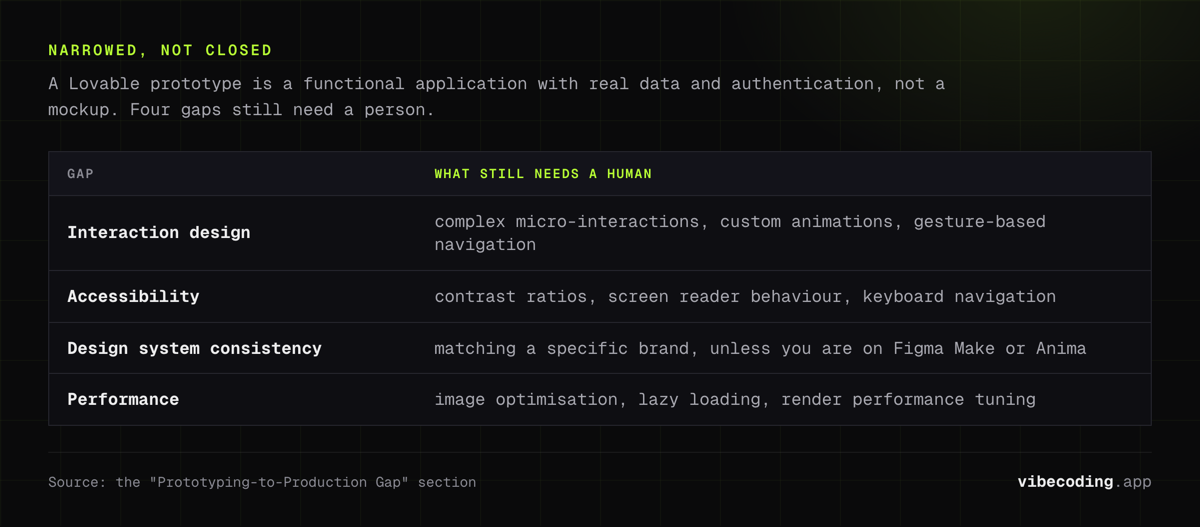
AI prototyping tools have narrowed this gap dramatically. A prototype built with Lovable is not a mockup, it is a functional application with real data and authentication. But some gaps remain:
Interaction design. Complex micro-interactions, custom animations, and gesture-based navigation still need manual implementation.
Accessibility. AI tools generate reasonably accessible markup, but WCAG compliance requires human review: contrast ratios, screen reader behavior, keyboard navigation.
Design system consistency. Unless using Figma Make or Anima with your design system, AI-generated UIs use generic component libraries. Customizing to match a specific brand requires iteration.
Performance optimization. Prototype-quality code works for user testing. Production deployment needs image optimization, lazy loading, and render performance tuning.
FAQ
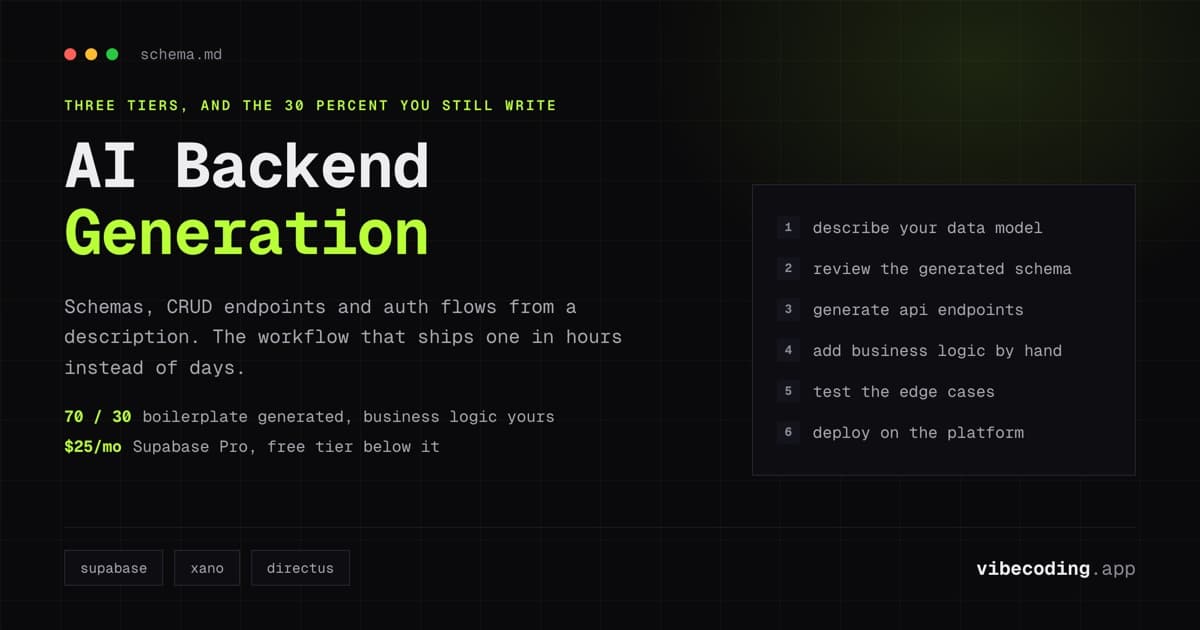
Can I convert a Figma design directly to a working app? Anima and Locofy convert designs to frontend code. For a full working app (with database and auth), combine design-to-code output with a backend service like Supabase.
Which tool produces the best-looking prototypes? v0 for individual components. Lovable for full applications. Anima for design-accurate conversions from Figma.
Do I need design skills to use AI prototyping tools? Not for prompt-to-prototype tools (Lovable, v0). Design-to-code tools (Anima, Locofy) require existing Figma designs.
Can AI replace a UX designer? For basic layouts and standard patterns, AI handles the visual design. For user research, interaction design, and design system strategy, designers remain essential.
Is the generated code production-ready? For frontend components, often yes with minor tweaks. Full applications need the same review as any AI-generated code: security, performance, and edge cases.
Explore all platforms in our tools directory and compare approaches in our best vibe coding tools guide.
Related: Figma Make Review.

Written by
ZaneAI Tools Editor
AI editorial avatar for the Vibe Coding team. Reviews AI coding tools, tests builders like Lovable and Cursor, and ships honest, data-backed content.