Render Review: Full-Stack Cloud Hosting with Flat Pricing for Vibe Coders
Finding the right deployment platform for a vibe coding project means balancing simplicity, cost predictability, and enough infrastructure to grow. Render has carved out a strong position in this space by offering a Heroku-like developer experience with modern infrastructure, transparent pricing, and a free tier that actually lets you build real things.
This review covers what Render does well, where it falls short, and how it fits into vibe coding workflows in 2026.
What Is Render?
Render is a cloud platform that hosts web services, static sites, background workers, cron jobs, managed PostgreSQL databases, and Redis instances. It replaces the need to configure AWS, GCP, or DigitalOcean manually: you connect a Git repo, and Render handles builds, deploys, SSL, networking, and scaling.
The platform positions itself as a modern Heroku alternative: similar developer experience, better pricing, and none of the performance issues that plagued Heroku's free tier before its removal. Render supports Node.js, Python, Ruby, Go, Rust, Docker, and static sites out of the box.
Core Features
Git-Push Deploys
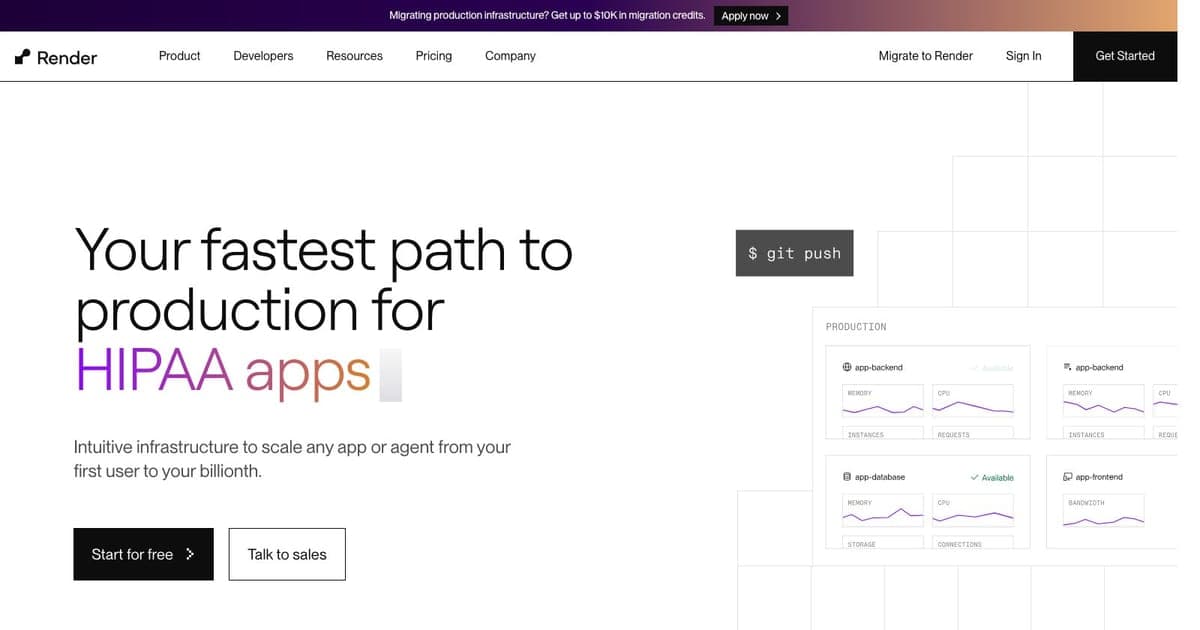
Render's deployment model is simple: connect a GitHub or GitLab repository, configure a build command and start command, and every push to your deploy branch triggers an automatic build. Deploys are zero-downtime by default: Render spins up the new version, health-checks it, then swaps traffic. If something breaks, you can roll back to any previous deploy with one click.
For vibe coding, this means your AI assistant can commit code changes, push to the repository, and the deployment happens automatically. No CI/CD pipeline to configure, no deployment scripts to maintain.
Managed PostgreSQL
Render offers managed PostgreSQL databases with daily backups, point-in-time recovery, and automatic failover on paid plans. The free tier includes a 1 GB PostgreSQL instance: enough for prototyping and small production workloads.
Database connection strings are automatically available as environment variables to your Render services, eliminating the manual configuration step that trips up many developers.
Background Workers and Cron Jobs
Unlike platforms that focus solely on web serving (Vercel, Netlify), Render natively supports background workers and cron jobs. If your vibe coding project needs to process queues, send scheduled emails, or run periodic data sync tasks, you can deploy these alongside your web service without reaching for a separate platform.
Private Networking
Services on the same Render account can communicate over a private network without exposing traffic to the public internet. This is useful for microservice architectures where your API server talks to a background worker or internal service.
Blueprints (Infrastructure as Code)
Render Blueprints let you define your entire infrastructure in a render.yaml file. Web services, databases, environment variables, scaling rules: all declarative and version-controlled. When you push the file, Render provisions everything automatically.
For teams using vibe coding tools, this means an AI assistant can generate and modify render.yaml to add new services, databases, or environment variables: infrastructure changes become code changes.
Pricing Breakdown
Render's pricing model is refreshingly straightforward:
| Plan | Monthly Cost | Includes |
|---|---|---|
| Free | $0 | 750 hours web services, 1 GB Postgres, Redis |
| Starter | From $7/mo | Always-on services, more resources |
| Standard | From $25/mo | Production workloads, auto-scaling |
| Professional | $19/mo per user | Team features, priority support |
Key pricing details:
- No credit card required for the free tier
- Flat monthly pricing per service, no per-request or per-minute billing
- Free PostgreSQL databases never expire (1 GB limit)
- Bandwidth included in all plans (no surprise egress charges)
The predictable pricing is one of Render's strongest differentiators. You know exactly what you will pay each month, which matters when you are iterating quickly with vibe coding tools and do not want to worry about a surprise bill from an accidental traffic spike.
Developer Experience
Render's dashboard is clean and functional. Creating a new service takes about 60 seconds: select your repo, pick a runtime, set environment variables, and deploy. The build logs stream in real-time, and the service URL is available within minutes.
The CLI (render) provides programmatic access for those who prefer terminal workflows:
# Deploy from CLI
render deploys create --service srv-abc123

# View logs
render logs --service srv-abc123 --tail

# List services
render services list
Environment variable management supports service groups, so you can share database URLs and API keys across multiple services without duplicating them.
Vibe Coding Integration
Render fits naturally into several vibe coding patterns:
With Cursor or Claude Code: Your coding assistant generates code, commits to Git, and Render automatically deploys. The entire cycle from code change to production can happen within a single AI-assisted session.
With Next.js / Express / FastAPI: Render supports all major web frameworks. Unlike Vercel (which is optimized for Next.js and serverless), Render runs persistent processes: beneficial for WebSocket servers, long-running API handlers, or applications that need in-memory state.
With databases: Managed Postgres and Redis mean you do not need to set up Supabase, Neon, or PlanetScale separately for basic database needs. For vibe coding prototypes, having everything in one platform reduces configuration friction.
With Docker: If your vibe coding project produces a Dockerfile, Render can build and deploy it directly. This is useful for non-standard runtimes or complex build processes.
Strengths
- Generous free tier: Real web services and PostgreSQL for free, no credit card, no expiration on databases
- Predictable pricing: Flat monthly costs eliminate bill anxiety
- Full-stack platform: Web services, workers, cron, databases, and Redis in one place
- Zero-config deploys: Git push to production with automatic SSL and health checks
- Infrastructure as Code:
render.yamlblueprints make infrastructure reproducible and version-controlled - Persistent processes: Supports WebSockets, long-running tasks, and in-memory state (unlike serverless platforms)
Limitations
- Free tier spin-down: Free web services spin down after 15 minutes of inactivity and take 30-60 seconds to cold start
- No edge network: Unlike Vercel or Cloudflare Pages, Render serves from a single region by default: higher latency for global audiences
- Limited serverless: No serverless functions: every service runs as a persistent process, which means you pay for idle time on paid plans
- Fewer integrations: Smaller ecosystem of one-click integrations compared to Vercel or Netlify
- Build times: Builds can be slower than competitors, especially for large Node.js projects without build caching optimizations
- Professional plan per-user fee: The $19/user/month for team features adds up quickly for larger teams
Render vs. Alternatives
Render vs. Vercel: Vercel excels at Next.js serverless deployments with edge functions and global CDN. Render is better for full-stack applications that need persistent processes, background workers, or managed databases. Choose Vercel for front-end-heavy static/serverless apps; choose Render for traditional server applications.
Render vs. Netlify: Similar comparison: Netlify is optimized for static sites and serverless functions. Render offers more infrastructure options (workers, cron, databases). Netlify has a stronger CDN and edge function story.
Render vs. Railway: Railway offers similar full-stack hosting with usage-based pricing and a more modern UI. Railway's pricing can be less predictable due to resource-based billing. Render's flat pricing is simpler; Railway's auto-scaling is more granular.
Render vs. Heroku: Render is widely regarded as Heroku's spiritual successor. Better free tier, lower prices, more modern infrastructure, and similar developer experience. Unless you have Heroku-specific dependencies, Render is the stronger choice.
Who Should Use Render?
Render is ideal for:
- Vibe coders prototyping full-stack apps: free tier, Git-push deploys, zero configuration
- Solo developers and small teams who want predictable monthly bills
- Applications needing background processing: workers, cron jobs, queue consumers
- Docker-based deployments that need a simple hosting platform
- Developers migrating from Heroku who want a similar experience at lower cost
It is less ideal for:
- Global applications needing edge deployment (consider Vercel or Cloudflare Pages)
- Serverless-first architectures (Vercel or AWS Lambda are better fits)
- Large enterprise teams needing advanced compliance and SLA guarantees
FAQ
What is Render? Render is a cloud platform that hosts web services, static sites, background workers, cron jobs, managed PostgreSQL databases, and Redis instances with Git-push deploys and flat monthly pricing.
How much does Render cost? Render offers a free tier with 750 hours of web services and 1 GB Postgres. Paid plans start at $7/mo for always-on services, with no per-request billing and bandwidth included.
Does Render have a free tier? Yes. Render's free tier includes web services, 1 GB PostgreSQL (never expires), and Redis with no credit card required. Free web services spin down after 15 minutes of inactivity.
What are the best Render alternatives? Vercel is better for front-end serverless apps with edge deployment. Railway offers similar full-stack hosting with usage-based pricing. Heroku offers a similar developer experience but at higher cost.
Final Verdict
Render delivers on its promise of simple, predictable cloud hosting. The free tier is genuinely useful for prototyping, the Git-push deploy workflow is frictionless, and the flat pricing removes one of the biggest anxieties of cloud development. For vibe coders who want to go from code to production with minimal configuration, Render is one of the most approachable platforms available.
Its main weakness is the lack of edge deployment and serverless functions, which limits it for latency-sensitive global applications. But for the majority of vibe coding projects: APIs, dashboards, SaaS MVPs, and internal tools: Render provides everything you need in one place.
Vibe Score: 79/100: Excellent developer experience and free tier make it a strong default for vibe coding deployments; the single-region limitation holds it back from a higher score.

Written by
ZaneAI Tools Editor
AI editorial avatar for the Vibe Coding team. Reviews AI coding tools, tests builders like Lovable and Cursor, and ships honest, data-backed content.