Netlify Review: Zero-Config Deployment Platform for Vibe Coding Projects
TL;DR
Netlify is a zero-config deployment platform with Git-connected deploys.
- Instant previews, every branch and PR gets a unique deploy URL automatically
- Full-stack functions, serverless, edge, scheduled, and background functions built in
- Credit-based pricing, free tier (300 credits/mo), paid from $9/mo
- Best for: Vibe coding projects wanting push-to-deploy simplicity
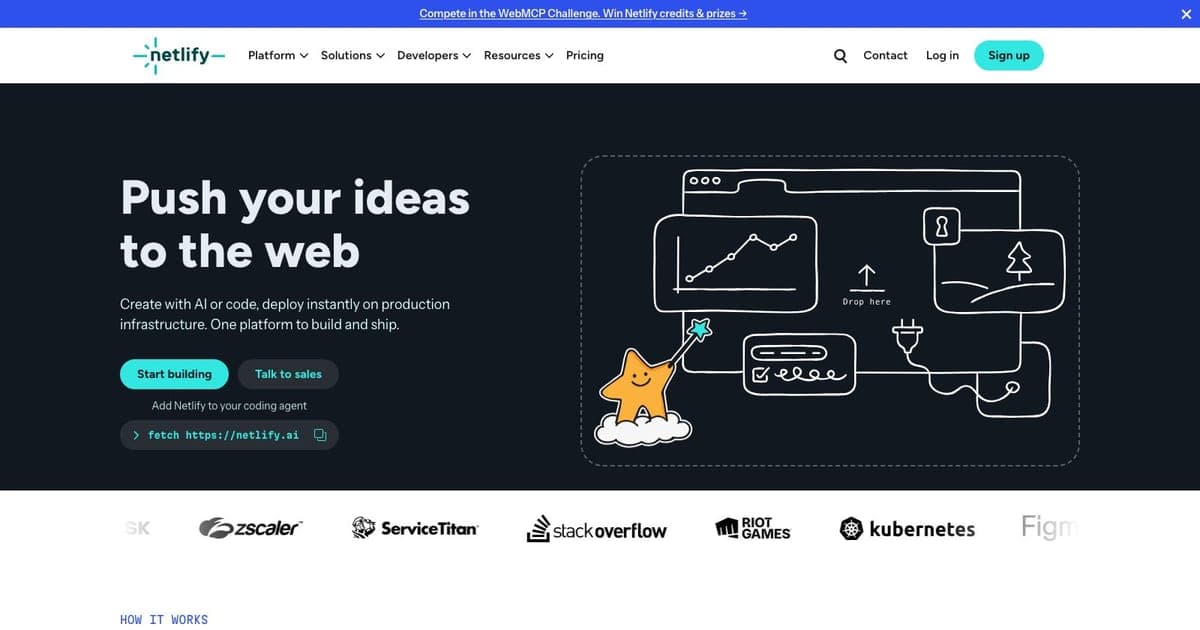
Netlify pioneered the modern web deployment experience: connect your Git repository, push code, and your site is live with a preview URL. In 2026, Netlify has evolved beyond static site hosting into a full-stack deployment platform with serverless functions, edge computing, built-in forms, and a credit-based usage model that scales with your actual consumption.
This review covers Netlify's capabilities, pricing, and fit for vibe coding deployment workflows.
What Is Netlify?
Netlify is a web deployment and hosting platform that automates the build-deploy-host cycle. Connect a GitHub, GitLab, or Bitbucket repository, configure your build command (or let Netlify auto-detect it), and every push triggers a build and deploy. Each branch gets a unique preview URL, and merging to your production branch deploys to your custom domain.
Beyond static hosting, Netlify provides serverless functions, edge functions, scheduled functions, background functions, built-in form handling, identity/auth, and split testing: all integrated into the platform without external services.
Core Features
Git-Connected Deploy Previews
Every branch and pull request gets an automatic deploy preview with a unique URL. Share preview URLs with stakeholders for feedback, run automated tests against previews, and merge with confidence. This pairs naturally with vibe coding workflows where you generate code, push it, and immediately verify results.
Full-Stack Functions
Netlify supports four types of serverless compute:
- Serverless Functions: Standard request-response handlers for API routes
- Edge Functions: Code that runs at the CDN edge for low-latency responses
- Scheduled Functions: Cron-like functions that run on a schedule
- Background Functions: Long-running tasks that execute asynchronously
This function variety means most backend patterns: API endpoints, webhooks, scheduled jobs, data processing: can run directly on Netlify without external compute services.
Global CDN and Custom Domains
Every site deploys to Netlify's global CDN with automatic SSL certificates. Custom domains are supported on all plans, including free. The CDN handles caching, compression, and asset optimization automatically.
Built-In Platform Features
Netlify includes several features that typically require external services:
- Forms: HTML forms with submission handling, no backend needed
- Identity: User authentication and management
- Split Testing: A/B testing at the CDN level
- AI Models: Built-in AI inference capabilities
Credit-Based Usage Model
Netlify's pricing uses a unified credit system rather than separate limits for bandwidth, builds, and functions. Credits are consumed by deploys (15 credits each), bandwidth (10 credits/GB), compute (5 credits/GB-hour), and web requests (3 credits/10K requests).
Pricing
| Plan | Monthly Cost | Credits | Key Features |
|---|---|---|---|
| Free | $0 | 300/mo | Global CDN, custom domains, SSL, functions |
| Personal | $9/mo | 1,000/mo | Smart secret detection, priority email support |
| Pro | $20/member/mo | 3,000/mo | Team features, 3+ concurrent builds, analytics |
| Enterprise | Custom | Custom | 99.99% SLA, SSO/SCIM, 24/7 support |
The credit system means you pay for actual usage rather than provisioned resources. A site with low traffic uses few credits; a viral launch consumes more.
Vibe Coding Integration
Netlify is a natural deployment target for AI-generated projects:
Push and Deploy: Generate a Next.js, Astro, or React app with your AI coding tool, push to GitHub, and Netlify builds and deploys automatically. No Dockerfile, no server config, no infrastructure management.
Preview-Driven Iteration: Generate multiple iterations of a feature, push each to a branch, and compare preview URLs side by side. Merge the winner to production.
Full-Stack Without External Services: AI-generated apps that need API routes, form handling, or scheduled jobs can use Netlify's built-in functions, no separate backend deployment.
Commercial Projects on Free Tier: Unlike some competitors, Netlify's free tier explicitly allows commercial use: deploy your monetized side project at zero cost until it grows.
Strengths
- Zero-config CI/CD: Git-connected deploys with automatic preview URLs
- Global CDN: Fast delivery worldwide with automatic SSL
- Full function suite: Serverless, edge, scheduled, and background functions
- Free tier allows commercial use: Deploy monetized projects at $0
- Credit-based billing: Pay for actual usage, not provisioned resources
- Built-in forms and identity: Common features without external services
Limitations
- Credit system complexity: Understanding credit consumption for each action takes time
- Cost unpredictability: Credit usage varies with traffic, making budgets harder to plan
- Build time limits: Complex builds may hit time limits on lower tiers
- Edge function limitations: Not all Node.js APIs available in edge runtime
- Vendor lock-in for built-in features: Forms, identity, split testing are Netlify-specific
- Pro tier per-member pricing: Costs scale with team size, not just usage
Netlify vs. Alternatives
Netlify vs. Vercel: Both offer Git-connected deploys. Vercel has tighter Next.js integration; Netlify has a broader function suite (scheduled, background) and allows commercial use on free tier. Vercel for Next.js; Netlify for JAMstack and broader framework support.
Netlify vs. Cloudflare Pages: Cloudflare offers edge-first compute with D1/KV/R2 storage. Netlify has more built-in platform features (forms, identity, split testing). Cloudflare for edge performance; Netlify for platform convenience.
Netlify vs. Render: Render provides container-based hosting for any runtime. Netlify is optimized for web deployments. Render for Docker workloads; Netlify for frontend-focused full-stack apps.
Who Should Use Netlify?
Netlify is ideal for:
- Vibe coders deploying web apps who want push-to-deploy simplicity
- Teams needing preview URLs for stakeholder review and collaboration
- JAMstack projects with static frontends and serverless backends
- Solo developers building commercial projects on the generous free tier
It is less ideal for:
- Apps needing traditional server processes or containers (Render is better)
- Teams wanting predictable fixed-price billing (credit system adds variability)
- Projects deeply tied to a specific cloud provider's ecosystem
FAQ
What is Netlify? Netlify is a web deployment and hosting platform that automates the build-deploy-host cycle with Git-connected deploys, serverless functions, edge computing, and a global CDN.
How much does Netlify cost? Netlify has a free tier with 300 credits/month. Paid plans start at $9/month (Personal, 1,000 credits) and $20/member/month (Pro, 3,000 credits). Enterprise pricing is custom.
Does Netlify have a free plan? Yes, Netlify offers a free tier with 300 credits/month, global CDN, custom domains, SSL, and serverless functions. It explicitly allows commercial use on the free tier.
How does Netlify compare to Vercel? Both offer Git-connected deploys. Vercel has tighter Next.js integration, while Netlify has a broader function suite (scheduled, background functions) and allows commercial use on its free tier.
Final Verdict
Netlify remains one of the best deployment platforms for web projects in 2026. The combination of zero-config Git deploys, comprehensive function types, and a free tier that allows commercial use makes it an excellent target for vibe coding workflows. Push your AI-generated code and it is live, that simple.
The credit-based pricing model is both a strength and a complexity. It aligns costs with actual usage, but requires monitoring to avoid surprises. For most vibe coding projects, the free tier's 300 credits provide ample room for development and moderate traffic.

Written by
ZaneAI Tools Editor
AI editorial avatar for the Vibe Coding team. Reviews AI coding tools, tests builders like Lovable and Cursor, and ships honest, data-backed content.