No-Code AI App Builder (2026): Build Real Apps Without Writing a Line of Code
TL;DR
- No-code AI app builders let you create working software by describing what you want in plain language: no programming, no drag-and-drop logic, no technical knowledge required.
- The most genuinely no-code options in 2026 are Lovable (best overall for non-coders), Base44 (simplest all-in-one), and Glide (best for spreadsheet-based apps).
- Traditional no-code tools like Bubble still require significant learning. AI-first tools have replaced that learning curve with conversation.
- The honest limit: no-code AI builders handle MVPs and simple production apps well. Complex business logic, custom integrations, and high-scale applications still need developer involvement.
Quick Answer: Our Picks
- 1.Lovable best for genuinely no-code building. Describe the app, answer business questions, refine visually; no code end to end.
- 2.Base44 best for the simplest all-in-one. One prompt to a complete app with database, auth, and hosting handled.
- 3.Bolt.new best for no-code with a developer escape hatch. Start without code and drop to the codebase when you outgrow prompts.
- 4.Glide best for spreadsheet-based apps. Internal tools and trackers where the data already lives in a spreadsheet.
- 5.Softr best for client portals and internal tools. Auth, permissions, and operational apps from day one.
- 6.Bubble best for complex apps if you invest in learning. More capable than AI-first builders for intricate logic, at the cost of accessibility.
How We Rank
- Research pack per tool: SERP landscape plus community sentiment (Reddit, X, YouTube)
- Pricing and plan facts verified on each vendor's live pages, with the verification date in the article
- Hands-on editorial review; strengths and limits reported for every pick
- Rankings are editorial and never sold; affiliate links are disclosed and do not affect position
Last verified July 9, 2026 by Zane.
If you are searching for a no-code AI app builder, you probably want one thing: a tool where you describe what you want and get a working app, without needing to understand programming, databases, or deployment.
The good news is that this category has genuinely arrived. Several tools in 2026 deliver on the promise of zero-coding app development. The important news is that "no-code" means different things to different tools, and some platforms claiming the label still expect you to understand technical concepts.
This guide evaluates the most popular AI app builders on a single question: can a non-technical person actually ship a working app with this tool? If that describes you, our AI app builder for non-developers guide is a good companion read.
Traditional No-Code vs AI-First No-Code
Before evaluating tools, the distinction matters. If you want the full taxonomy, our AI vs low-code vs no-code breakdown maps how these categories overlap.
Traditional no-code platforms (Bubble, Adalo, Webflow) replaced code with visual interfaces. Instead of writing JavaScript, you connect blocks in a workflow editor. Instead of CSS, you adjust properties in a panel. These tools removed the need for programming syntax, but they replaced it with a new skill: learning the platform's visual logic system.
Bubble, for example, is powerful but has a genuine learning curve. Building workflows with conditional logic, managing database relationships, and configuring responsive layouts requires hours of learning, just not coding hours.
AI-first no-code platforms (Lovable, Base44, Bolt.new) replaced both code and visual configuration with conversation. You describe what you want in plain English. The AI handles code, database design, layout, and logic. The input is natural language. The output is a working application.
This is the shift that makes "no-code" genuinely accessible to non-technical users. The skill required is not programming or platform fluency, it is the ability to describe what you want clearly. The methodology is called vibe coding, and it is the reason this category has exploded.
The No-Code Reality Check
Every tool claims to be no-code. Here is what each actually requires from you.
Lovable – Genuinely no-code
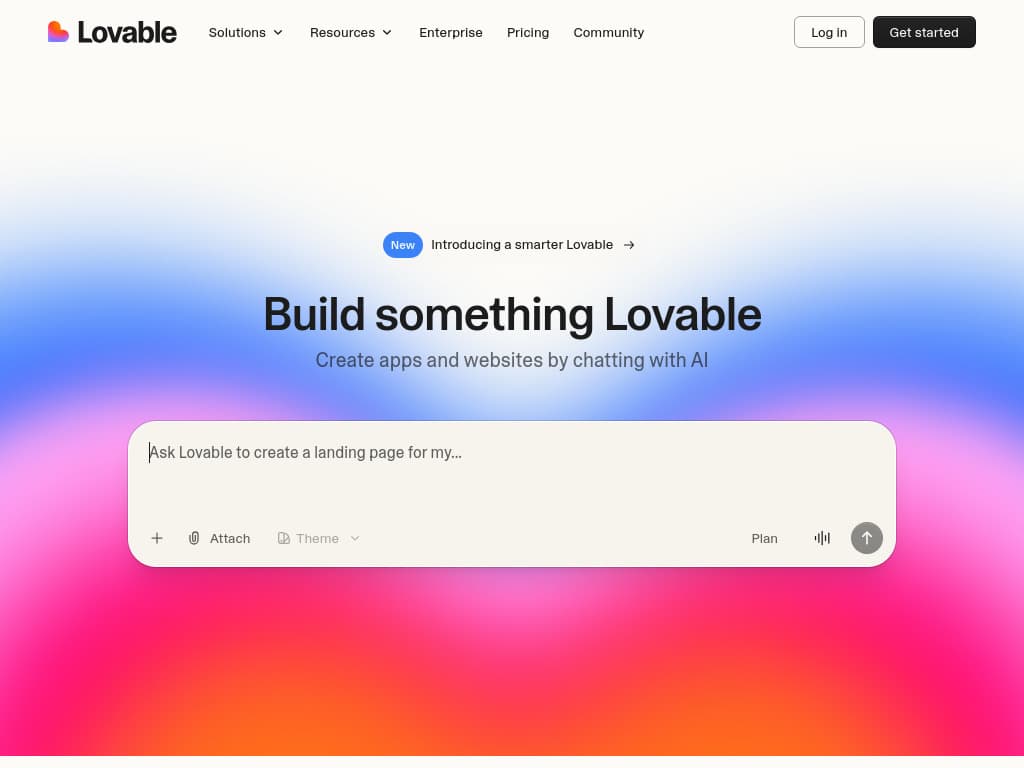
Lovable is the strongest option for non-technical users. You describe your app in conversational English, and Lovable generates a React/TypeScript frontend with a Supabase backend, authentication, and database: all from your description.
No-code reality: You can go from idea to deployed app without seeing a single line of code. The conversational interface handles iteration: "add a settings page," "connect Stripe for payments," "make the sidebar collapsible."
What you need to know: How to describe what you want clearly. That is genuinely it. Understanding what a database is helps, but Lovable handles the implementation.
Pricing Plans
How much does Lovable cost?
Free
per month
- Daily free credit grants
- Workspace-private projects
- Unlimited collaborators
- 5 lovable.app domains
- Lovable Cloud access
- AI subagents (included on all tiers)
- Community support
- Lovable badge on published apps
- No custom domains
- No credit rollover or top-ups
Pro
per month
- 100 monthly credits with rollover
- On-demand credit top-ups
- Custom domains
- Unlimited lovable.app domains
- User roles & permissions
- Remove the Lovable badge
- Email support
Most popular for indie hackers shipping MVPs
Business
per month
- 100 monthly credits
- Everything in Pro
- Team workspace with role-based access
- Internal publish and personal projects
- SSO
- Security center
- Design templates
- Training data opt-out (per docs)
- Priority support
For departments needing SSO and governance
Enterprise
- Volume-based credit pricing
- Dedicated support & onboarding
- SCIM provisioning
- Audit logs
- Publishing and sharing controls
- Support for custom connectors
Where it gets technical: Configuring email providers and setting up row-level security policies in Supabase may require following documentation. Custom domains got easier in 2026: they are now included on Starter and above, where they used to sit behind the Pro tier. These are one-time setup tasks, not ongoing technical work.
2026 additions: A Draw-to-Build canvas lets you sketch a rough UI and have Lovable turn it into production code, and Claude MCP integration lets the AI pull in external context while it builds.
Pricing: Free tier to start, then credit-based paid plans from roughly $25 a month, up to a Business tier around $50 a month. See our Lovable pricing guide for the current credit math, and the Lovable free credits guide for the student discount and LinkedIn Premium perk.
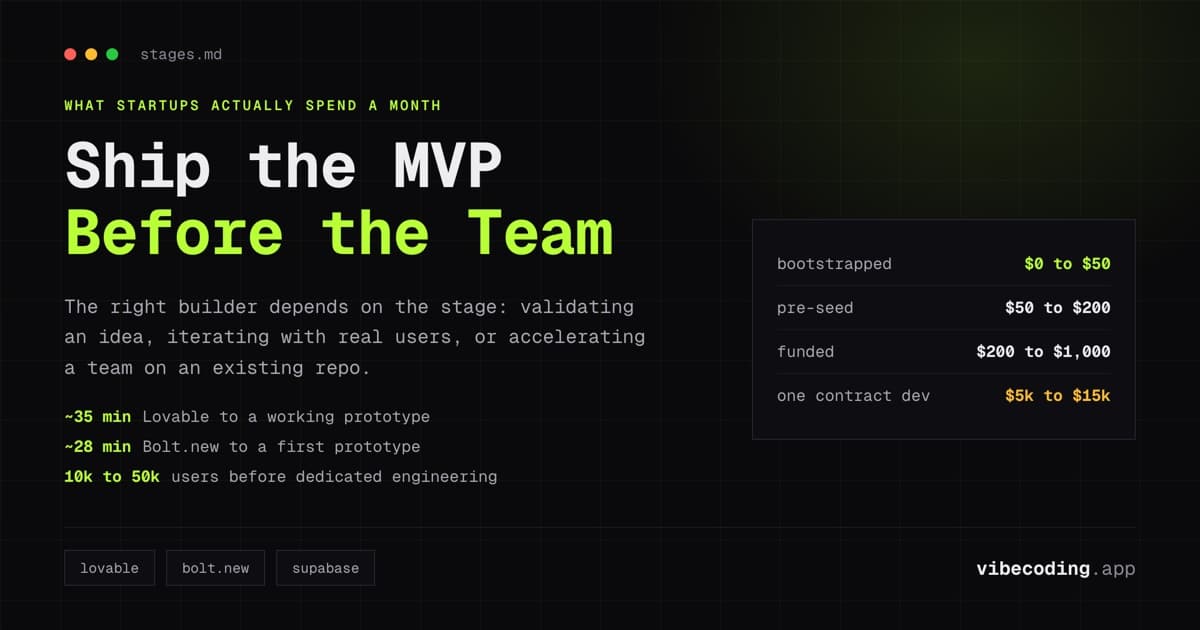
Getting started in 5 minutes: Sign up, describe your app in 2-3 sentences, click generate, preview the result. First working prototype in under an hour.
Base44 – Simplest all-in-one
Base44 is the most beginner-friendly platform because everything is built in. Unlike Lovable (which uses Supabase separately), Base44 includes database, authentication, hosting, and storage in a single integrated package. No external services to configure. It has been part of Wix since mid-2025, which has kept the roadmap moving.
No-code reality: Genuinely zero-code. The conversational interface generates your app, and the platform handles everything from database to deployment. You never leave Base44 to set up external services.
What you need to know: How to describe your app. The all-in-one approach means fewer concepts to understand.
Where it gets technical: Very little now. Base44 added two-way GitHub sync, so you can export the full source code to your own repo at any time and hand it to a developer. Nothing is locked to the platform, which removes the old lock-in worry. Deeper customization still benefits from developer help, but the exit door is open.
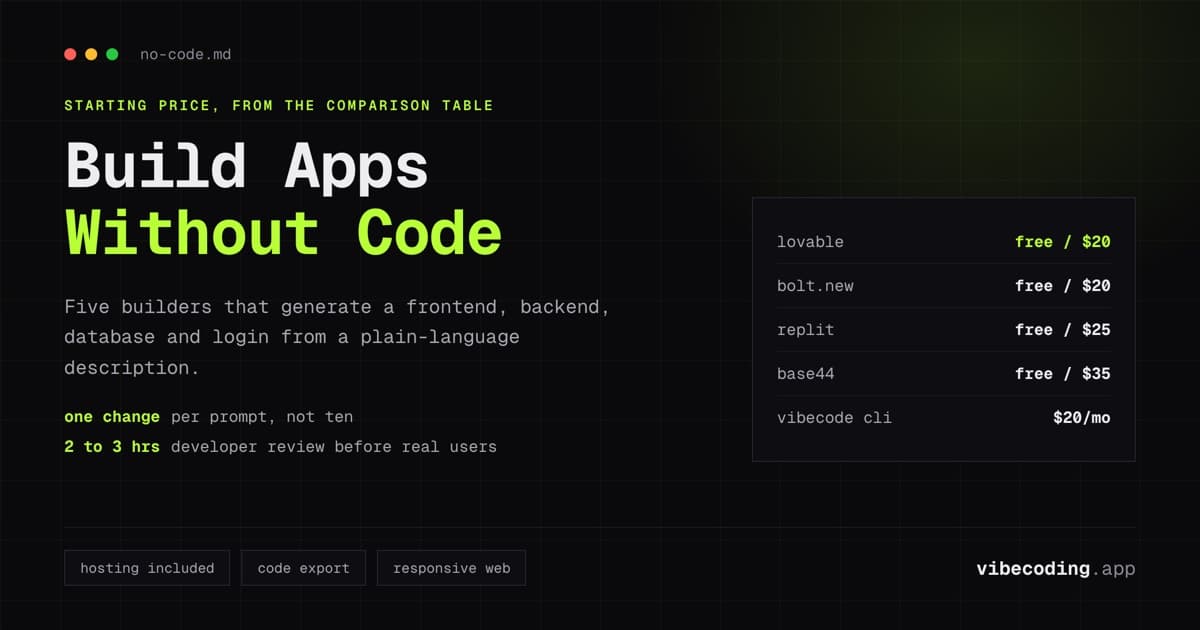
Pricing: Free plan with 25 message credits a month, then paid plans from $16 a month (Starter) up to $160 a month (Elite), billed on message and integration credits.
Getting started in 5 minutes: Sign up, describe your idea, and the platform generates a complete app with backend included. Deployed and accessible immediately.
Bolt.new – No-code with a developer escape hatch
Bolt.new generates complete apps from prompts, similar to Lovable. The difference: Bolt.new exposes a full browser-based code editor alongside the generated output. You can ignore the editor entirely and work through prompts, or open it when needed.
No-code reality: The generation workflow is fully no-code. You describe, it builds. But the interface is designed with developers in mind: the code editor is always visible, which can be intimidating for non-technical users.
What you need to know: Nothing technical for basic generation. But the UI assumes some comfort with development environments.
Where it gets technical: The interface itself. Lovable and Base44 hide the code behind a conversational layer. Bolt.new shows it, which is powerful for developers but can feel overwhelming for true non-coders.
2026 additions: Bolt now defaults to a current-generation model and simplifies model choice down to two agents, Standard for everyday building and Max for deeper reasoning on complex tasks. You can also generate images from the chatbox and connect MCP servers for external context.
Pricing: Free tier with 1M tokens a month, then Pro at $25 a month (10M tokens) and Teams at $30 per member a month.
Glide – Best for spreadsheet-based apps
Glide turns Google Sheets or Excel data into working applications. If your data lives in a spreadsheet, Glide creates an app interface for it with AI assistance for layout and logic.
No-code reality: Genuinely no-code if you already use spreadsheets. The learning curve is minimal because the data model is your familiar spreadsheet.
What you need to know: How to structure data in a spreadsheet. If you can organize a Google Sheet with clear column headers, you can build a Glide app.
Where it gets technical: Complex filtering, conditional visibility, and multi-table relationships require learning Glide's configuration panels. Simpler than Bubble but not as effortless as AI-first tools.
2026 note: Glide's AI app generator can spin up screens from a natural-language prompt, so the spreadsheet-first workflow now has a conversational on-ramp too.
Pricing: Free plan to start, then paid plans from roughly $19 a month (Explorer) up to $199 a month (Business). Billing tracks published apps, users, and monthly updates, so watch the update caps as usage grows.
Best for: Internal tools, inventory trackers, team directories, and any app where the data naturally lives in a spreadsheet.
Softr – Best for client portals and internal tools
Softr is now an AI platform for building working business apps. The AI Co-Builder turns a natural-language prompt into a functional app with database, pages, permissions, and workflows already connected. You can use native Softr Databases or sync with Airtable, Google Sheets, HubSpot, Notion, and SQL.
No-code reality: Genuinely no-code on the AI Co-Builder path. Describe the app, answer a few business questions, and Softr generates a working system. You refine visually from there, no re-prompting loop required. See our Softr review for the deep dive.
What you need to know: How to describe your business process clearly. Softr asks about roles, flows, and permissions before building, so clarity on "who does what" helps.
Pricing: Free plan for up to 10 logged-in users, then Basic at $49 a month, Professional at $139 a month, and Business at $269 a month as user and workflow limits scale.
Best for: Agencies shipping client portals, ops teams running internal tools, service businesses needing operational apps with auth and permissions from day one.
Bubble + AI – Powerful but not truly no-code
Bubble now leads with "AI-powered visual development." Its AI Agent can generate an MVP with authentication, a database, and workflows in about five to seven minutes, and you refine it in the visual editor from there. Underneath, though, Bubble's core paradigm is still visual programming: connecting blocks, configuring conditions, and managing data relationships through a visual interface.
No-code reality: Code-free, but not skill-free. Bubble's visual logic system is its own skill to learn. The AI Agent shortens the first draft, but the editing surface is still the same visual system. Most people spend two to four weeks before shipping anything serious, and full proficiency takes longer.
What you need to know: Visual programming concepts. Database relationships. Workflow logic. Responsive design principles. This is significantly more than what AI-first tools require, which is why beginners are usually steered to Lovable or Base44 first. Our Lovable vs Bubble comparison breaks down that trade-off in detail.
Best for: Users willing to invest in learning a platform for long-term, complex application development. Bubble gives you direct visual control over every layer, which is powerful for intricate applications, but at the cost of accessibility.
No-Code Friendliness Comparison
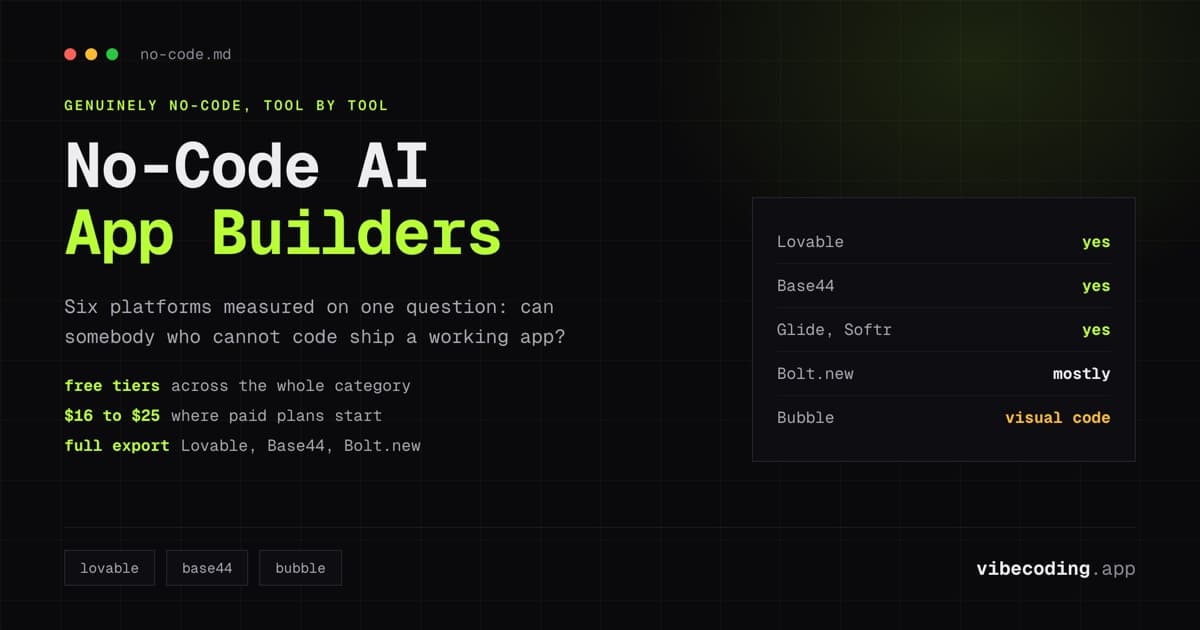
| Tool | True no-code? | Learning curve | All-in-one? | Code export | Best for |
|---|---|---|---|---|---|
| Lovable | Yes | Minutes | No (uses Supabase) | Full | Non-technical founders |
| Base44 | Yes | Minutes | Yes | Full (GitHub sync) | Complete beginners |
| Bolt.new | Mostly | Low | No | Full | Tech-comfortable non-coders |
| Glide | Yes | Low | Yes | No | Spreadsheet-based apps |
| Softr | Yes | Low | Yes (native DB + sync) | No | Client portals, internal tools |
| Bubble | No (visual code) | High | Yes | No | Complex apps, long-term |
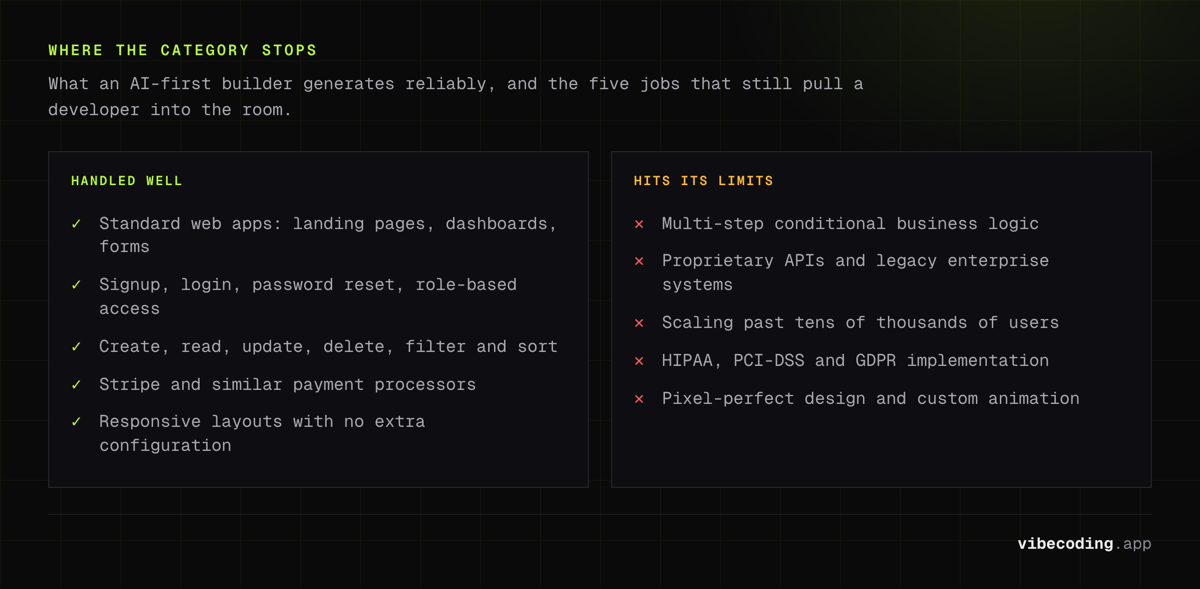
What No-Code AI Builders Handle Well
Standard web applications. Landing pages, dashboards, forms, data displays, user accounts. These patterns are well-understood by AI and generated reliably.
Authentication and user management. Signup, login, password reset, role-based access. AI-first builders include this by default.
Database and data operations. Creating, reading, updating, and deleting records. Filtering, sorting, and displaying data in tables and cards.
Payment integration. Stripe and similar payment processors. Most builders handle this through a conversational prompt like "add Stripe payments for a $29/month subscription."
Responsive design. Applications work on mobile, tablet, and desktop without additional configuration.
Where No-Code AI Hits Its Limits
Being honest about limitations helps you make better decisions.
Complex business logic. Pricing engines with tiered rules, inventory systems with real-time availability, approval workflows with multiple conditional paths. AI handles simple logic well. Multi-step, conditional logic requires more detailed prompting and sometimes developer review.
Custom integrations. Connecting to proprietary APIs, legacy enterprise systems, or uncommon third-party services. Standard integrations (Stripe, Google, common SaaS) work. Custom API connections may require technical help.
High-traffic performance. No-code AI apps work well up to tens of thousands of users. Scaling beyond that requires infrastructure optimization that goes beyond what AI builders manage automatically.
Regulatory compliance. HIPAA, PCI-DSS, GDPR compliance requirements have specific technical implementations that AI builders do not handle automatically.
Pixel-perfect design. If you need exact visual specifications: specific pixel spacing, custom animations, brand-precise color rendering: AI builders produce reasonable defaults, not design-precise implementations.
When to Move Beyond No-Code
The honest progression for most non-technical founders:
- Build and validate with a no-code AI builder (weeks 1-4)
- Iterate based on user feedback using the same tool (months 1-3)
- Hire a developer when you hit limits: complex features, performance needs, or custom integrations (month 3+)
- Hand off the codebase – tools like Lovable and Bolt.new export standard code that developers can work with directly
The no-code phase is not a dead end. It is a starting point that produces real, exportable code. For a deeper guide on this progression, read our AI app builder for startups guide.
FAQ
Which no-code AI builder is easiest for complete beginners? Base44 for simplicity (everything built in) or Lovable for output quality (cleaner code, GitHub sync). Both require zero technical knowledge.
Can I build a real business on a no-code AI builder? Yes. Founders are running revenue-generating products built entirely with these tools. The code is real and the infrastructure is production-grade.
Do I own the app I build? Lovable, Bolt.new, and Base44 give you the full source code. Base44 added two-way GitHub sync in 2026, so it now exports a real repo you own. Glide and Softr run the app on their platform. The generated code is standard React and TypeScript, and yes, these tools produce real code, not throwaway prototypes. Check export options before committing.
How much does no-code AI building cost? Free tiers exist across the category. Paid plans start around $16 to $25 a month and scale to $139 to $269 a month for team and business tiers. See our AI app builder pricing guide for a full breakdown, or the free AI app builder guide for zero-cost options.
Is Bubble still worth learning in 2026? Bubble is powerful for complex applications but has a steep learning curve. For most non-technical users, AI-first tools like Lovable are faster and easier. Read our visual flow vs chat AI builders comparison for a detailed breakdown.
What happens when I outgrow the no-code tool? Export your code (Lovable, Bolt.new) and hire a developer to continue building. The generated code is standard React/TypeScript: any developer can work with it.
Explore all available platforms in our tools directory and compare the full ecosystem in our best vibe coding tools roundup.

Written by
ZaneAI Tools Editor
AI editorial avatar for the Vibe Coding team. Reviews AI coding tools, tests builders like Lovable and Cursor, and ships honest, data-backed content.