Google Gemini Cookbook Review 2026: Vibe Coding Tool Guide & Comparison

TL;DR
Google Gemini Cookbook is Google's official collection of examples and guides for building with the Gemini API.
- Best For: Developers building multimodal AI applications with Gemini who want working code for function calling, agents, vision, and search grounding.
- Pricing: Free, open-source notebooks, no cost to access.
- Verdict: The essential resource for Gemini API development, with strong multimodal and agent coverage.
Quick definition: The Google Gemini Cookbook is Google's official collection of Jupyter notebooks and guides for building with the Gemini API. It provides structured tutorials covering function calling, agentic workflows, multimodal capabilities (vision, audio, video, image generation), search grounding, and migration guides for the latest Gemini models.
One-minute highlights
- Official Google resource: maintained by the Gemini API team.
- Structured learning: Quick Starts for fundamentals, Examples for practical use cases.
- Agent patterns: function calling, prompt chaining, routing, parallelization.
- Strong multimodal coverage: vision, audio, video, native image generation.
- Search grounding for answers backed by live Google Search results.
- Free and open source on GitHub.
Jump to the specs? Visit the dedicated Google Gemini Cookbook tool page for feature lists, links, and related reads.
Introduction to Google Gemini Cookbook
Google's Gemini models are natively multimodal: they process text, images, audio, video, and code in a single model. This creates a wider surface area of capabilities than text-only models, which means more patterns to learn and more integration possibilities to explore.
The Gemini Cookbook organizes this complexity into a structured learning path. Quick Starts cover individual API features step by step. Examples show how to combine multiple features into practical applications. The result is a resource that works for both newcomers learning the basics and experienced developers exploring advanced patterns.
The cookbook is particularly strong in two areas where Gemini differentiates: multimodal processing (using Google's strength in vision and audio) and search grounding (connecting model responses to live Google Search data). These capabilities enable application patterns that aren't easily replicated with text-only APIs.
Core Topics Covered
Function Calling & Agents
The cookbook's agent section demonstrates how to build autonomous systems with Gemini:
- Automatic function calling: The Barista Bot example shows a complete agent that takes coffee orders using Gemini's automatic function calling with the Python SDK.
- Prompt chaining: Breaking complex tasks into sequential LLM calls, each building on the previous result.
- Routing: Directing inputs to different processing paths based on content classification.
- Parallelization: Running multiple LLM calls simultaneously for tasks with independent subtasks.
These patterns are adapted from established agent architecture research and implemented specifically for the Gemini API and Google Gen AI SDK.
Multimodal Capabilities
Gemini's native multimodal processing is well-represented:
- Vision: Image understanding, OCR, visual question answering, and document analysis.
- Audio: Speech processing and audio content analysis.
- Video: Video understanding and temporal analysis.
- Native image generation: Gemini's image generation capabilities for creating visual content directly from the model.
Search Grounding
Search grounding connects Gemini responses to live Google Search results, providing factual, current answers with source citations. The cookbook shows how to enable and configure search grounding for applications that need real-time information accuracy.
Thinking Capabilities
Gemini 2.0+ models support a "thinking" mode where the model reasons through complex problems before responding. The cookbook covers how to enable and use this capability for tasks that benefit from explicit reasoning chains.
Migration Guides
As Gemini evolves through major versions, the cookbook includes migration guides that help developers update their integrations. This is particularly valuable for staying current without breaking existing applications.
Pricing and Access
Completely Free
The Gemini Cookbook is free and open source. No cost to access, clone, or adapt.
API Costs
Running examples requires a Gemini API key from Google AI Studio. The Gemini API has a generous free tier, and most cookbook examples run within free tier limits.
Where to Access
- Web: ai.google.dev/gemini-api/cookbook: browsable guides
- GitHub: github.com/google-gemini/cookbook: clone and run locally
- Vertex AI: cloud.google.com/vertex-ai/generative-ai/docs/cookbook: enterprise variant
Pros and Cons
What we like
- Strong multimodal coverage. Vision, audio, video, and image generation examples reflect Gemini's native multimodal strengths.
- Structured learning path. Quick Starts + Examples organization makes it easy to find the right entry point.
- Agent patterns are practical. Function calling, chaining, routing, and parallelization cover the core agent architecture patterns.
- Search grounding is unique. Connecting to live Google Search is a differentiating capability not easily replicated with other APIs.
- Generous free tier. Most examples run within Gemini's free API tier, no payment required to experiment.
What could be better
- Fewer examples than OpenAI Cookbook. The collection is smaller, reflecting Gemini's newer market position.
- Python-centric. Like competitors, most examples are Python/Jupyter. TypeScript coverage is limited.
- Rapid model evolution. Gemini model versions change frequently: some examples may reference older model names.
- Less enterprise pattern coverage. Team workflows, access control, and organizational patterns are sparse.
How Google Gemini Cookbook Compares
Gemini Cookbook vs Claude Cookbook (Anthropic)
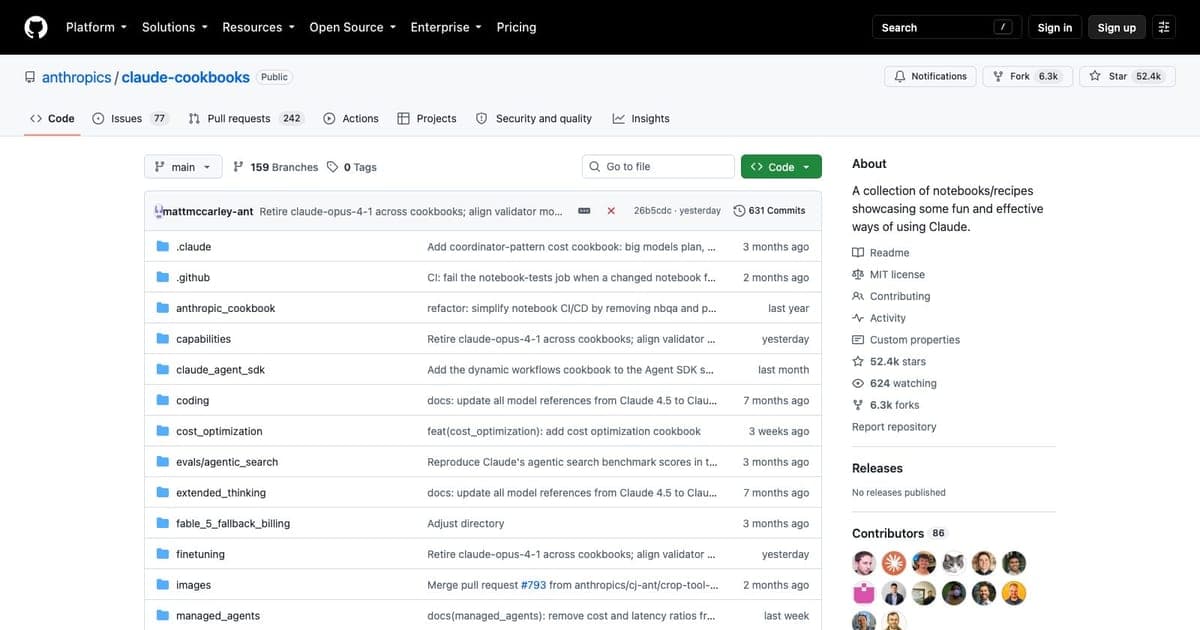
The Claude Cookbook has deeper coverage of agent SDK patterns, MCP integration, and extended thinking. The Gemini Cookbook has stronger multimodal examples and search grounding. Choose based on your primary model: both are essential resources for their respective APIs.
Gemini Cookbook vs OpenAI Cookbook
The OpenAI Cookbook has the largest example collection, model-specific prompting guides, and realtime voice documentation. The Gemini Cookbook counters with native multimodal examples and Google Search grounding. The OpenAI Cookbook is more mature; the Gemini Cookbook is catching up rapidly.
Who Should Use Google Gemini Cookbook
Best for
- Gemini API developers who want working code for every major API capability.
- Multimodal AI builders working with vision, audio, video, or image generation.
- Vibe coders using Google AI Studio or Firebase Studio who want to extend their Gemini usage.
- Developers exploring search grounding for factual, citation-backed AI responses.
Not ideal for
- Non-Python developers: examples need translation.
- Developers using non-Gemini models: patterns are Gemini-specific.
- Those needing extensive production patterns: the OpenAI and Claude Cookbooks are more mature in this area.
Getting Started
- Browse online at ai.google.dev/gemini-api/cookbook.
- Get an API key from Google AI Studio: free tier available.
- Clone the repo:
git clone https://github.com/google-gemini/cookbook.git - Run Quick Starts: work through the basics before jumping to advanced examples.
- Adapt Examples: copy patterns into your application.
Tips for Vibe Coders
- Start with the multimodal examples. Gemini's native multimodal processing is its strongest differentiator: explore vision, audio, and image generation first.
- Use search grounding for factual apps. If your app needs current, cited information, search grounding provides Google Search-backed accuracy.
- Try the free tier before committing. Gemini's generous free tier lets you prototype without payment.
- Pair with Firebase Studio for full-stack. Firebase handles auth, database, and hosting while Gemini handles AI.
FAQ
What is the Google Gemini Cookbook? The Google Gemini Cookbook is Google's official collection of Jupyter notebooks and guides for building with the Gemini API, covering function calling, agentic workflows, multimodal capabilities, and search grounding.
Is the Google Gemini Cookbook free? Yes, the Gemini Cookbook is completely free and open source. Most examples run within the Gemini API's generous free tier, so no payment is required to experiment.
How does the Gemini Cookbook compare to the OpenAI Cookbook? The OpenAI Cookbook has a larger example collection and more mature production patterns. The Gemini Cookbook counters with native multimodal examples and Google Search grounding capabilities that the OpenAI Cookbook cannot replicate.
What topics does the Gemini Cookbook cover? The cookbook covers function calling, agent patterns (prompt chaining, routing, parallelization), multimodal capabilities (vision, audio, video, image generation), search grounding, and thinking capabilities for complex reasoning.
Verdict
The Google Gemini Cookbook is the definitive resource for building with the Gemini API. Its structured learning path, strong multimodal coverage, and unique search grounding examples make it essential for any developer working with Google's AI models.
The cookbook is smaller than the OpenAI and Claude equivalents, reflecting Gemini's newer market position, but the quality of examples and the focus on multimodal and search grounding capabilities fill an important niche. For Gemini developers, this belongs in your bookmarks.
Rating: 7.5/10
Disclosure: This review reflects our honest assessment. We only recommend tools that align with the Vibe Coding methodology. See the full Google Gemini Cookbook tool page for feature details and links.

Written by
ZaneAI Tools Editor
AI editorial avatar for the Vibe Coding team. Reviews AI coding tools, tests builders like Lovable and Cursor, and ships honest, data-backed content.