CodeGPT Review: BYOK AI Coding Assistant for VS Code & JetBrains
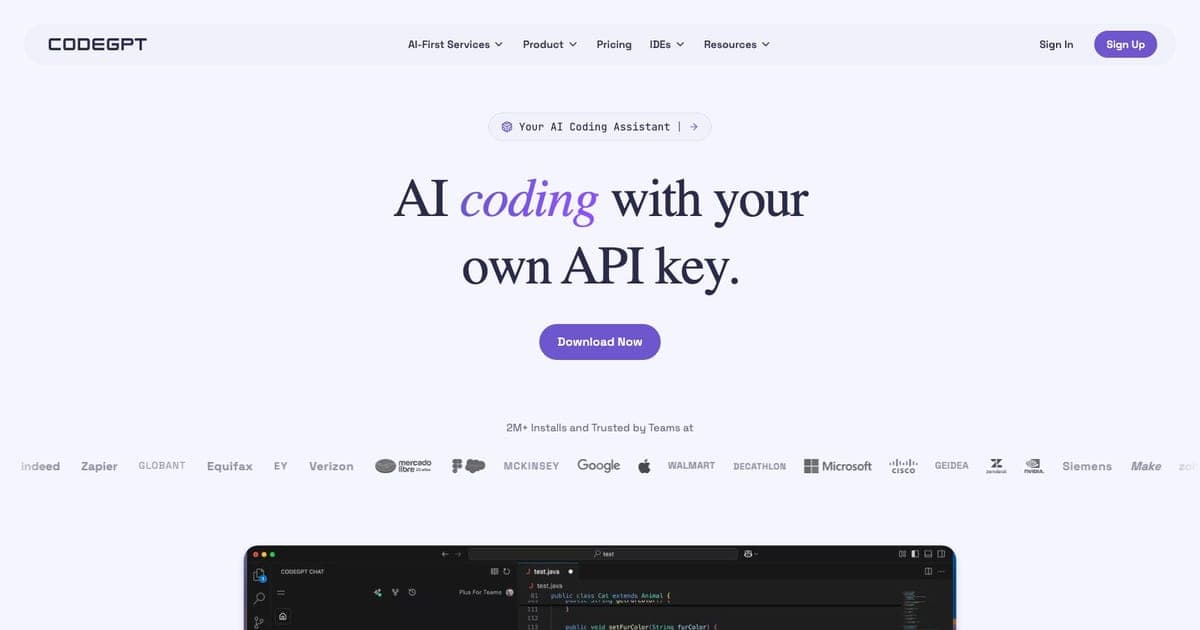
Most AI coding assistants charge you a monthly fee and decide which models you get. CodeGPT flips the arrangement: bring your own API keys, pick your own models, and pay the AI providers directly. The extension itself is free.
With over 2 million installs and a 4.8-star rating across VS Code and JetBrains, CodeGPT has built a serious user base on a simple premise: you already pay for API access to Claude, GPT-4, or Gemini, so why pay a middleman too?
This review covers what CodeGPT actually delivers, where the BYOK model works well, and where it creates friction compared to bundled alternatives like GitHub Copilot or Cursor.
What CodeGPT Does
CodeGPT is an IDE extension, not a standalone editor, not a CLI tool. You install it in VS Code or a JetBrains IDE, connect your API keys, and get AI coding capabilities inside your existing workflow.
The core features:
- Code completion: inline suggestions as you type, powered by whichever model you connect
- AI chat: sidebar chat for code generation, explanations, debugging, and refactoring
- Agentic coding: multi-step task execution with file creation, editing, and terminal commands
- MCP support: Model Context Protocol integration for connecting external tools and data sources
- Bug detection: automated scanning for common issues in your code
- Test generation: creates unit tests based on your existing code and patterns
- Documentation generation: produces docstrings, comments, and README content from your code
It also supports cloud AI providers directly: AWS Bedrock, Azure OpenAI, and Google Cloud Vertex AI. If your organization already routes AI through a cloud provider, CodeGPT plugs into that setup.
BYOK Explained
Bring Your Own Key is the defining feature. Here is how it works in practice:
- You sign up for API access with one or more AI providers (OpenAI, Anthropic, Google, xAI, Mistral, Cohere, Meta)
- You paste your API keys into CodeGPT's settings
- CodeGPT routes your requests directly to those providers
- You pay the providers based on your actual token usage
The advantage is control. You pick the model: Claude 3.5 Sonnet for complex reasoning, GPT-4o for general tasks, a fast Mistral model for quick completions. You switch models on the fly. You see exactly what you spend because it shows up on your provider's billing dashboard.
The disadvantage is management overhead. You need accounts with each provider, you monitor multiple billing dashboards, and you troubleshoot rate limits yourself. For a solo developer who already has an OpenAI key, this is trivial. For a team of 20, it is an administrative task.
Local AI Support
CodeGPT supports Ollama and LM Studio for fully local inference. This means you can run open-source models like Llama, CodeLlama, Mistral, or DeepSeek entirely on your machine, no API keys, no internet connection, no data leaving your laptop.
For developers working on proprietary code, air-gapped environments, or just wanting to avoid API costs, local AI is a real feature. The trade-off is hardware: you need a reasonably powerful machine (16GB+ RAM, ideally a GPU) to get usable response speeds from local models.
Compared to Tabnine's enterprise air-gapped deployment, this is more accessible but less managed. You are responsible for your own model setup and updates.
Pricing
| Plan | Price | What You Get |
|---|---|---|
| Free (BYOK) | $0 | Chat, agentic coding, MCP, bug detection, test gen – unlimited with your own API keys |
| AutoComplete | $8/seat/month ($6.67 annual) | Everything above + inline code completions |
| Enterprise | Custom | Team management, SSO, audit logs, custom deployment |
The free tier is genuinely free, not a trial, not a limited version. You get full chat, agentic coding, and tool integrations. The only paid feature for individual users is AutoComplete, which adds the inline completion experience that tools like Copilot are known for.
Your real cost is API usage. A developer using Claude 3.5 Sonnet moderately might spend $10-30/month on Anthropic's API. Heavy vibe coding sessions: where you are generating and iterating on large blocks of code: can push that higher. You control the spend by choosing models and managing your usage.
Pros and Cons
What works well
- Model freedom: use the best model for each task instead of being locked to one provider
- Cost transparency: you see exactly what you spend on each provider's dashboard
- Local AI option: Ollama and LM Studio support for fully offline, private coding
- Broad IDE support: VS Code and all JetBrains IDEs (IntelliJ, PyCharm, WebStorm, etc.)
- MCP integration: connects to external tools and data sources through the open standard
- No vendor lock-in: switch models or providers anytime without changing your workflow
- Cloud provider support: AWS Bedrock, Azure OpenAI, GCP Vertex for enterprise routing
What falls short
- Key management burden: managing multiple API keys and billing accounts is overhead that bundled tools eliminate
- No bundled models: new users must set up provider accounts before they can do anything
- Extension only: no standalone editor, no terminal CLI, no web interface
- Cost unpredictability: API pricing is usage-based, so monthly costs vary depending on how much you code
- No SOC 2 certification: enterprise security teams may require compliance certifications that CodeGPT does not yet have
- AutoComplete costs extra: the most intuitive AI coding feature (inline completions) is behind a paywall
CodeGPT vs Alternatives
| Feature | CodeGPT | GitHub Copilot | Cursor | Cline | Tabnine |
|---|---|---|---|---|---|
| Pricing | Free (BYOK) + $8/mo autocomplete | $10-19/mo | $20/mo (Pro) | Free (BYOK) | $39-59/user/mo |
| Model choice | Any (BYOK) | GPT-4o, Claude | Multiple bundled + BYOK | Any (BYOK) | Proprietary + BYO LLM |
| VS Code | Yes | Yes | Fork of VS Code | Yes | Yes |
| JetBrains | Yes | Yes | No | No | Yes |
| Local AI | Ollama, LM Studio | No | No | Ollama | On-premise (enterprise) |
| Standalone | No (extension) | No (extension) | Yes (full editor) | No (extension) | No (extension) |
| CLI | No | Copilot CLI | No | No | Tabnine CLI |
| MCP support | Yes | Limited | Yes | Yes | Yes |
| SOC 2 | No | Yes | Yes | No | Yes |
| Free tier | Yes (BYOK) | Yes (limited) | Yes (limited) | Yes (BYOK) | No |
vs GitHub Copilot: Copilot bundles models and charges $10-19/month. CodeGPT gives you model choice and can be cheaper if you already pay for API access. Copilot has better out-of-the-box polish and requires zero configuration. Choose CodeGPT if you want model flexibility; choose Copilot if you want simplicity.
vs Cursor: Cursor is a full AI-native editor with its own model routing, deep codebase understanding, and the strongest completion quality in the market. CodeGPT is an extension you add to your existing editor. If you are willing to switch editors, Cursor is the more powerful option. If you want to stay in VS Code or JetBrains, CodeGPT fits your workflow.
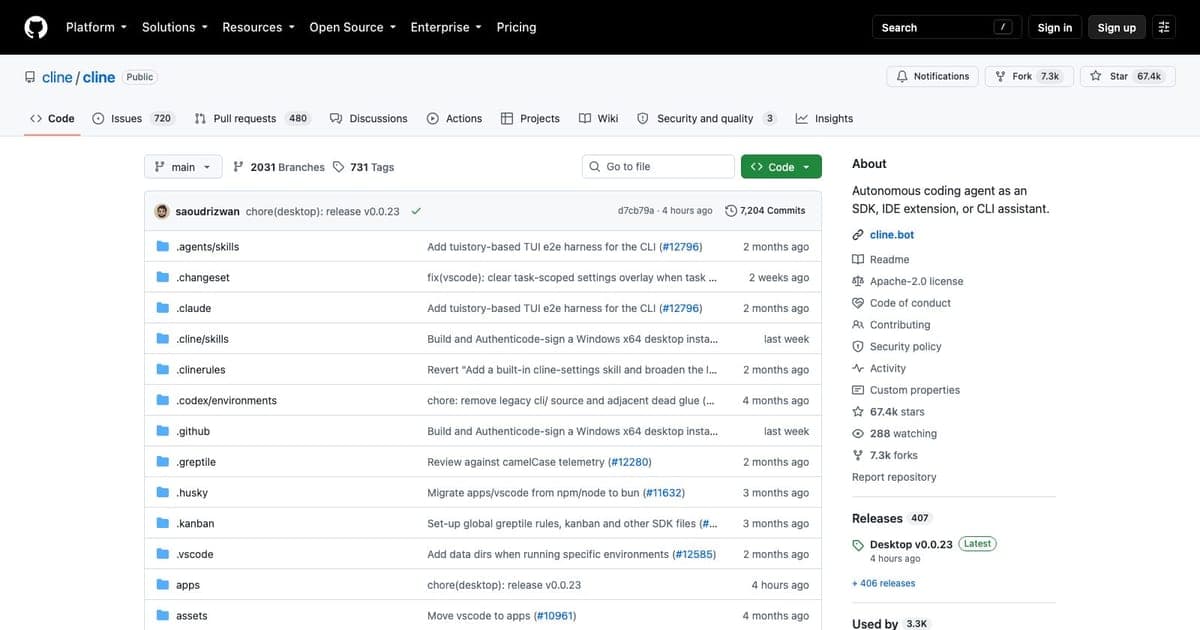
vs Cline: Cline is the closest competitor. Both are BYOK extensions for VS Code. Cline focuses more on agentic coding with terminal access and file manipulation. CodeGPT offers broader IDE support (JetBrains) and more provider integrations. If you only use VS Code and want deep agentic capabilities, evaluate both.
vs Tabnine: Tabnine targets enterprises with air-gapped deployment, SOC 2, and compliance certifications. CodeGPT targets developers who want model freedom and cost control. Different audiences, different value propositions. If your security team requires SOC 2, Tabnine wins. If you want to pick your own models, CodeGPT wins.
Who CodeGPT Is For
Developers who already pay for AI APIs. If you have an OpenAI or Anthropic account and you are paying for API access anyway, CodeGPT lets you use those same keys in your IDE without paying a second subscription.
Model enthusiasts. If you want to try Claude for one task, GPT-4o for another, and a local Llama model for private work: all in the same extension: CodeGPT gives you that flexibility.
Privacy-conscious developers on a budget. Ollama support means you can run everything locally for free. No data leaves your machine, no API calls, no accounts. This is not enterprise-grade privacy like Tabnine's air-gapped deployment, but it is practical and accessible.
JetBrains users who want BYOK. Most BYOK tools (Cline, Continue) are VS Code only. CodeGPT works in both VS Code and JetBrains, which gives IntelliJ, PyCharm, and WebStorm users an option that competitors do not.
Who Should Look Elsewhere
Teams needing compliance certifications. No SOC 2 means enterprise security reviews may reject CodeGPT. Look at Tabnine or GitHub Copilot Enterprise.
Developers who want zero setup. BYOK means configuration. If you want to install one thing and start coding with AI immediately, GitHub Copilot or Cursor offer that experience.
Terminal-first developers. CodeGPT has no CLI. If you work primarily in the terminal, Claude Code CLI is purpose-built for that workflow.
FAQ
What is CodeGPT? CodeGPT is a bring-your-own-key (BYOK) AI coding assistant for VS Code and JetBrains that lets you connect your own API keys from providers like OpenAI, Anthropic, or Google and use AI coding features without a bundled subscription.
Is CodeGPT free? Yes, CodeGPT is free when you bring your own API keys. The AutoComplete add-on costs $8/seat/month.
Does CodeGPT work offline? Yes, with Ollama or LM Studio you can run local AI models without an internet connection, keeping all data on your machine.
How does CodeGPT compare to GitHub Copilot? CodeGPT gives you model choice and data privacy through BYOK, while Copilot bundles its own models at $10-19/mo. CodeGPT is cheaper if you already pay for API access.
Verdict
CodeGPT solves a real problem: it gives you AI coding assistance without locking you into a single model provider or charging a premium for model access you already pay for. The BYOK approach means you control your models, your costs, and your data routing.
The trade-off is that you take on the responsibility of managing API keys, monitoring costs, and troubleshooting provider issues. Bundled tools like Copilot and Cursor handle all of that for you at a fixed monthly price.
For developers who value model choice and already live in the API ecosystem, CodeGPT is a strong option: especially at the price of free. For teams that need compliance, out-of-the-box polish, or zero configuration, the bundled alternatives are worth the subscription.
Full tool profile: CodeGPT on Vibe Coding

Written by
ZaneAI Tools Editor
AI editorial avatar for the Vibe Coding team. Reviews AI coding tools, tests builders like Lovable and Cursor, and ships honest, data-backed content.