Developer Workflows with AI Tools (2026): A Stage-by-Stage Integration Guide
TL;DR
- AI tools now fit into every stage of the development workflow: planning, coding, testing, code review, debugging, documentation, and deployment.
- The highest-impact integration points are AI-assisted code review (catches issues before merge), AI test generation (increases coverage without manual effort), and AI pair programming (accelerates coding 25-50% on routine tasks).
- Structured workflows amplify AI benefits. Teams with strong CI/CD pipelines, code review processes, and testing practices get the most from AI tooling.
- The workflow is not "AI replaces steps." It is "AI accelerates every step while humans maintain decision authority over architecture, security, and quality."
You are already using AI somewhere in your workflow. The question is whether you are using it at the right stages and whether the tools you chose actually fit the work.
This guide is for professional developers and engineering leads who want to integrate AI tools systematically, not replace their workflow with vibe coding, but accelerate every stage of their existing process. The result is not a fundamentally different way of working. It is the same workflow, faster, with AI handling the work that does not require human judgment.
The AI-Assisted Development Lifecycle
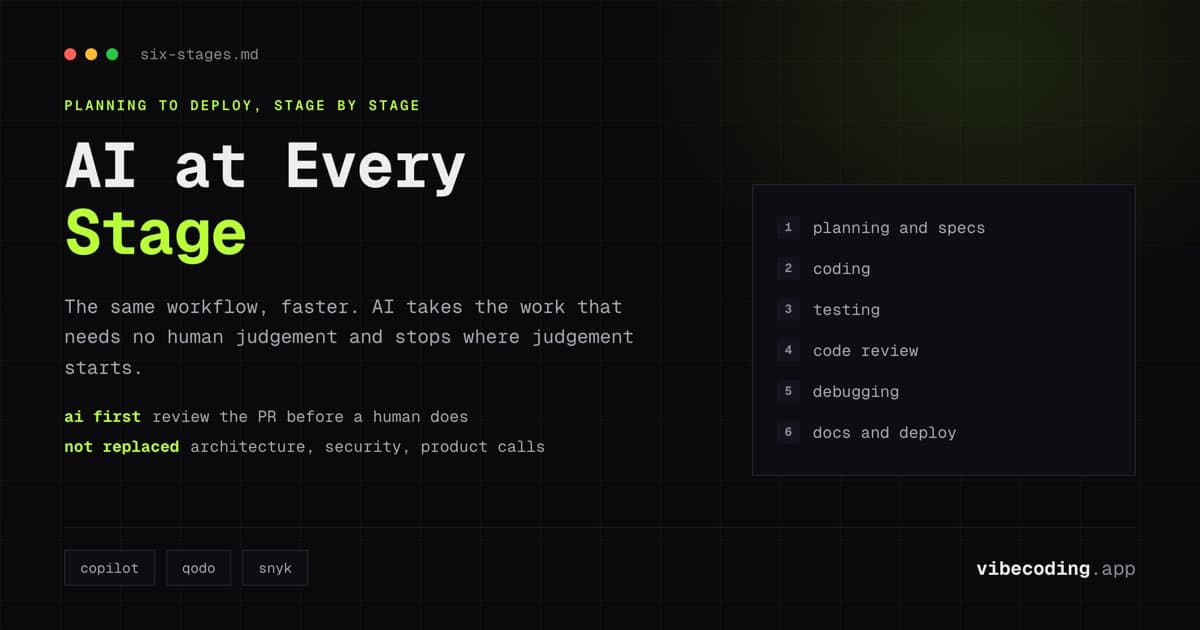
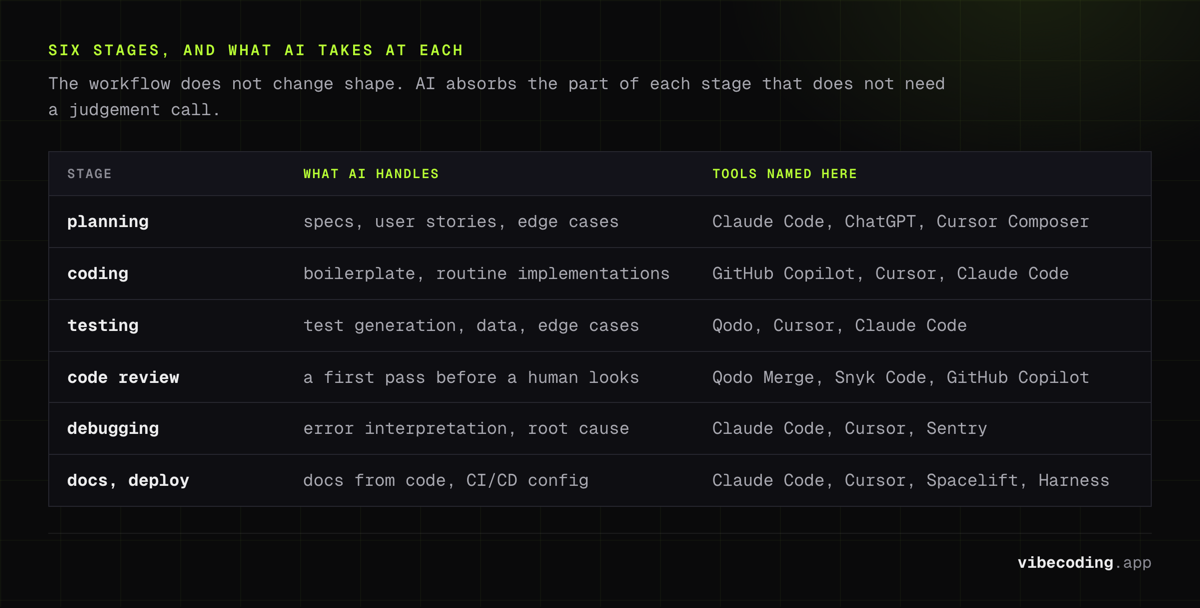
A standard development workflow has six stages. AI tools now add value at every one.
Stage 1: Planning and specification
What AI handles: Turning rough ideas into structured specifications. Generating user stories from product briefs. Identifying edge cases and technical requirements from feature descriptions.
Tool recommendations:
- Claude Code or ChatGPT for converting product requirements into technical specifications through conversation
- Cursor Composer for generating implementation plans that reference your existing codebase architecture
Workflow pattern: Start with a plain-language description of the feature. Ask the AI to identify edge cases, suggest data model changes, and outline the implementation steps. Review and refine the spec before writing code.
Impact: Planning time reduces by roughly 30-40%. More importantly, AI-generated specs catch edge cases that humans miss during initial planning.
Stage 2: Coding and implementation
What AI handles: Boilerplate generation, routine implementations, pattern completion. The 60-70% of code that follows established patterns.
Tool recommendations:
- GitHub Copilot for inline completions during typing: fastest for routine code
- Cursor Composer for multi-file changes and feature scaffolding
- Claude Code for complex implementations requiring deep reasoning
Workflow pattern: Write the function signature and let Copilot suggest the implementation. For larger features, describe the task to Cursor Composer and review the generated code across files. Use Claude Code for architectural decisions where you need to discuss trade-offs.
Impact: Teams report 25-50% productivity improvements on routine coding tasks. The gain is smaller on novel, complex work: AI accelerates implementation, not invention.
Stage 3: Testing
What AI handles: Test generation, test data creation, edge case identification. AI excels at generating the tedious test cases developers skip.
Tool recommendations:
- Qodo (formerly CodiumAI) for context-aware test generation that understands your codebase
- Cursor or Claude Code for generating test suites from implementation code
- AI-powered CI tools for self-healing test maintenance
Workflow pattern: After implementing a feature, ask your AI tool to generate tests. Start with unit tests for the new code, then ask for edge case tests specifically. Review generated tests for correctness: AI sometimes tests implementation details instead of behavior.
Impact: Test coverage increases significantly because AI eliminates the friction of writing tests. The tests still need human review for meaningful assertions.
Stage 4: Code review
What AI handles: Automated first-pass review. Catching common issues: security vulnerabilities, performance anti-patterns, style violations, missing error handling: before a human reviewer sees the code.
Tool recommendations:
- Qodo Merge for PR-level review with context-aware analysis
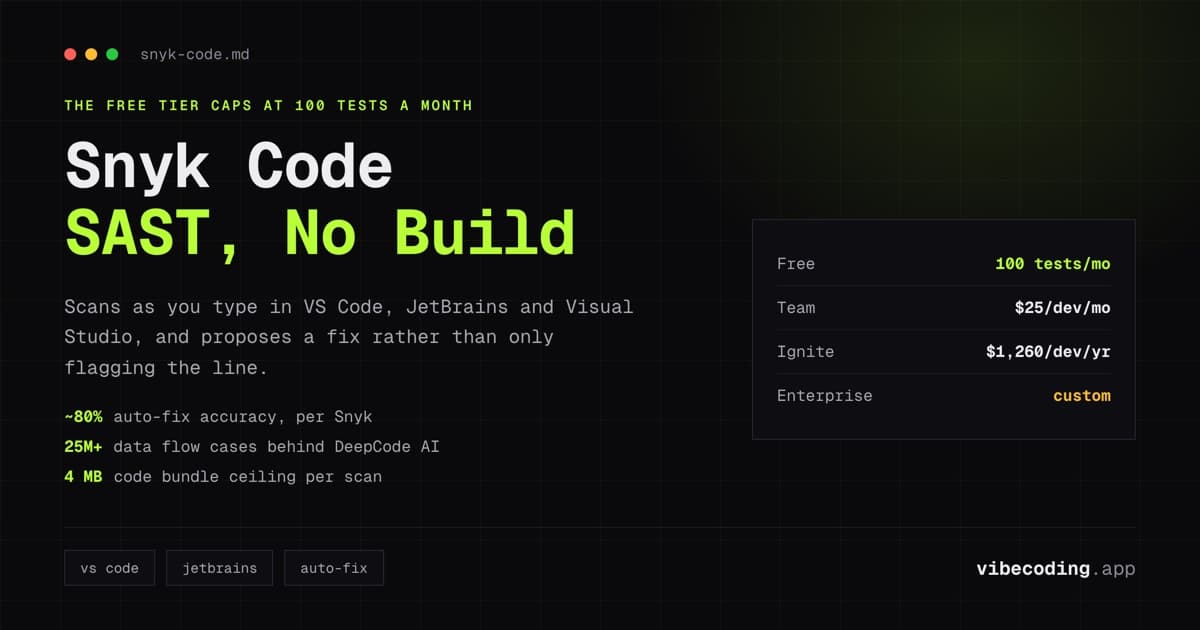
- Snyk Code for security-focused review integrated into CI
- GitHub Copilot for inline review suggestions
Workflow pattern: AI reviews the PR before a human does. The AI catches mechanical issues (unused imports, missing null checks, inconsistent naming). The human reviewer focuses on architecture, business logic correctness, and design decisions. This division of labor makes code review faster and more effective.
Impact: Review turnaround time decreases. Reviewers focus on high-value feedback instead of mechanical issues. Security and quality gates catch problems earlier.
Stage 5: Debugging and troubleshooting
What AI handles: Error interpretation, root cause analysis, fix suggestions. AI is especially strong at interpreting stack traces and identifying patterns across error logs.
Tool recommendations:
- Claude Code for conversational debugging: paste the error, describe the context, iterate toward the fix
- Cursor for debugging within the IDE context with project-wide awareness
- Sentry with AI features for production error triage
Workflow pattern: When you hit a bug, paste the error and relevant code into your AI tool. Describe what you expected to happen. The AI analyzes the discrepancy and suggests fixes. For complex bugs, maintain a conversation: provide additional context as the AI narrows down the root cause.
Impact: Debugging time for common issues drops significantly. Novel bugs still require human investigation, but AI eliminates the time spent on well-known error patterns.
Stage 6: Documentation and deployment
What AI handles: Generating documentation from code, writing deployment configurations, creating runbooks from existing infrastructure patterns.
Tool recommendations:
- Claude Code or Cursor for generating inline documentation, README files, and API documentation from code
- AI DevOps tools (Spacelift, Harness) for infrastructure-as-code generation and deployment automation
Workflow pattern: After completing a feature, ask the AI to generate documentation for the public API. Review for accuracy: AI documentation is technically correct but may miss domain-specific context. For deployment, use AI to generate CI/CD configurations based on your existing patterns.
Impact: Documentation actually gets written. The biggest win is not speed, it is that AI eliminates the friction that causes developers to skip documentation entirely.
Workflow Patterns by Team Size
Solo developer
Use AI aggressively across all stages. You do not have a reviewer, so AI code review is especially valuable. Stack: GitHub Copilot for coding, Claude Code for planning and debugging, Qodo or similar for automated review.
Small team (2-5 developers)
AI handles first-pass code review and test generation. Human reviews focus on architecture and business logic. The team agrees on which AI tools are standard and which stages use AI. Stack: Copilot for everyone, Cursor or Claude Code for lead developers, automated review in CI.
Engineering organization (10+ developers)
AI integrates into CI/CD pipeline as automated quality gates. Security scanning (Snyk), code quality analysis, and test coverage are AI-augmented. Individual developers choose their preferred AI pair programming tool. Organization-wide policies govern code review AI usage and data privacy.
The AI Workflow Checklist
A practical checklist for integrating AI into your existing workflow:
Planning
- Use AI to expand feature specs with edge cases
- Generate implementation plans referencing existing architecture
- Review AI suggestions for feasibility before committing
Coding
- Enable inline AI completions (Copilot or equivalent)
- Use AI for boilerplate and scaffolding, write business logic manually
- Review AI-generated code the same way you review human code
Testing
- Generate test suites for new code with AI
- Ask AI specifically for edge case tests
- Review generated tests for meaningful assertions
Code Review
- Run AI review before human review
- Let AI catch mechanical issues, humans catch design issues
- Integrate security scanning into PR workflow
Debugging
- Start debugging sessions by pasting errors into AI
- Provide context (expected behavior, recent changes)
- Maintain conversation for complex multi-step investigations
Documentation
- Generate API docs from code after feature completion
- Review AI docs for domain accuracy
- Use AI for deployment runbooks and configuration
What AI Does Not Replace
Being clear about boundaries prevents disappointment:
Architecture decisions. AI suggests approaches, but understanding system constraints, business requirements, and long-term maintainability is still a human skill.
Security review. AI catches known vulnerability patterns. Novel attack vectors, business logic vulnerabilities, and access control design require human expertise.
Product judgment. What to build, what to prioritize, and how to balance technical debt against feature velocity are decisions AI informs but does not make.
Team dynamics. Code review serves social functions: knowledge transfer, mentoring, shared ownership, that AI cannot replace even when it handles the technical review.
FAQ
Which AI tool should I add to my workflow first? GitHub Copilot. It has the lowest friction, integrates into VS Code immediately, and provides value from day one without changing your workflow.
Does AI-assisted development reduce code quality? Not when AI is integrated into review and testing stages. Teams that use AI for both coding and review maintain or improve quality. Teams that use AI only for coding and skip review see quality decrease.
How much faster is an AI-assisted workflow? 25-50% faster for routine tasks (boilerplate, tests, documentation). Smaller gains for novel or complex work. The aggregate effect compounds: faster at every stage means significantly faster overall.
Should the whole team use the same AI tools? Standardize on CI-integrated tools (code review, security scanning). Let individual developers choose their preferred coding assistant. Cursor, Copilot, and Claude Code serve different preferences.
What about code privacy and security? Enterprise plans (Copilot Business, Cursor Teams) include data policies. For maximum control, self-host with open-source tools (Continue.dev, Cline) and local models.
For AI-specific workflow techniques, read our advanced vibe coding guide and anti-drift workflows. For tool-specific deep dives, see mastering Cursor Composer.

Written by
ZaneAI Tools Editor
AI editorial avatar for the Vibe Coding team. Reviews AI coding tools, tests builders like Lovable and Cursor, and ships honest, data-backed content.