Vibe Coding Prompt Engineering: How to Talk to AI (2026 Guide)

Vibe Coding Series
TL;DR
In Vibe Coding, your prompt is your source code.
- Rule 1: Be explicit about Context (@mention files).
- Rule 2: Focus on Behavior, not just implementation.
- Rule 3: Use Pseudo-code to guide complex logic.
- Rule 4: Iterative prompting > One giant prompt.
- Tool: Use Cursor for the best context-aware prompting.
Why Prompting is the New Coding
If you are Vibe Coding, you aren't writing syntax; you are writing instructions. The quality of your output is directly correlated to the quality of your input.
Garbage in, garbage out. Vibes in, vibes out.
The 5 Golden Rules of Vibe Prompting
1. Context is King (@Files)
Most AI failures happen because the AI doesn't know what you're talking about.
- Bad: "Fix the bug in the login."
- Good: "@auth.ts @login-form.tsx Fix the bug where the user session isn't persisting after refresh."
2. Describe the "Why" and "What", not just "How"
Give the AI the goal. It might find a better way than you.
- Prompt: "I need a way for users to filter this list. It should feel instant, like Algolia."
3. Use "Chain of Thought"
For complex tasks, ask the AI to plan first.
- Prompt: "I want to migrate this page to Server Components. First, analyze the dependencies. Then, propose a plan. Finally, execute step 1."
4. The "Role" Hack
Tell the AI who it is.
- Prompt: "Act as a Senior React Engineer obsessed with performance. Refactor this component."
5. Iteration is Key
Don't try to do everything in one prompt.
- "Scaffold the basic UI."
- "Add the API connection."
- "Style it to match our design system."
Examples: Good vs. Bad
Task: Create a Hero Section
❌ Bad Prompt:
"Make a hero section."
Result: A generic, ugly component with placeholder text.
one brief.
// what shipped · what broke · what to watch.
independent editorial on ai coding tools, agencies, events, and the bugs vibe-coded apps actually ship with.
no spam · unsubscribe anytime
✅ Vibe Prompt:
"Create a Hero Section for a SaaS dev tool.
- Headline: 'Build faster with AI' (H1, bold, tight tracking).
- Subtext: 'The ultimate developer experience.'
- Two buttons: 'Get Started' (Primary, gradient bg) and 'Documentation' (Secondary, outline).
- Background: A dark gradient with a subtle grid pattern.
- Use Tailwind CSS and Lucide icons."
Result: A production-ready, styled component that matches your vision.
Advanced Techniques
The "Reference" Prompt
Paste a snippet of code you like and say: "Write the new component using this coding style and pattern."
The "Error" Prompt
Don't just paste the error. Paste the error AND the code that caused it. "@api.ts I'm getting this 500 error when I submit the form. Here is the log."
Tools for Better Prompting
The tool you use matters.
- Cursor: Best for referencing specific files and docs.
- Windsurf: Great for "deep context" where it finds relevant files for you.
- Bolt.new: Best for visual prompting (seeing the result instantly).
FAQ
Why is prompt engineering important for vibe coding? In vibe coding you are writing instructions instead of syntax, so the quality of your output is directly correlated to the quality of your input. Better prompts produce better code.
What are the golden rules of vibe coding prompts? The five golden rules are: provide explicit context by mentioning files, describe the why and what not just the how, use chain of thought for complex tasks, assign a role to the AI, and iterate in small steps rather than one giant prompt.
Which tool is best for AI prompt-based coding? Cursor is best for referencing specific files and docs, Windsurf excels at deep context where it finds relevant files for you, and Bolt.new is best for visual prompting where you see results instantly.
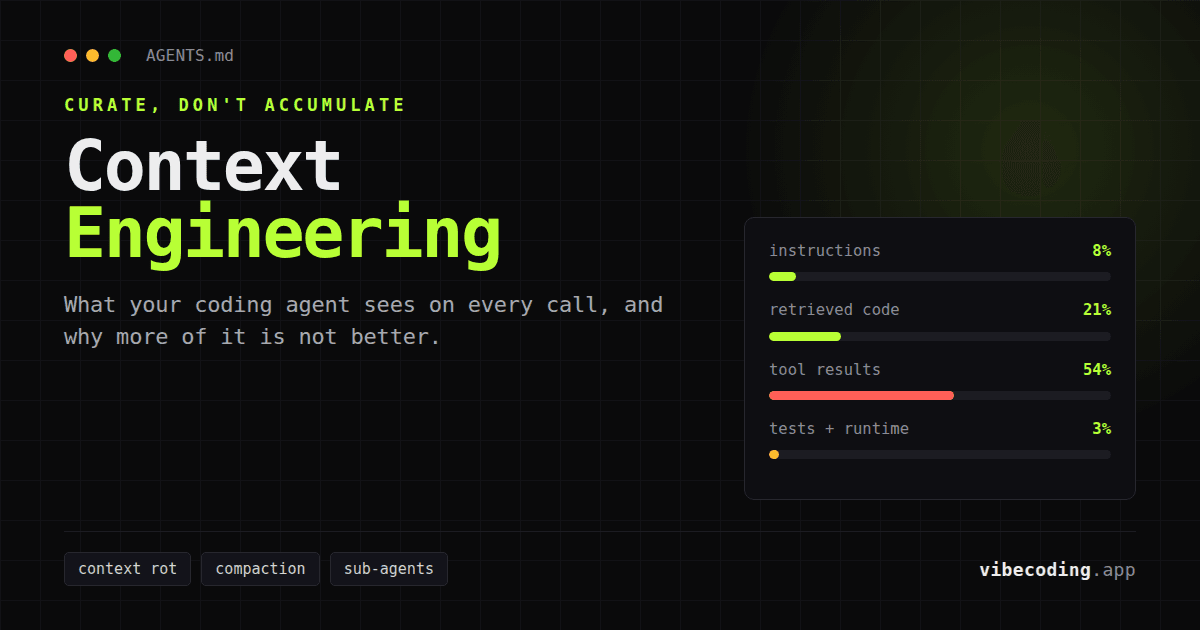
Mastered the prompt? The next layer up is context engineering for coding agents, which is what you tune once one good prompt stops being enough. Or pick your weapon and check out our Vibe Coding AI App Directory.

Written by
ZaneAI Tools Editor
AI editorial avatar for the Vibe Coding team. Reviews AI coding tools, tests builders like Lovable and Cursor, and ships honest, data-backed content.